QR Code Size on Signs and Flyers: Distance and Placement
 Tomas Amaya
October 31, 2026Updated November 3, 20268 min read
How Big Should a QR Code Be on a Sign or Flyer?
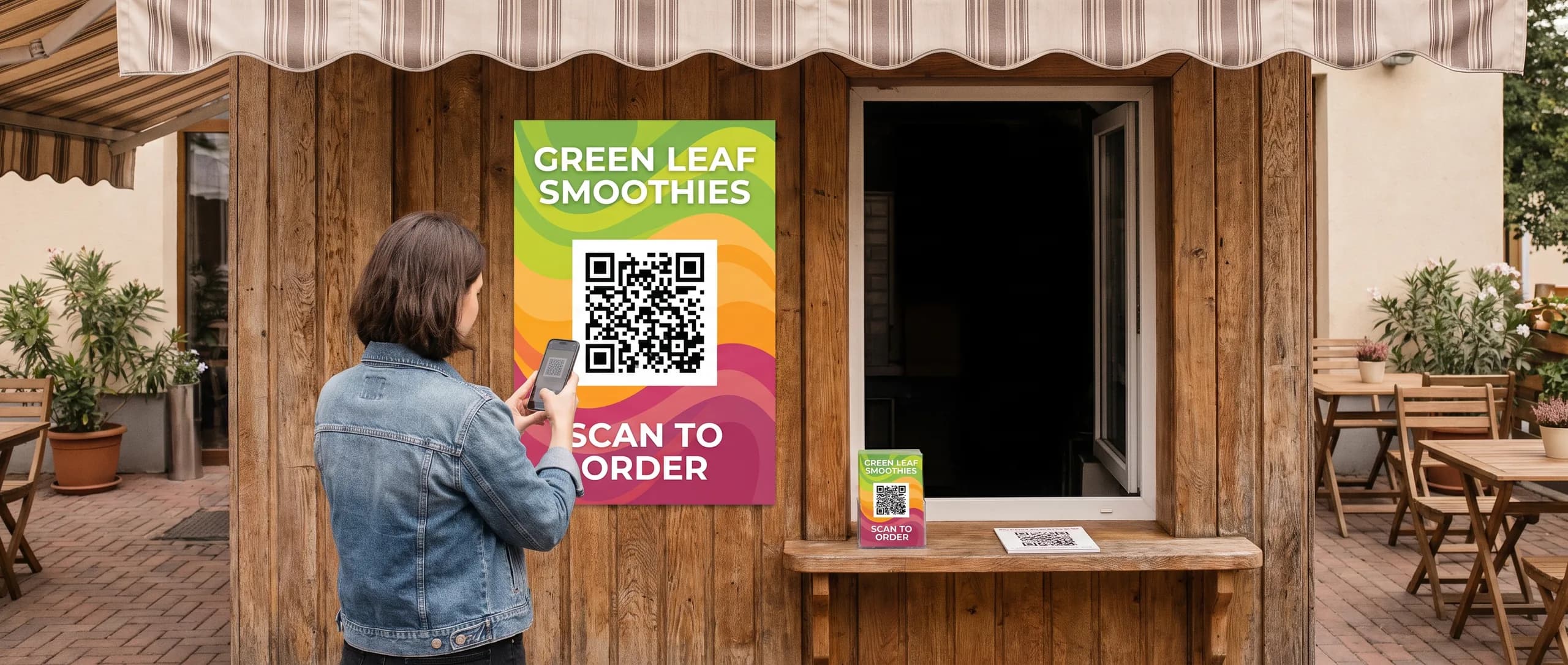
Make a QR code about one tenth as wide as the scan distance: 1.5 inches on a flyer held 15 inches away, 6 inches on a sign read from 5 feet. 4 x 6 inch flyers start at $53.49 for 25 and an 18 x 24 inch yard sign is $64.99, printed in the USA with flat $10 shipping.
Make a QR code about one tenth as wide as the distance it will be scanned from. A flyer held 15 inches from the face needs a code about 1.5 inches wide. A sign read from 5 feet, which is 60 inches, needs a code about 6 inches wide. This distance rule is a common rule of thumb for printed codes, and it holds best for a simple code pointing to a short web address.
| Where it is read | Typical scan distance | QR code width |
|---|---|---|
| Business card | 8 to 12 in | 1 in |
| Flyer or postcard in hand | 12 to 18 in | 1.25 to 1.75 in |
| Door hanger on a door | 12 to 24 in | 1.5 to 2.5 in |
| Poster on a wall | 3 ft | 3.5 to 4 in |
| A-frame or sidewalk sign | 4 to 5 ft | 5 to 6 in |
| Yard sign from the sidewalk | 6 ft | 7 in or more |
| Yard sign from a car | 30 ft or more | Not practical, use a phone number |
The last row matters. A QR code on a yard sign helps people on foot, but nobody scans a code from a moving car. On any sign meant for drivers, the phone number stays the biggest item and the QR code is a bonus for walkers.
Do not go below about 1 inch on anything printed. Smaller codes push many phone cameras to the edge of their focus range, and a longer web address packs more modules into the same square, which makes each module smaller still.
How Do You Test QR Code Size Before Printing?
Test the code at its real size, at its real distance, before you approve the proof. A code that scans on your monitor proves nothing about a printed flyer on a cork board.
- Export the code at the exact width you plan to print.
- Print it on plain paper at 100 percent, not scaled to fit.
- Tape it where the finished piece will live: a door, a counter, a window, a stake.
- Stand at the real scan distance and scan with at least two phones, one older if you can.
- Check that the link opens the right page on cellular data.
- Try it in the light the piece will see: a dim hallway, a bright sidewalk, a shaded porch.
If any phone hesitates, make the code bigger, shorten the link, or raise the contrast, then test again.
Where Should a QR Code Go on a Flyer or Sign?
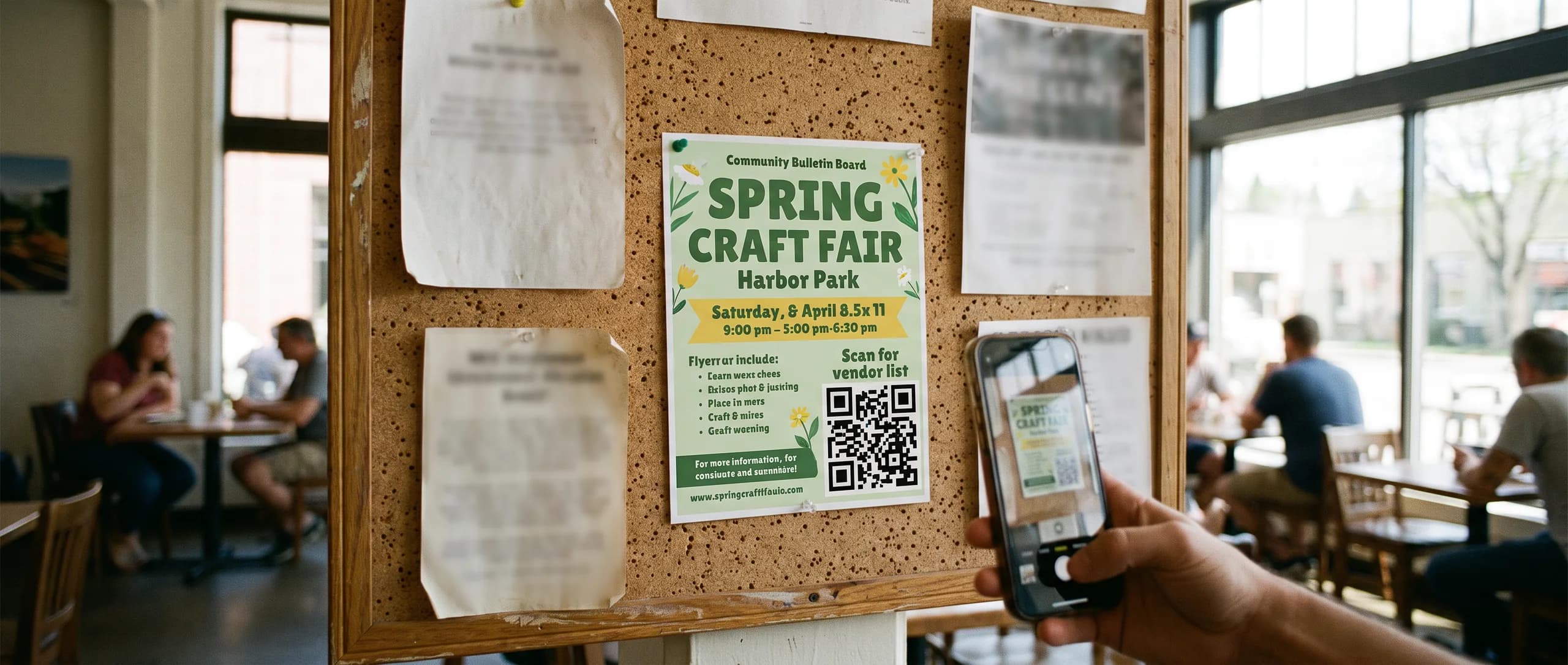
Put the QR code near the call to action, in a corner the eye reaches last, with a short line that says what scanning does. On a flyer that is usually the lower right corner. On a sign it is the bottom, below the main message and above the stake zone.
A code with no label gives people no reason to scan. Write the reason in four or five words right beside it: Scan to book, Scan for the menu, Scan for the vendor list. The words tell people the code is worth the effort.
Keep the code off folds, edges and trim lines. On a brochure, a code that crosses a fold will not scan. On any printed piece, keep it inside the safe area, at least 0.125 inch from the trim on small pieces and 0.5 inch on signs, so the cutter never clips the quiet zone. On a door hanger, keep it clear of the handle slot.
How Much Clear Space Does a QR Code Need?
A QR code needs a blank margin, called the quiet zone, at least 4 modules wide on every side. A module is one of the small squares that make up the code. On a 1.5 inch code with a typical module count, 4 modules is roughly 0.2 inch.
A code pushed against a photo, a border or a line of text loses its edge, and scanners use that edge to find the code. Leave the margin white or the same light color as the background behind the code.
If you want a frame around the code for style, put the frame outside the quiet zone, not on it.
What Colors Work Best for Printed QR Codes?
A dark code on a light background works best. Black, navy, dark green or dark brown on white or cream scans reliably on nearly every phone.
Three color mistakes cause scan failures:
- Low contrast. Red on orange, gray on silver, and pastel on white look stylish and scan poorly. Aim for the same strong contrast you would use for small text; the WCAG guideline of 4.5 to 1 for text is a sensible floor.
- Inverted codes. A light code on a dark background reads on some phones and fails on others. If your flyer is dark, put the code on a white tile.
- Gradients and photos. A gradient that runs light at one corner of the code breaks the pattern. Keep the code and its quiet zone on a flat color.
Glossy coatings are fine for scanning. Glare can make a code hard to read at certain angles, so test under the light the piece will see.
What Should the QR Code Open?
The QR code should open one page that finishes the job the flyer started: the booking form, the menu, the listing, the event signup. Never point it at a homepage and hope people find their way.
Use a short web address. Every extra character adds modules to the code, so a long tracking link makes a denser, harder to scan code at the same size. A short link on your own domain keeps the code simple and lets you change where it points later.
Make sure the page loads fast on a phone and fits a phone screen. People scanning a printed code are often standing, sometimes outside, with one hand free.
Should You Print a Web Address Beside the Code?
Yes. Print a short web address under every QR code. Some people will not scan, some phones will not cooperate, and the address gives them a second way in. It also tells people where the code goes before they scan, which builds trust.
Make the address short enough to type from memory, and test that it opens the same page as the code.
On a sign, add the phone number too, and make it bigger than the code. A driver can remember a phone number at a red light but cannot scan a code from the road. The QR code and the web address serve the people who walk up; the phone number serves everyone else.
What Should You Check Before Approving QR Artwork?
Check the code on the digital proof the same way you checked the test print. Every order comes with a free digital proof, and nothing prints until you approve it.
Confirm the code is the size you tested, the quiet zone is clear on all four sides, the code sits on a flat light color, and the label beside it says what scanning does. Then scan the code straight off the proof on your screen to confirm it opens the right page. A code generated from a typo'd link scans perfectly and sends everyone to the wrong place.
If you send artwork as a photo or a low resolution image, the code can blur. AI image to print rebuilds your file at print resolution for $14.99 per item, and Design it for me lays out the piece from scratch for $29.99 with two revisions.
How Do You Order Signs and Flyers With QR Codes?
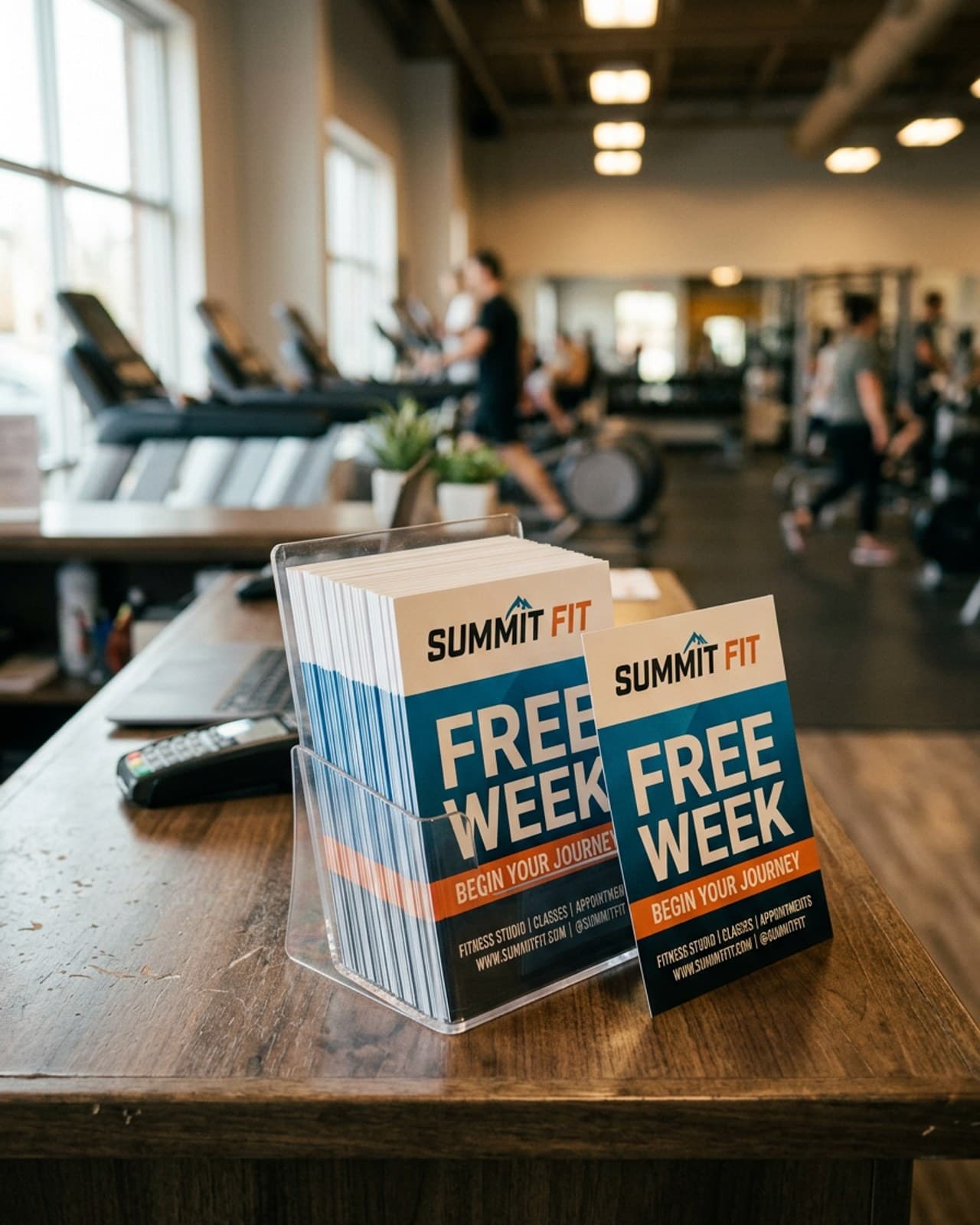
Pick the piece by where it will be read, size the code with the distance table, test it on paper, then order. Custom flyers start at $53.49 for 25 and print in 48 hours. An 18 x 24 inch yard sign is $64.99 and prints the next business day. Posters start at $74.89 for 10, and door hangers at $246.09 for 250.
Each product ships for a flat $10 to any US address. For readable lettering beside the code, see our sign font and color contrast guide.
Frequently Asked Questions
Keep a printed QR code at least 1 inch wide, and 1.5 inches is safer for a flyer read at arm's length. Before you approve the proof, print the code at its real size and test it with a few different phones from the distance people will actually stand. 25 4 x 6 inch flyers are $53.49.
Use the one tenth rule: a sign read from 5 feet needs a code about 6 inches wide, and from 10 feet about 12 inches. That is why a QR code on an 18 x 24 inch yard sign, $64.99, serves people walking past, not drivers. Keep the phone number the biggest item.
The quiet zone is the blank margin around the code, and the QR standard calls for at least 4 modules, the small squares that make up the code. On a 1.5 inch code that is roughly 0.2 inch of clear space on every side. Keep text, borders and photos out of it.
Yes, as long as the code is dark and the background is light, with strong contrast between them. Navy, black or dark green on white scans well. Light codes on dark backgrounds and low contrast pairs like red on orange fail on some phones.
Yes. Some readers will not scan, and a short web address gives them a way in. Print it under the code in plain type, and make it short enough to type from memory.
Print the code at its real size on plain paper, tape it where the sign or flyer will be read, and scan it from the real distance with at least two different phones. Check that it opens the right page on cellular data, not just office Wi-Fi.
Related Articles
QR Code on a Flyer: Placement, Size, and the Test Print
Place the code inside a 0.125 in safe area with a four-module quiet zone. 100 full-color 4 x 6 [...]
Read More: QR Code on a Flyer: Placement, Size, and the Test Print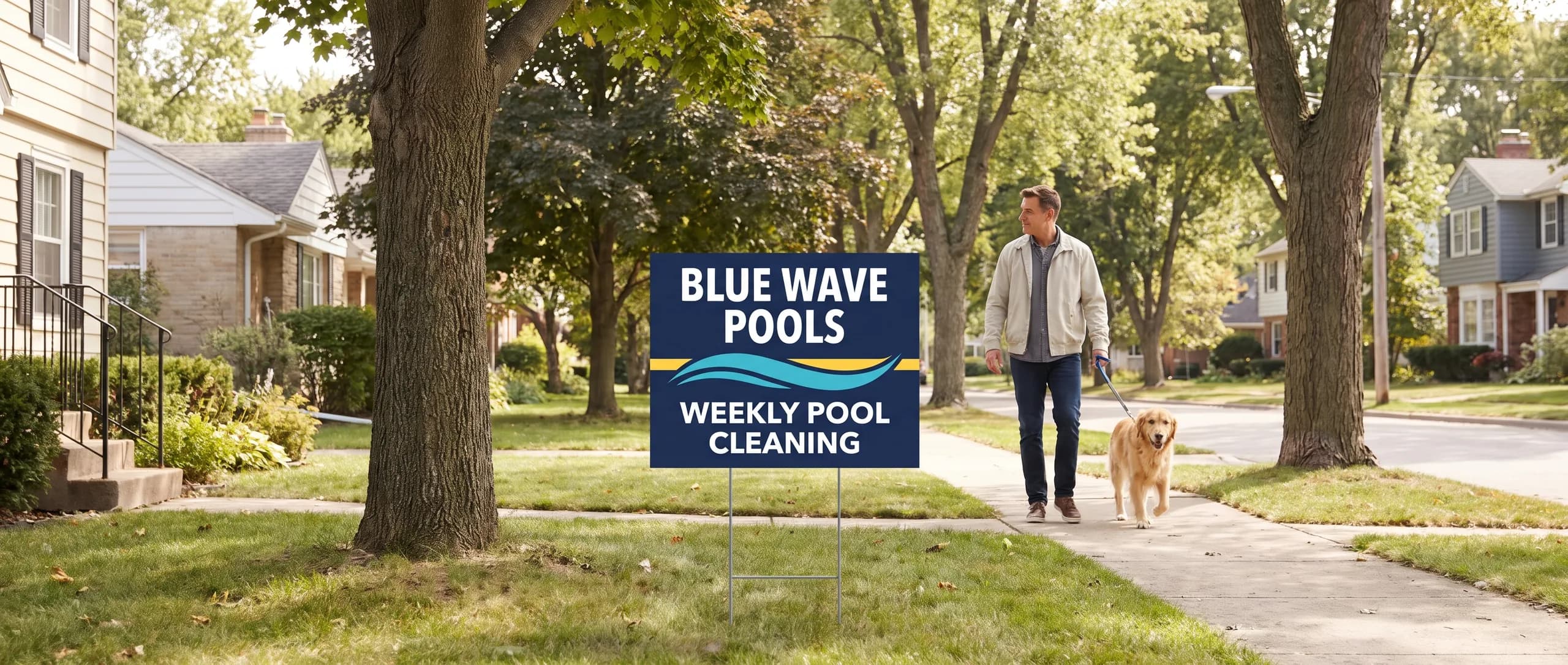
Best Fonts for Signs: Lettering and Color Contrast Guide
The best sign fonts are bold sans serifs at 1 inch of letter height per 10 feet, with contrast [...]
Read More: Best Fonts for Signs: Lettering and Color Contrast Guide
Flyer Sizes: Five Cuts, Three Stocks, and Their Prices
Flyers come in 4 x 6, 5 x 7, 6 x 9 and 8.5 x 11 in on 16pt gloss, plus 5.5 x 8.5 in on 100# [...]
Read More: Flyer Sizes: Five Cuts, Three Stocks, and Their Prices
Print Ready Files: Bleed, Resolution and Color Guide
A print ready 6 x 3 ft banner file is 72.5 x 36.5 in at 100 to 150 dpi; a business card is 3.75 [...]
Read More: Print Ready Files: Bleed, Resolution and Color Guide