Print Ready Files: Bleed, Resolution and Color Guide
 Daniel
October 31, 2026Updated November 3, 20268 min read
What Makes a File Print Ready?
A 6' × 3' 13oz Standard Custom Printed Banner is $133. Artwork prep is $14.99 per item. Printed in the USA in 3 business days and shipped nationwide, flat $10 shipping to any US address. Its print ready file is 72.5 x 36.5 inches at 100 to 150 dpi, with 0.25 inch bleed per side and text 2 inches in.
A file is print ready when it is built at the finished size plus bleed, keeps every word inside the safe area, has images with enough resolution for the printed size, and is exported as one file with fonts and images embedded. Get those four right and the proof usually comes back clean.
Every product has its own numbers, so start with the product you are ordering, not with a file you already have. A banner, a business card and a yard sign can share one logo, but each needs its own canvas.
| Product | Finished size | Build the file at | Keep text inside | Resolution |
|---|---|---|---|---|
| Business card | 3.5 x 2 in | 3.75 x 2.25 in | 3.25 x 1.75 in | 300 dpi |
| 4 x 6 postcard or flyer | 4 x 6 in | 4.25 x 6.25 in | 0.25 in inside trim | 300 dpi |
| 18 x 24 yard sign | 18 x 24 in | 18.5 x 24.5 in | 0.5 in inside trim | 150 dpi |
| 24 x 36 poster | 24 x 36 in | 24.25 x 36.25 in | 0.25 in inside trim | 150 to 300 dpi |
| 6 x 3 ft vinyl banner | 72 x 36 in | 72.5 x 36.5 in | 68 x 32 in | 100 to 150 dpi |
These match our size guides for business cards, yard signs, posters and banners, each with diagrams and pixel counts.
What Are Bleed, Trim and Safe Area?
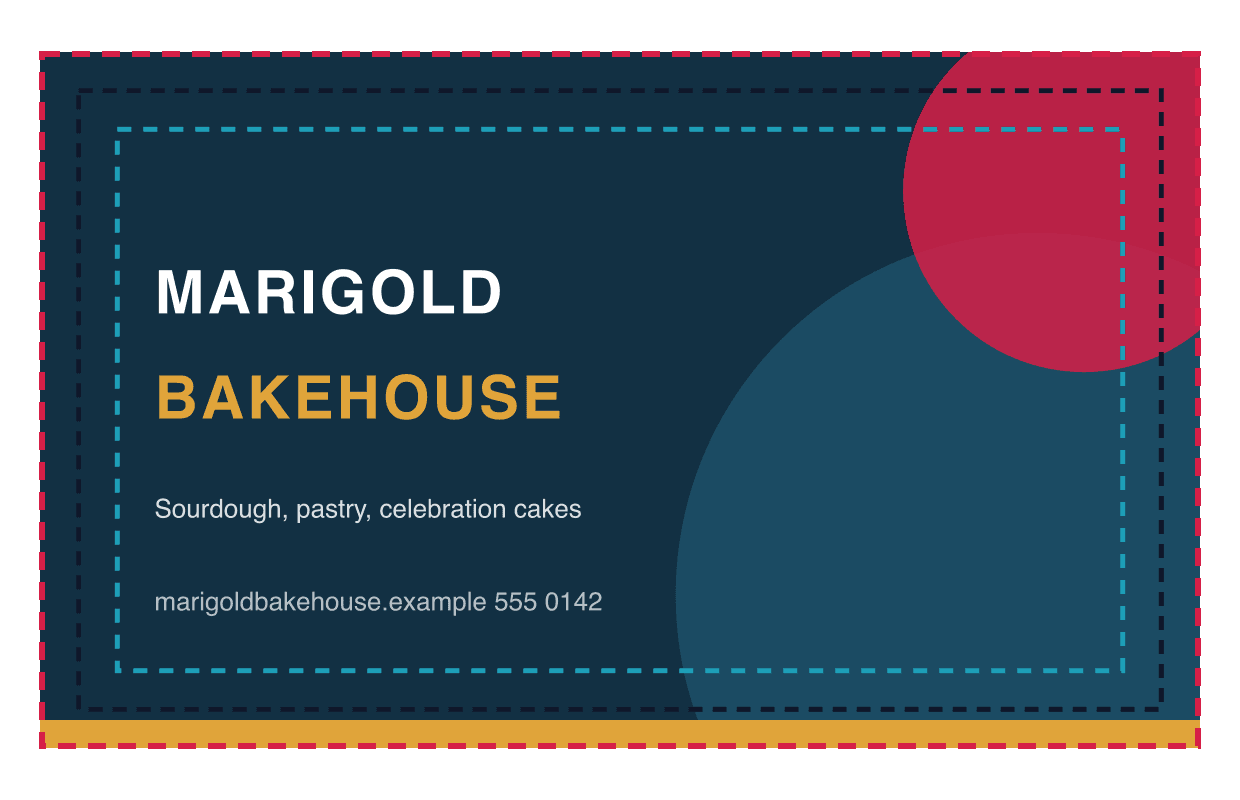
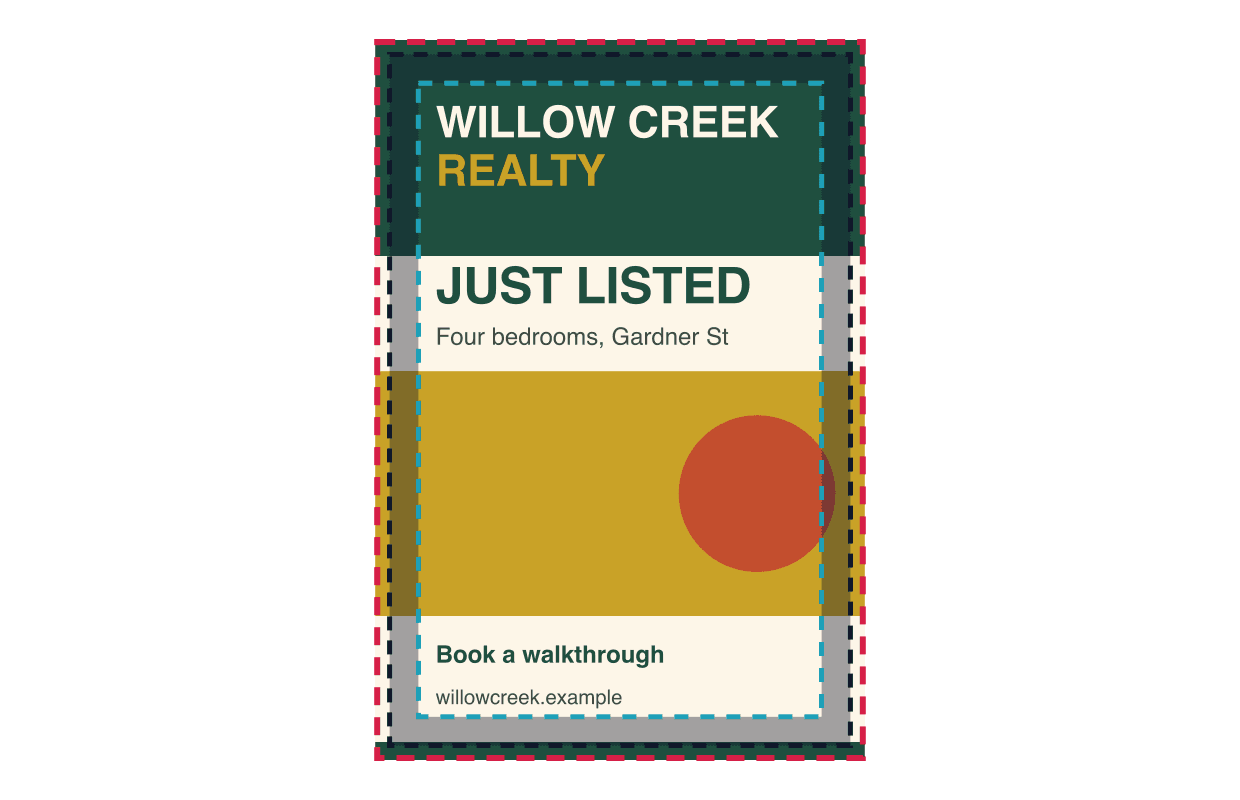
Bleed is background artwork that runs past the cut line, trim is the finished edge, and the safe area is the zone where every word, logo and phone number must stay. Bleed exists because cutting is never perfectly exact. Without it, a cut a hair outside the line shows a thin white sliver along the edge.
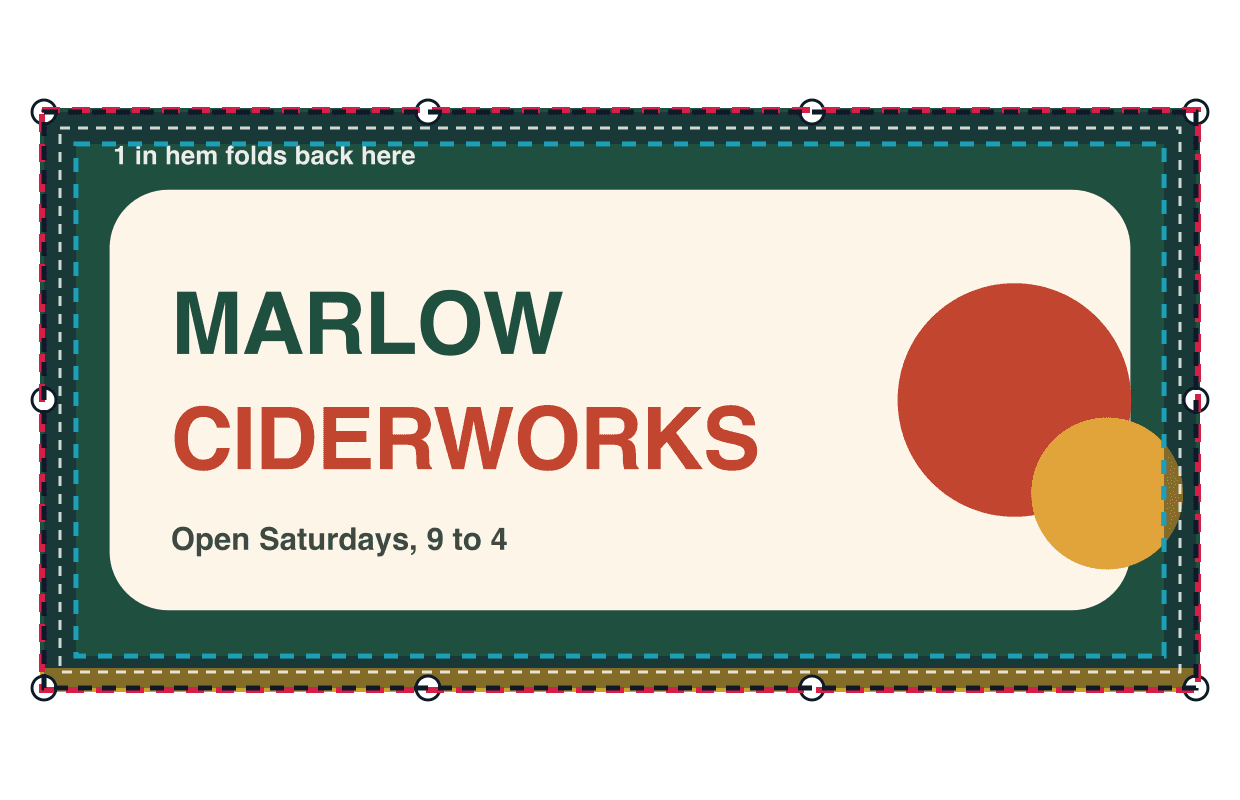
For cards, flyers, postcards and posters, the standard bleed is 0.125 inch on every side. Yard signs and other rigid signs get 0.25 inch on every side, the same as our sign templates, so an 18 x 24 inch sign is built at 18.5 x 24.5 inches. Banners get more room because the edges are hemmed: our banner guides build a 6 x 3 ft banner at 72.5 x 36.5 inches and keep text 2 inches in from each edge, clear of the hem and the grommets.
Extend the background color or photo all the way to the bleed line. Keep text and logos well inside the safe line. Thin borders hugging the edge are risky because any small shift in cutting makes one side look thicker than the other; move them inside the safe area or leave them off.
How Do You Set Up the Correct Page Size?
Set the document to the finished size plus bleed, in the units of that product, and in the right orientation. A banner ordered 6 ft wide and 3 ft tall needs a landscape page; the same numbers in portrait give you a different banner.
Check units before you type. In most design apps, entering 72 in the wrong unit box gives you a 72 pixel or 72 millimeter page. For large banners, some designers build at half or quarter scale to keep the file small. That works only if every measurement and the image resolution scale with it, so say plainly in the file name that it is built at 50 percent.
If you design in Canva, choose "custom size", enter the bleed dimensions, and download as "PDF Print" with crop marks and bleed turned on. Our print your Canva design page walks through it.
For a double sided piece, build the front and back as two pages in one file, both at the same size and orientation, and label them. A card back that arrives rotated 90 degrees from the front is a common reason a proof goes back for changes.
How Much Image Resolution Do You Need?
Use 300 dpi at the finished size for anything read up close, and 100 to 150 dpi at full size for banners and large signs read from several feet away. The test is simple math: divide the image's pixel width by the printed width in inches.
A photo 3,000 pixels wide printed 10 inches wide gives 300 pixels per inch, sharp for a flyer. The same photo stretched across a 6 ft banner gives about 42 pixels per inch, which will look soft up close. For a 72 inch banner at 150 dpi, the image needs to be about 10,800 pixels wide.
Changing the dpi number in an export setting does not add detail. A small image saved at "300 dpi" is still a small image. Ask for the original photo from the camera or the photographer, not a copy saved from a website or a text message.
What Is the Difference Between Vector and Raster Artwork?
Vector artwork is built from shapes and scales to any size without losing sharpness; raster artwork is a grid of pixels and only prints sharp up to the size its pixels allow. Logos and lettering should be vector whenever possible: AI, EPS, SVG or a PDF exported from a design app.
Photos are always raster. A PDF can hold either kind, and saving a small logo inside a PDF does not turn it into vector art. Zoom to 400 percent on the logo in your file. If the edges turn to stair steps, it is raster and may not hold up on a banner.
If the only logo you have is a small image, deal with it before building the rest of the layout. Ask the person who designed it for the original file, or send it to us for prep.
How Should You Handle Print Colors?
Printing uses four inks, cyan, magenta, yellow and black (CMYK), while screens mix light in red, green and blue (RGB). Some screen colors, especially bright blues, greens and neons, cannot be reproduced exactly in ink and print a little duller.
Converting your file to CMYK before you send it shows you that shift on your own screen first. For large areas of black, a plain 100 percent black can look slightly gray; designers often use a "rich black" mix for big black backgrounds and plain black for small text.
Keep one original file before any conversion, and avoid converting the same artwork back and forth. If an exact brand color matters, say so when you order and check it carefully on the proof.
What Should You Check Before Exporting?
Check the page, the content and the links before you press export.
- The page is the finished size plus bleed, in the right orientation.
- Background art reaches the bleed line on every side.
- Every word and logo sits inside the safe area.
- Photos are at least 150 dpi at full size for signs and 300 dpi for small prints.
- Fonts are embedded or converted to outlines.
- Hidden layers, template guides and old versions are deleted.
- The export is one PDF per design, named with the product and size.
What to Check on Proofs for Print Files
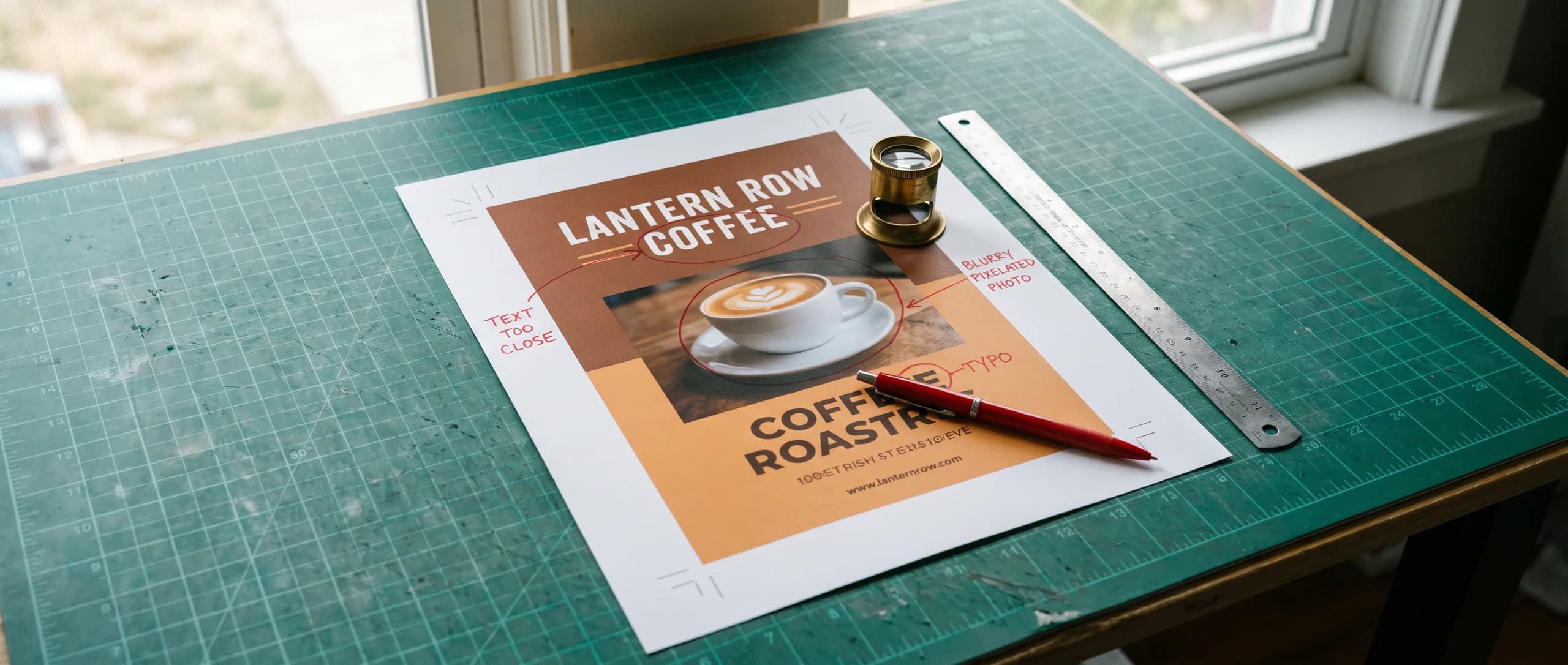
Check for text too close to the edge. A phone number placed at the very bottom of a card or across a banner hem gets trimmed or folded under. The fix is to move it inside the safe area before you upload.
Next, check for a low resolution photo or logo pulled from a website or a social post. It looks crisp on a phone and soft at print size. Then check for a file built at the wrong shape, such as a square social graphic placed on a 3 x 6 ft banner, which either crops or leaves empty bars. Every order comes with a free digital proof, and nothing prints until you approve it.
How Do Print Ready Files Move Into Production?
Upload the file on the product page, check the free digital proof against your checklist, and approve it. Production starts after approval: 3 business days for vinyl banners, the next business day for yard signs, and 48 hours for business cards and flyers.
If your file is not print ready, or you only have a ChatGPT image, choose AI image to print for $14.99 once per item and we make it print ready. Design it for me is $29.99 with two revisions. Everything is printed in the USA and ships to all 50 states for a flat $10 per product.
Frequently Asked Questions
A print ready file is built at the finished size plus bleed, with every word inside the safe area, images at enough resolution for the printed size, and fonts and images embedded. For a 3.5 x 2 inch business card that means a 3.75 x 2.25 inch file at 300 dpi.
0.125 inch per side is the standard for business cards, flyers, postcards and posters. Yard signs and other rigid signs use 0.25 inch per side, so an 18 x 24 inch yard sign file is 18.5 x 24.5 inches. Our vinyl banner guides use 0.25 inch per side, so a 6 x 3 ft banner file is 72.5 x 36.5 inches.
300 dpi at the finished size for anything read up close, such as cards, flyers and postcards. 100 to 150 dpi at full size is enough for banners and large signs read from several feet away. Raising the dpi number in an export does not add detail the photo never had.
4 color CMYK is how ink printing works, so converting your file to CMYK shows you the color shift on your own screen before the proof. Bright blues, greens and neon colors from an RGB file can print duller than they look on screen.
1 flattened PDF with fonts embedded, built at the finished size plus bleed, is the safest file. High resolution PNG or JPG files also work. A screenshot, a web image or a file pasted into a document usually does not have enough detail to print large.
$14.99 once per item: send it through AI image to print and we make it print ready, then send a free digital proof. Design it for me is $29.99 with two revisions if you want us to build the design. Nothing prints until you approve the proof.
Related Articles
Print File Errors: The Checklist Before You Approve
No bleed, low resolution, and RGB files are the usual print file errors. 100 of the 4 x 6 in [...]
Read More: Print File Errors: The Checklist Before You Approve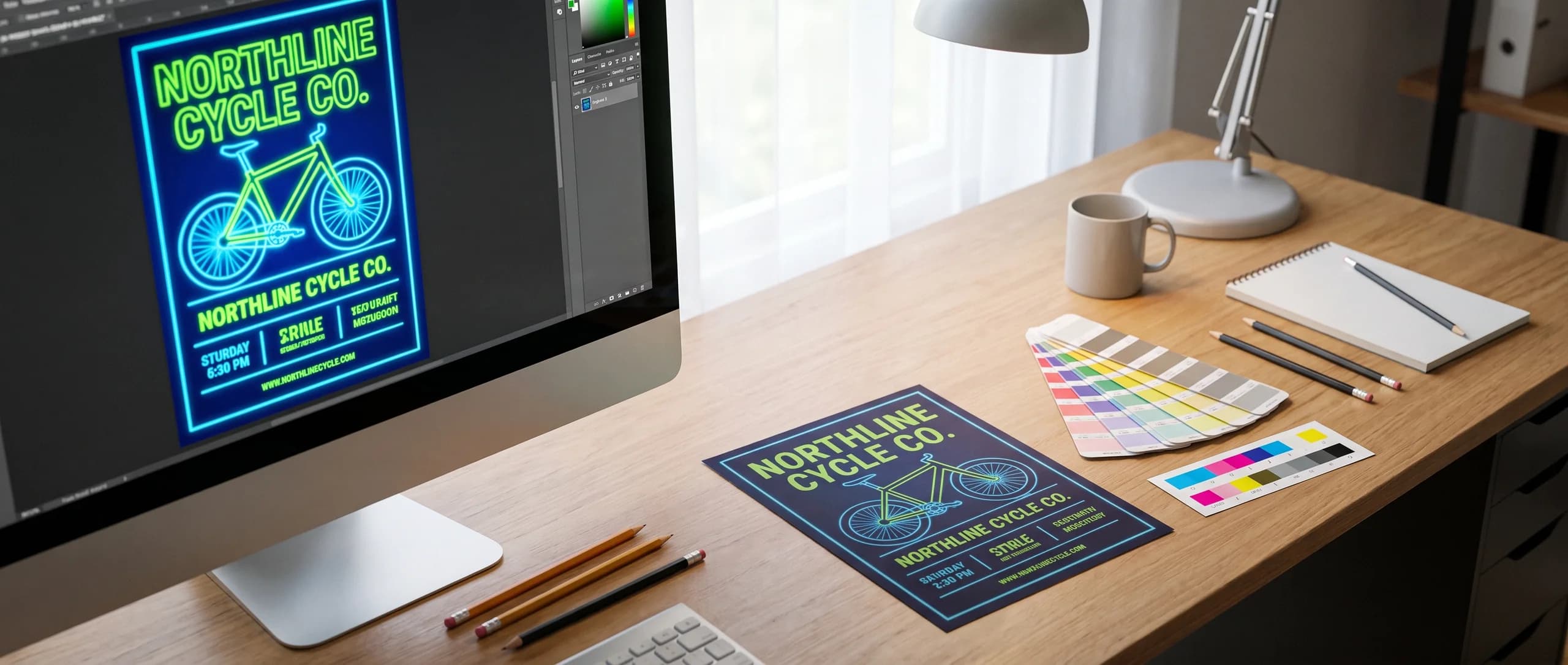
RGB to CMYK: Prepare Flyer Colors for Accurate Print
RGB to CMYK converts screen color to 4 print inks. Learn why bright colors shift, how to [...]
Read More: RGB to CMYK: Prepare Flyer Colors for Accurate Print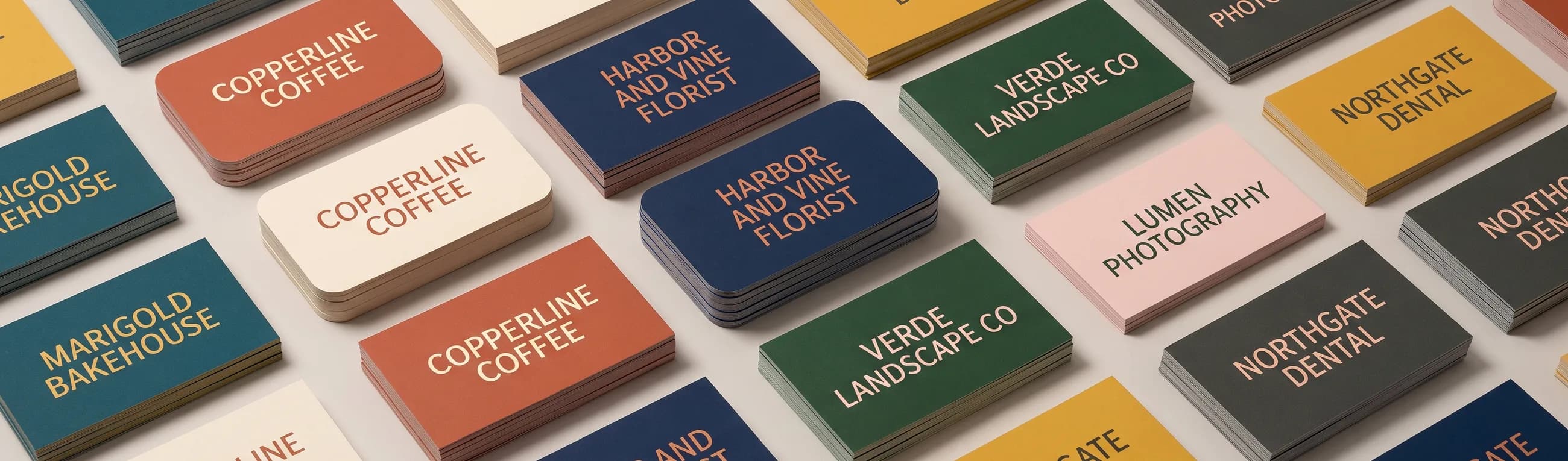
Standard Business Card Size: 3.5 x 2 in, Bleed and Pixels
The standard business card size is 3.5 x 2 in, 1050 x 600 pixels at 300 dpi. Bleed and safe [...]
Read More: Standard Business Card Size: 3.5 x 2 in, Bleed and Pixels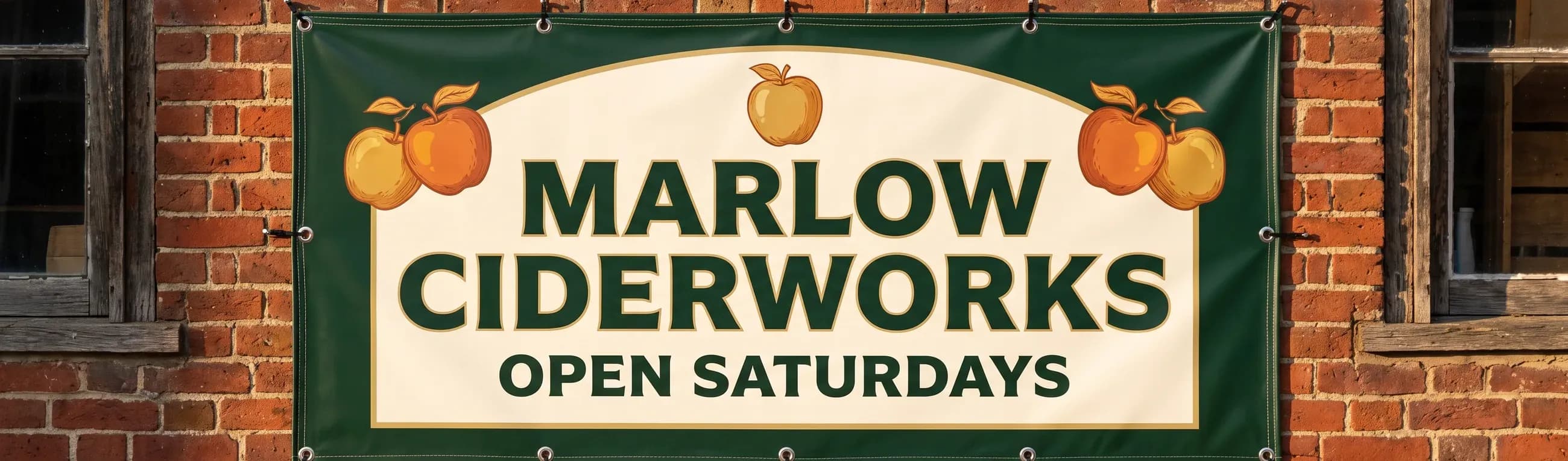
Banner Sizes in Feet: 2x4, 3x6, 4x8, 6x10 Size Chart
Standard banner sizes are 2x4, 3x6, 4x8 and 6x10 ft. Size chart in feet, inches and pixels, [...]
Read More: Banner Sizes in Feet: 2x4, 3x6, 4x8, 6x10 Size Chart