Print File Errors: The Checklist Before You Approve
 Jean
January 28, 2026Updated October 19, 202610 min read
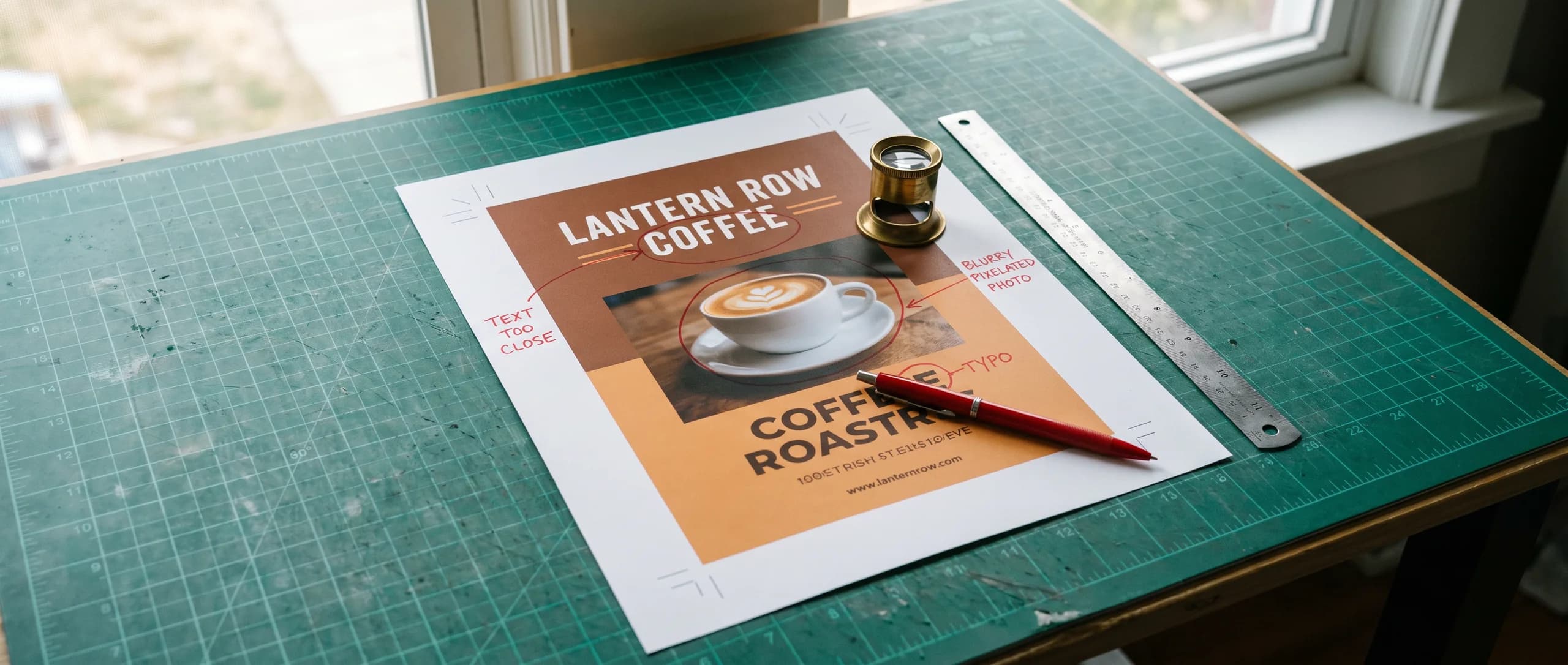
Which file rules decide whether the piece prints cleanly?
The usual print file errors are a missing bleed, type outside the safe area, low resolution, RGB color, and fonts that are not outlined. Inline Graphics checks the file after you order and sends a free proof before printing. 100 full-color 4 x 6 in Standard 16pt Gloss flyers are $74.89, with flat $10 shipping to any US address.
Extend the background 0.125 in past every trim edge, and keep text and logos 0.125 in inside the trim. On a folded piece, keep type 0.125 in off each fold line as well. Use at least 150 dpi at full print size, with 300 dpi as the ideal, or use vector art. Export in CMYK, and outline every font.
Those rules cover flyers, cards, and brochures. The checklist below is the same list a proof is there to catch. Fixing them in the file, before you order, makes the proof a confirmation. Sending a rough image is allowed. It is not free, and it is not skipped.
The product this page orders is the flyer. A 4 x 6 in sheet and a letter sheet use the same 0.125 in bleed. They do not share a price. The flyer sizes guide is where each cut and stock is listed. Build the file for the size you will actually buy.
What is the fix when bleed is missing or type sits on the cut?
Add 0.125 in of background past every edge that will be trimmed, and move every word and logo 0.125 in inside the trim. Bleed is background only. A phone number in the bleed can be cut in half. A background that stops at the trim line can leave a white hairline on some sheets in the stack, because the cut moves a little from sheet to sheet.
On a 4 x 6 in flyer, the live area for type is 3.75 x 5.75 in once 0.125 in is held inside each edge. On an 8.5 x 11 in flyer it is 8.25 x 10.75 in. On a 3.5 x 2 in card it is 3.25 x 1.75 in. The standard business card size guide has the card in millimeters and pixels. The same 0.125 in rule is what you apply. Do not borrow a card file and scale it up to a flyer. The proportions are different, and the type will not land where you think.
A common mistake to avoid is a colored band that ends exactly on the trim in the design file. Extend that band into the bleed. Leave the words where they are, inside the safe area.
What is the fix for a soft image or for RGB color?
A soft image is fixed with enough pixels at print size (300 dpi ideal, or vector art), and RGB color is fixed by converting to CMYK before export. The minimum we accept as a target is 150 dpi at full print size. A picture saved for a web page is often far under that once it is placed on a flyer. Making it larger in the layout does not add pixels. It spreads the ones you have, which is why the print looks soft.
Check the size in the file, at the print size, before you export. A logo should be vector when you have it that way. For a photograph, check its effective resolution at the final printed size: 150 dpi minimum, 300 dpi ideal.
RGB is the color mode screens use. A print file should be CMYK before export. We do not publish a percentage for how far a given RGB color will shift, because that depends on the color. The practical fix is to convert to CMYK in the file, look at the result, and then look again on the proof. The $14.99 preparation after checkout includes color along with size, bleed, and resolution. It is the path for a file that is still RGB. It is not a free conversion, and it is not a second fee on top of a free upload.
What is the fix when fonts are not outlined, or the page is the wrong size?
Outline every font before you export, and build the page at the exact trim size you are ordering. Outlined letters are shapes. A font that stays live can be substituted if that face is not present when the file is prepared, and the line breaks can move. Outlining is the file rule. It does not proofread the words. Read the text after you outline it, because a typo in outlines is still a typo.
Build the page at the trim size you are ordering. A 4 x 6 in flyer is a different file from an 8.5 x 11 in flyer. Placing a small design in the middle of a letter page, with empty bands around it, prints those empty bands. Stretching a square graphic to fill a rectangle changes the logo and the photos. Set the document to the finished size, then design into it.
Flyers come in three stocks, and the sizes are not the same on each. Standard 16pt Gloss is 4 x 6, 5 x 7, 6 x 9, and 8.5 x 11 in. Premium 100# Gloss is 4 x 6, 5 x 7, and 5.5 x 8.5 in. Standard 70# Uncoated is 8.5 x 11 in only, a matte sheet you can write on. Match the file to the pair you select. The sizes guide linked above is the list. A size that is not on that list is a quote, not a field on the flyer page.
Brochures are a different product: 70# text only, full color both sides, folded. The folds we print are 8.5 x 11 in half-fold or tri-fold, and 8.5 x 14 in tri-fold. Heavier or coated brochure stock is a quote. The brochure sizes guide has those formats. A flyer file will not become a folded brochure because the sheet is letter size.
What is the fix when a fold, a thin rule, or a typo gets through?
Keep type 0.125 in off each fold line, keep rules thick enough to survive an actual-size printout, and proofread every line before you approve. A fold through a word, a face, or a phone number splits the thing the reader needed whole. On a tri-fold, check both fold lines. On a half-fold, check the center. Panel widths for the brochure folds should be confirmed on the proof, because the file rule states the 0.125 in clearance and the product page states the sheet and the fold.
Thin lines need a paper test, not a new number we do not publish. A hairline that looks crisp on a zoomed screen can break up or vanish in print. On an actual-size printout, every rule you need should still be easy to see. If you can barely see it on paper, make it heavier before you order. The same test covers reversed type: light letters on a dark field need enough stroke to stay open.
Typos are a reading problem. Read every name, date, price, and phone number on the proof, one character at a time, out loud. A file can pass bleed, dpi, and CMYK and still print the wrong digit on all 500 sheets. The proof is the moment that digit can still be changed.
What happens to the file after you order?
There is no production setup fee, and any file or image you send is prepared through AI image to print for $14.99 per item. That includes a PDF, an AI or PSD file, a JPG or PNG, a Canva export, a phone photo, or an image from a chat tool. The charge is once per cart line item, not once per side. We do not offer a downloadable template, and a file is not a free upload. After checkout, the file is checked and made print ready for size, bleed, resolution, and color. A free digital proof is sent before anything prints.
Design it for me is $29.99 and includes two revisions. It is free when the item itself is $499 or more. The packs in the table below are under $499, so on those lines the design fee stays $29.99.
The proof arrives after the order. Approve it when the type, the colors, the folds, and the spelling match what you want printed. Production time starts at that approval. It does not start when you upload, and it does not include transit. Business cards are 48 hours. Standard 16pt Gloss flyers are produced in about 48 hours after proof approval; Premium 100# Gloss and 70# Uncoated take a few business days depending on quantity. Brochures are 3 to 5 business days. Shipping is a flat $10 to any US address. Orders are printed in the USA.
- Set the document to the trim size you are ordering.
- Extend the background 0.125 in past every trim edge.
- Move text and logos 0.125 in inside the trim, and 0.125 in off each fold.
- Set the color mode to CMYK and place images at 300 dpi at print size, or use vector art.
- Outline every font and export a PDF.
- Print one copy at actual size and read it.
- Place the order, review the free proof, and approve it.
What do the flyer, the brochure, and the card cost?
100 full-color 4 x 6 in Standard 16pt Gloss flyers are $74.89, about $0.75 a flyer. Double sided is included. Each row below is its own product. Do not move a price from one row onto another size.
| Piece | Price |
|---|---|
| 100 flyers, 4 x 6 in, Standard 16pt Gloss, full color, double sided | $74.89 |
| 250 flyers, 4 x 6 in, Standard 16pt Gloss, full color, double sided | $106.99 |
| 100 flyers, 8.5 x 11 in, Standard 16pt Gloss, full color, double sided | $128.39 |
| 250 brochures, 8.5 x 11 in, half-fold or tri-fold, 70# text, full color both sides | $246.09 |
| 250 business cards, 16pt gloss, 3.5 x 2 in, single or double sided | $74.89 |
Twenty-five of the 4 x 6 in flyers are $53.49, and 500 are $149.79. A 250 pack of 8.5 x 11 in brochures at $246.09 is the half-fold or the tri-fold on 70# text. The 8.5 x 14 in tri-fold is a different price, listed in the brochure sizes guide. Card packs also include 50 for $53.49 and 1,000 for $117.69, single or double sided at the same price.
Order the flyer on the custom flyers page. The wider set of marketing prints is in the print marketing collection.
Need flyers or other custom printing? Inline Graphics helps businesses, churches, schools, and event organizers across the country design and print cards, banners, signs, decals, displays, and marketing materials that get noticed. Contact us today for a quote.
Frequently Asked Questions
Extend the background 0.125 in past every trim edge. Keep text and logos 0.125 in inside the trim, and 0.125 in off any fold. Use CMYK, outline the fonts, and supply 150 dpi minimum at full size, 300 dpi ideal, or vector art.
Extend the background 0.125 in past the trim on every side and keep the words inside the safe area. After you order, file preparation can rebuild size, bleed, resolution, and color. That preparation is $14.99 per item.
No. The minimum is 150 dpi at the size the piece will print, and 300 dpi is the ideal. A file that looks large on a monitor can still be short of pixels on a flyer.
Yes. Outline every font before export so the letters cannot be replaced by a different face. Then read the proof, because outlining does not catch a typo.
100 full-color 4 x 6 in Standard 16pt Gloss flyers are $74.89. 250 of that size are $106.99. 100 of the 8.5 x 11 in on the same stock are $128.39. Double sided is the same price.
The free digital proof is sent after the order and before printing. Production starts when you approve it. Business cards are 48 hours. Standard 16pt Gloss flyers are produced in about 48 hours after proof approval; Premium 100# Gloss and 70# Uncoated take a few business days depending on quantity. Brochures are 3 to 5 business days. Transit is not included. Shipping is a flat $10.
There is no production setup fee. Any file or image is prepared through AI image to print for $14.99 per item, once per cart line item, not once per side. Design it for me is $29.99 with two revisions, free when the item is $499 or more. We do not offer a downloadable template.
Related Articles
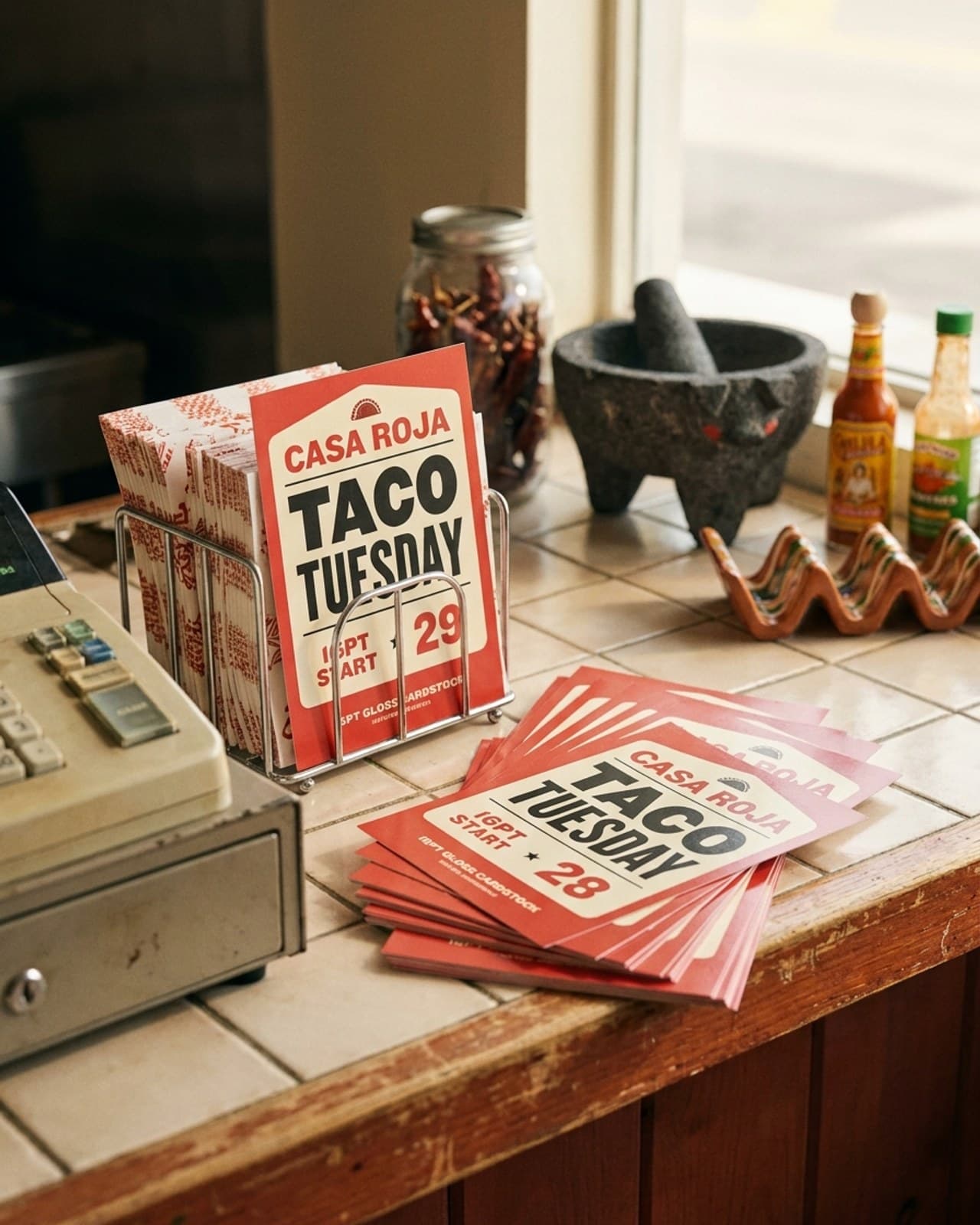
Flyer Sizes: Five Cuts, Three Stocks, and Their Prices
Flyers come in 4 x 6, 5 x 7, 6 x 9 and 8.5 x 11 in on 16pt gloss, plus 5.5 x 8.5 in on 100# [...]
Read More: Flyer Sizes: Five Cuts, Three Stocks, and Their Prices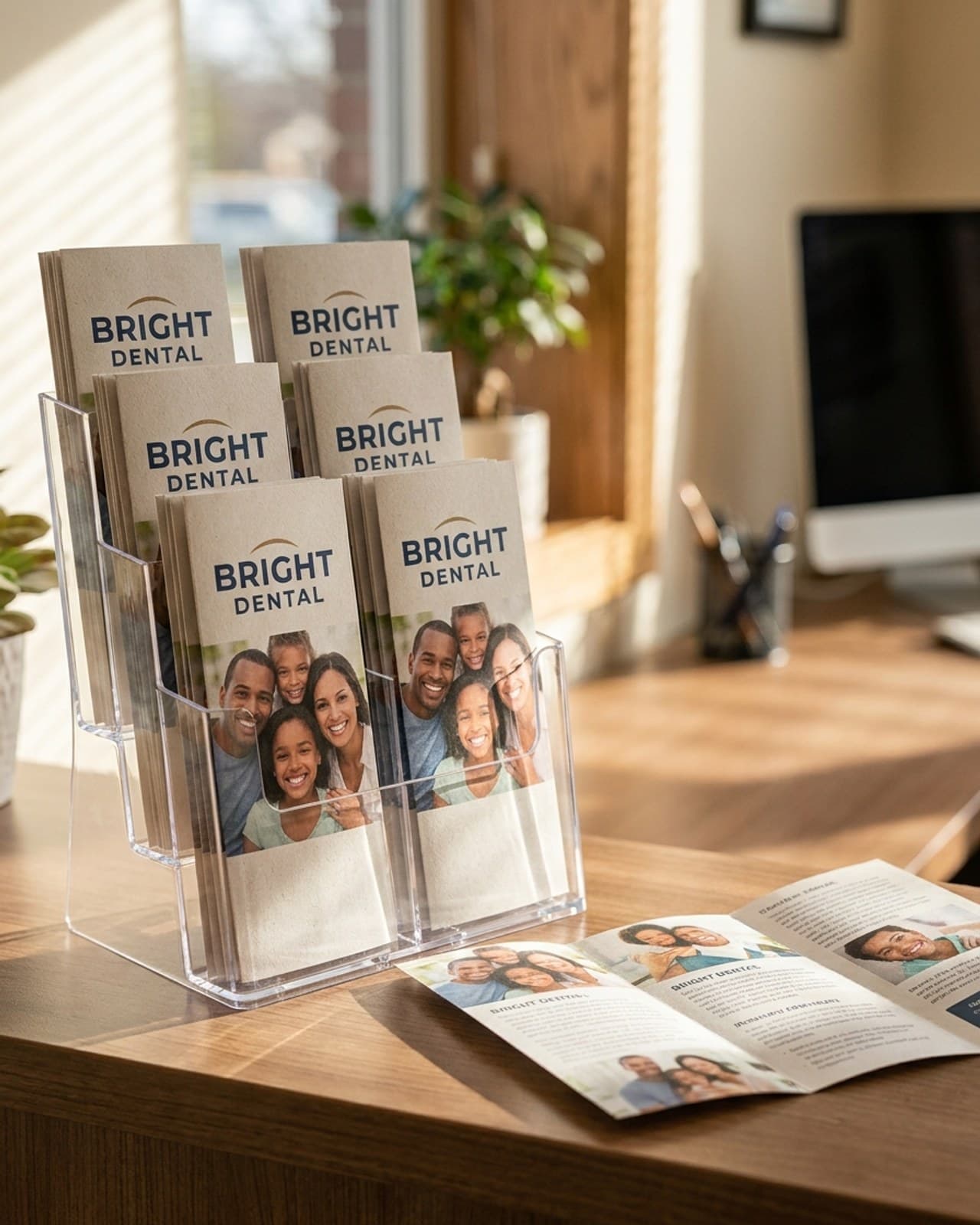
Brochure Sizes: Flat Sheets and Finished Dimensions Guide
8.5 x 11 and 8.5 x 14 are the sold flat brochure sizes; finished widths run from 3.67 to 5.5 [...]
Read More: Brochure Sizes: Flat Sheets and Finished Dimensions Guide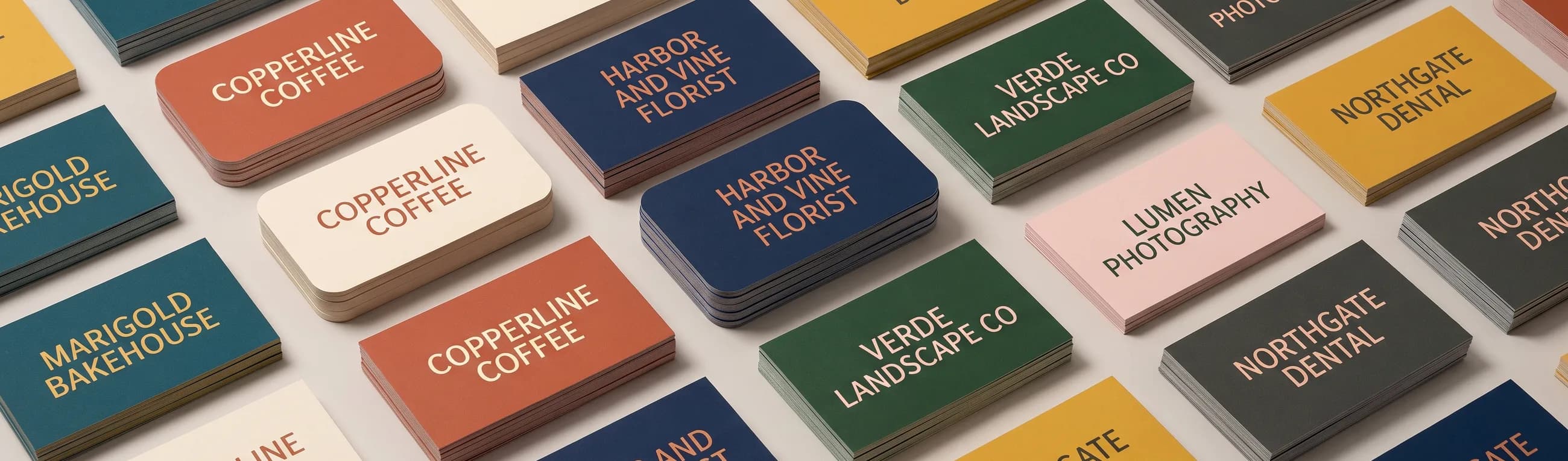
Standard Business Card Size: 3.5 x 2 in, Bleed and Pixels
The standard business card size is 3.5 x 2 in, 1050 x 600 pixels at 300 dpi. Bleed and safe [...]
Read More: Standard Business Card Size: 3.5 x 2 in, Bleed and Pixels
Campaign Door Hangers and Push Cards That Voters Keep
Campaign door hangers start at $246.09 for 250 at 3.5 x 8.5 in, double sided with a UV gloss [...]
Read More: Campaign Door Hangers and Push Cards That Voters Keep