RGB to CMYK: Prepare Flyer Colors for Accurate Print
 Tomas Amaya
April 22, 2026Updated October 19, 20268 min read
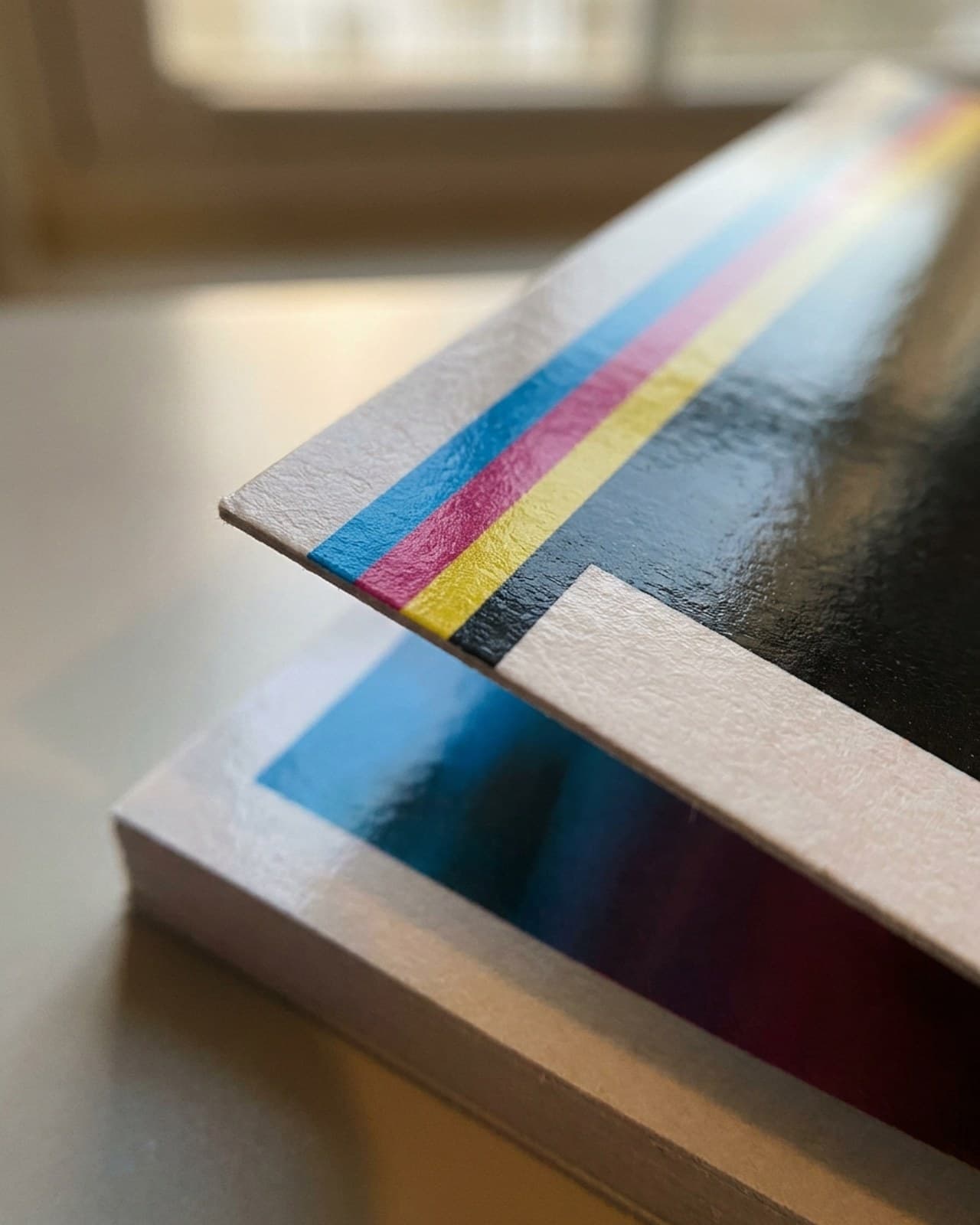
What should you check when converting RGB to CMYK?
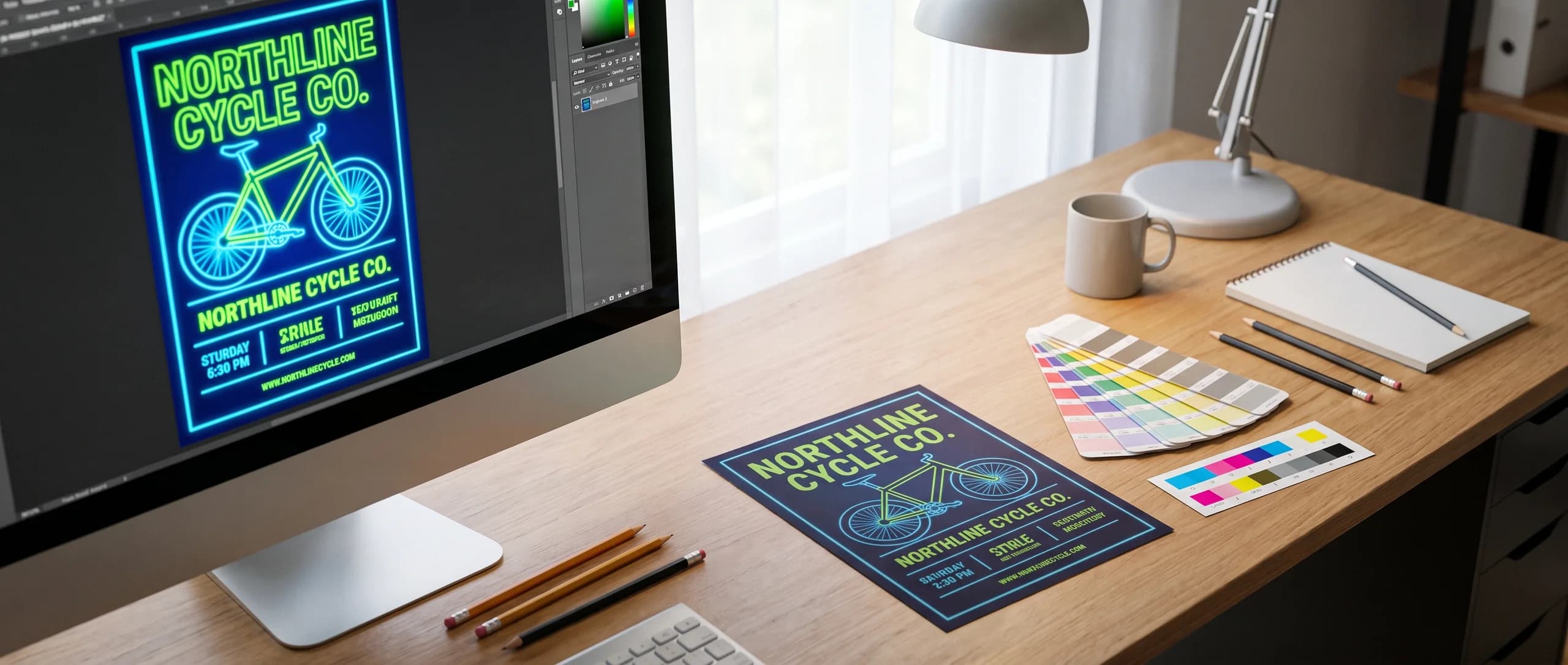
RGB to CMYK conversion prepares screen-based colors for process printing, where bright blues, greens, and neon colors can shift. Inline Graphics prints 25 double-sided 4 x 6 in Standard 16pt Gloss flyers for $53.49, with flat $10 ground shipping per product to any US address.
Check the colors that carry the design: the logo, background, headline, and any image whose brightness matters. A successful conversion should preserve useful contrast and readable detail. Changing the document mode is only part of that work, because placed images and export settings can affect the final file too.
For a flyer order, color preparation sits alongside the size, stock, and quantity decisions. The custom flyer product page offers full-color printing on both faces. Work from the selected format before preparing the file, so color adjustments are made to the layout you will actually print.
What do RGB and CMYK mean?
RGB means red, green, and blue light, while CMYK means cyan, magenta, yellow, and key black used in process printing.
Screens form colors by combining light. A bright screen can display an intense green or blue that appears to glow. Paper has no internal light source; its printed color depends on reflected light and the interaction between ink and the sheet. The viewing conditions also affect what you see.
This is why copying the appearance of a screen pixel is not the same as specifying a printed color. Turning up monitor brightness makes the screen more luminous, but it cannot make the paper brighter. Evaluate the design with realistic expectations for ink on the chosen material.
A color profile describes how color values should be interpreted for a device or printing condition. The same CMYK numbers can look different under different output conditions. Do not select a random profile because it has a familiar name or assume one conversion preset is correct for every paper product.
Why do bright blues, greens, and neon colors shift?
Some vivid RGB colors sit outside the range that standard CMYK can reproduce, so conversion moves them to printable alternatives.
As general practice, bright electric blues may lose intensity or shift hue and vivid greens can look less luminous; neon colors have no CMYK equivalent at all and lose the glow they have on a screen. The amount of change depends on the starting color and the output profile. These are common problem areas rather than a promise that every blue or green will print poorly.
Software can warn when a selected color is outside the printable range. That warning means a substitution is needed, not that the entire design is unusable. See this printable-color guidance from Adobe for an explanation of colors without CMYK equivalents.
Choose the printable replacement deliberately. A slightly less saturated background may keep the headline readable and preserve the intended mood. Trying to force every channel higher can muddy the result. Standard full-color flyer printing does not imply fluorescent or specialty ink options.
How do you convert colors in common design tools?
Use the tool's color-conversion or print-export controls, then inspect the exported result instead of relying on the document label alone.
Photo editors generally offer a document mode or profile conversion. Vector tools also have object fills, strokes, and placed images to consider. Page-layout tools may convert color during PDF export. These are general workflow patterns; control names and availability depend on the application and version.
- Save a separate copy of the editable original.
- Identify the document's current color space.
- Confirm the intended CMYK output settings for the job.
- Apply the available conversion to the print copy.
- Inspect placed images for remaining RGB content.
- Review saturated colors in the converted layout.
- Adjust any color that loses needed contrast.
- Export the file using the confirmed print settings.
- Inspect the exported file for color and layout changes.
Assigning a profile and converting to a profile are different operations. Assignment changes the interpretation of existing values; conversion changes values to preserve appearance as closely as the destination permits. Use the application's current documentation if you are unsure which operation a control performs.
If your tool cannot export CMYK, keep the best available source instead of repeatedly converting through unknown websites. A PDF can still contain RGB content, so its extension does not prove conversion. Ask for preparation help with the source you have, and review the resulting proof after ordering.
When should you use plain black or rich black?
Plain black is generally suited to small text and fine lines, while rich black can give large dark areas more depth.
As general design practice, plain process black uses only the black channel: C0 M0 Y0 K100. Keeping small black type on one channel reduces the chance of colored edges from slight registration differences. Inspect small text after conversion, since an RGB black can become a mixture of multiple process colors.
Rich black combines black with other process inks. Its best mixture depends on the output conditions and paper, so there is no universal recipe for every job. Do not set every channel to its maximum. Registration black, which prints on all separations, belongs to production marks rather than ordinary artwork fills.
A large black background and the small text beside it may need different treatment even when both look black on screen. For a required brand black or a large solid area, ask about the print requirements. No particular rich-black formula or exact color-match service is promised by the standard flyer listing.
What else does a CMYK flyer file need?
The file also needs 0.125 in bleed, a 0.125 in safe area, outlined fonts, and adequate image resolution.
Extend backgrounds 0.125 in beyond every trim edge. Hold text and logos at least 0.125 in inside the trim. These measurements protect the layout from normal trimming variation; they do not make a low-contrast headline readable or restore an image that was stretched too far.
Images need 150 dpi minimum at the final printed size, with 300 dpi ideal, or vector artwork. Converting color does not create additional pixels. Use the flyer size guide to establish the intended dimensions before evaluating resolution. A picture that works on a small handout may need a better source for a larger layout.
The same principle applies when preparing larger imagery: assess resolution at the actual output size. The poster size guide helps you plan that separate format. Changing the size and the color space are different tasks, and each deserves its own check.
What does artwork preparation cost for a flyer order?
AI image to print costs $14.99 per item for your existing file or image and includes preparing color for print.
| Flyer printing or artwork service, details named for each charge | Price |
|---|---|
| 25 flyers, 4 x 6 in, Standard 16pt Gloss cardstock, full color both sides | $53.49 |
| AI image to print for your own image or file, once per cart item | $14.99 |
| Design it for me, with two revisions; free when the item itself is $499 or more | +$29.99 |
There is no production setup fee. Your own file or image uses the paid AI image to print preparation service, including when you send it after checkout. Preparation covers size, bleed, resolution, and color. The per-item artwork fee is not charged again for the reverse of a double-sided item.
The free digital proof comes after the order and before printing. Design it for me is the alternative when you want the design built for you. Printing, artwork services, and shipping are separate parts of the order, so a file you already own does not make artwork preparation free.
What can the digital proof tell you about color?
The digital proof lets you review the prepared layout and visible color relationships, but it cannot guarantee an exact match between a screen and printed paper.
Check the logo, headline, image cropping, small text, and contrast. Raise any concern about an important color before approving. A digital proof cannot show the paper's gloss or texture, and different screens can display the same proof differently. The proof that follows the order is digital; the product page does not describe a physical proof or a paper sample.
Standard 16pt Gloss flyer production takes about 48 hours after proof approval; Premium 100# Gloss and 70# Uncoated run a few business days depending on quantity. Allow additional time for shipping transit. The flyers are printed in the USA and ship nationwide; explore the print marketing range for related paper formats.
Need flyers or other custom printing? Inline Graphics helps businesses, churches, schools, and event organizers across the country design and print cards, banners, signs, decals, displays, and marketing materials that get noticed. Contact us today for a quote.
Frequently Asked Questions
RGB uses red, green, and blue light for screen color. CMYK uses cyan, magenta, yellow, and black for process printing. Their color ranges differ, so a screen color does not always have an identical printable equivalent.
Highly saturated colors are frequent trouble spots, especially bright blues, vivid greens, and neon colors. The size of the shift depends on the source color and conversion profile. Standard CMYK does not reproduce the glow of a luminous screen.
No. A PDF can contain RGB images and objects. Check color conversion settings and inspect the exported file rather than assuming its file extension establishes its color mode.
Use 150 dpi minimum at the final print size, with 300 dpi ideal, or vector artwork. Changing an RGB image to CMYK does not add image detail or repair a low-resolution source.
Yes. Your file or image goes through AI image to print for $14.99 per item. Preparation covers size, bleed, resolution, and color. A free digital proof comes after the order and before printing.
A digital proof is a screen view for checking the prepared artwork. It cannot guarantee an exact physical color match because screens emit light and paper reflects it. Review any important color concern before approving production.
Related Articles
Flyer Sizes: Five Cuts, Three Stocks, and Their Prices
Flyers come in 4 x 6, 5 x 7, 6 x 9 and 8.5 x 11 in on 16pt gloss, plus 5.5 x 8.5 in on 100# [...]
Read More: Flyer Sizes: Five Cuts, Three Stocks, and Their Prices
Poster Sizes in Pixels and Inches: 11x17 to 24x36 Chart
Poster size chart: 11x17 is 3300 x 5100 pixels, 18x24 is 5400 x 7200 and 24x36 is 7200 x 10800 [...]
Read More: Poster Sizes in Pixels and Inches: 11x17 to 24x36 Chart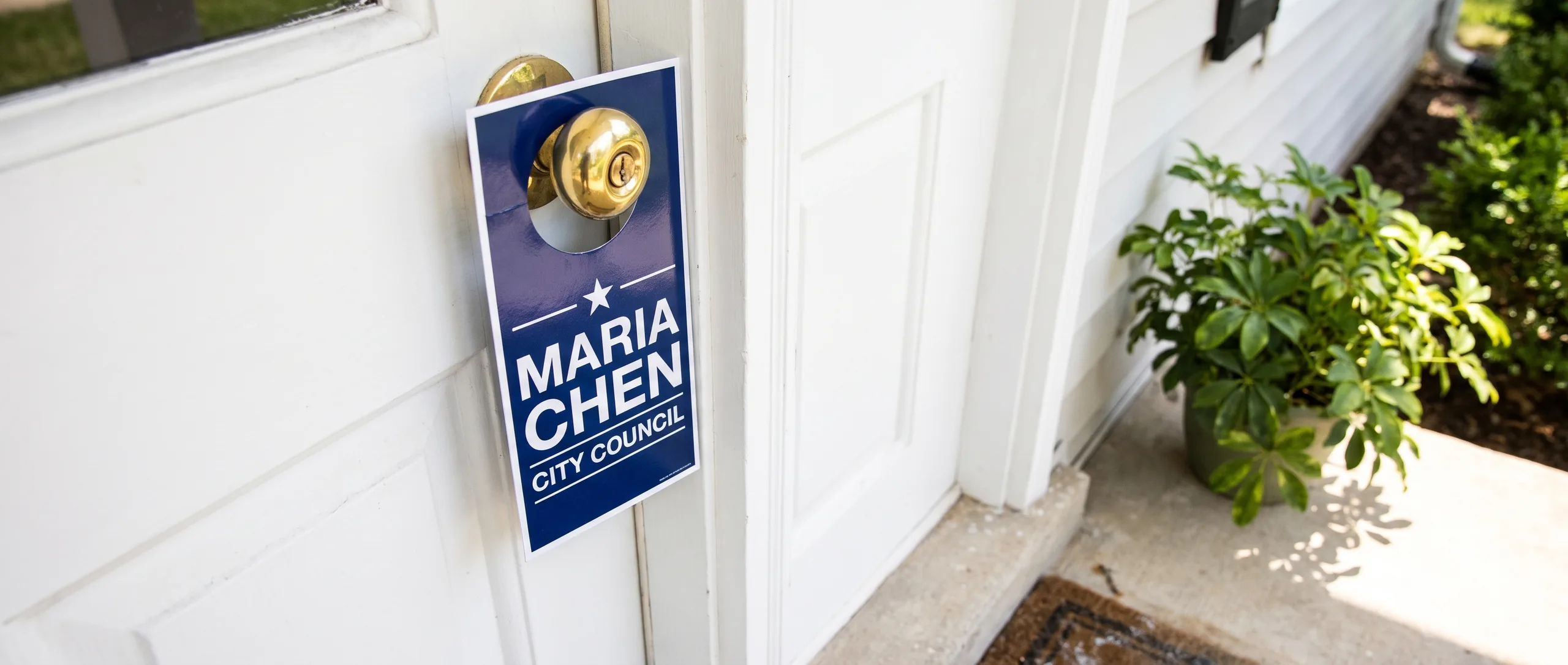
Campaign Door Hangers and Push Cards That Voters Keep
Campaign door hangers start at $246.09 for 250 at 3.5 x 8.5 in, double sided with a UV gloss [...]
Read More: Campaign Door Hangers and Push Cards That Voters Keep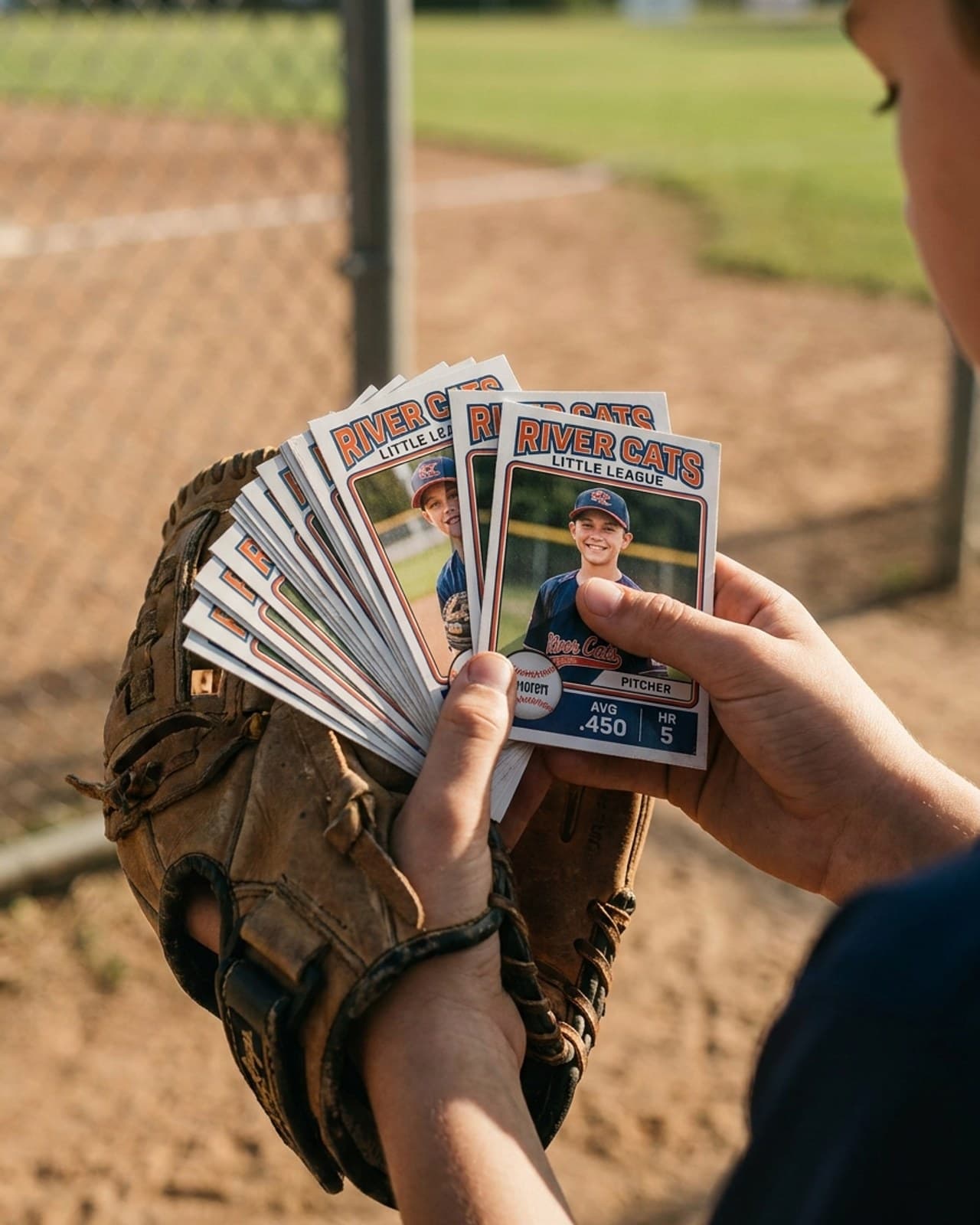
Custom Trading Cards for Teams: Youth Player Card Guide
Custom trading cards for teams start at $53.49 for 50 double-sided 3.5 x 2.5 in cards, printed [...]
Read More: Custom Trading Cards for Teams: Youth Player Card Guide