Matte vs Glossy Business Cards: How to Pick a Finish
Tomas Amaya
September 15, 2026Updated September 18, 20268 min read
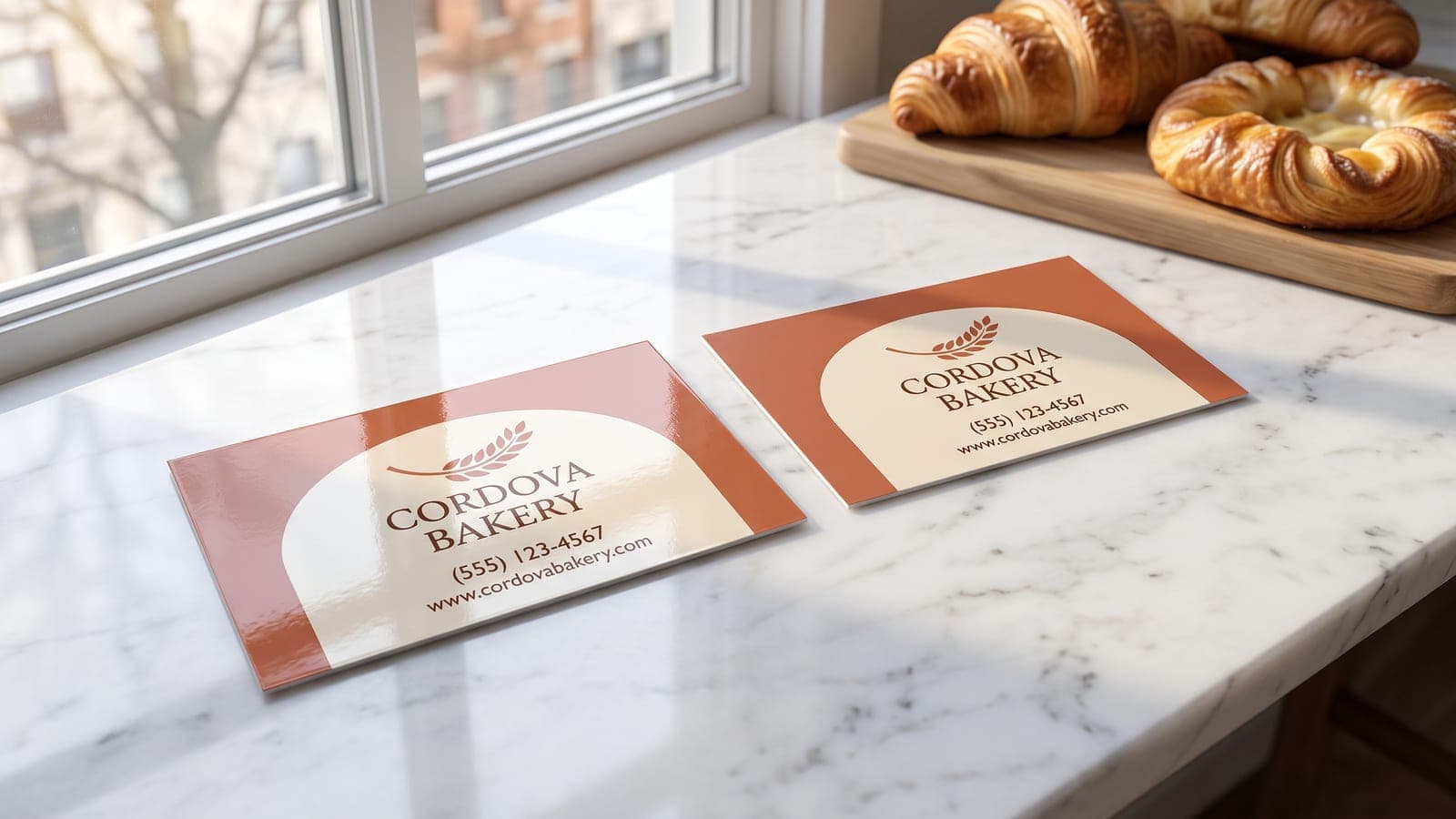
Should Business Cards Be Matte or Glossy?
Pick gloss when the card has to sell with color and pick matte when someone has to write on it. Gloss keeps photos and brand color saturated but shows fingerprints and resists ballpoint ink. Matte scatters light, takes a pen cleanly, and gives up a little saturation. We print 16pt gloss.
Almost every finish argument is a version of that one trade. One surface protects color, the other surface accepts ink from a pen, and no coating does both well.
Our Standard Business Cards run 16pt cardstock with a full color gloss finish, which is the finish most small businesses want without knowing the name for it. If matte or uncoated is the right call for how your card gets used, that is a quote rather than a checkbox, and it is covered below.
| Feature | Gloss | Matte | Uncoated |
|---|---|---|---|
| Color and photos | Most saturated | Slightly muted | Softest, ink absorbs |
| Glare under light | High | None | None |
| Writes with a pen | Poorly | Well | Best |
| Shows fingerprints | Yes, in direct light | Rarely | No |
| Handles wear | Wipes clean | Can scuff | Least durable |
| Reads as | Bold, commercial | Calm, modern | Natural, handmade |
| Best for | Photos, food, bright brands | Type led cards, notes | Craft brands, writing |
| How to order | Priced online | Quoted by hand | Quoted by hand |
What Is a Business Card Finish?
A finish is what sits on top of the printed sheet after the ink goes down, and it is not the paper. It changes two things: how light bounces off the card, and how the surface behaves under a thumb.
Gloss and matte coatings are both applied over the full printed face. Uncoated means nothing was applied at all, so the ink soaks into the paper fiber and the surface stays dry to the touch. The stock underneath can be identical in all three cases, which is exactly why finish and thickness are separate decisions and why you can change one without touching the other.
Glossy Business Cards: Saturated Color That Wipes Clean
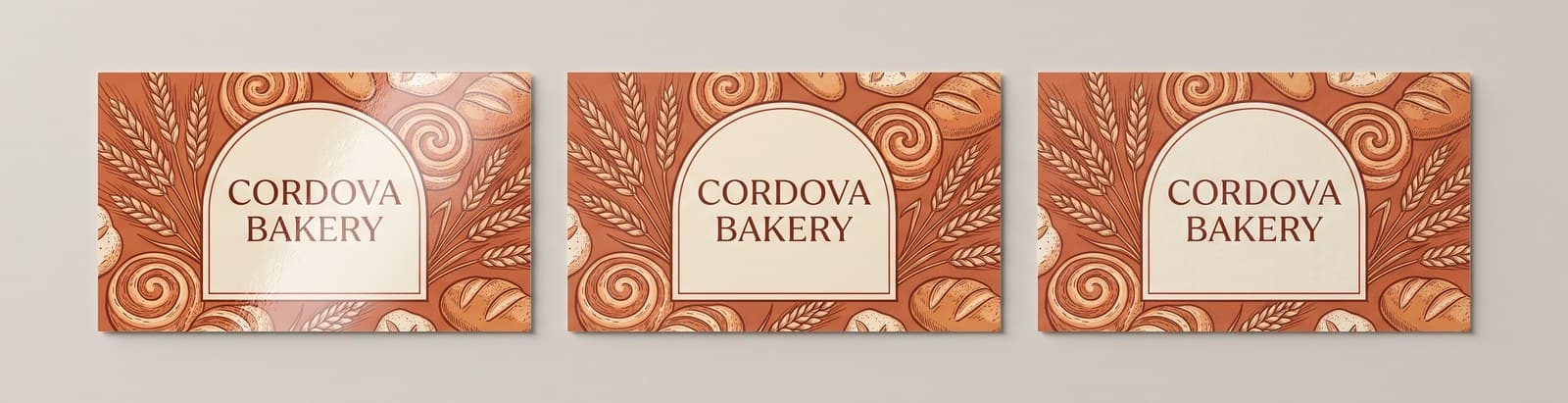
Gloss is the default for a reason: color sits on top of the coating instead of sinking into paper, so reds stay red and a dark background reads as deep rather than dusty. If your card carries a product shot, a plate of food, a headshot, or a logo built on bright brand color, gloss is doing work for you.
It also survives handling. A gloss card that spends a month in a truck console wipes off and still looks presentable, and the coating is what keeps a QR code crisp enough to scan after a hundred hands have touched it.
The two honest complaints are fingerprints and pens. Hold a gloss card up to a window and you will see every print on it, which is why the same card looks flawless on a desk and smudged in a customer's hand. A standard ballpoint also skates across the coating instead of biting into it, so any card you plan to write an appointment time on is a poor fit.
Matte Business Cards: Softer Look, Easy to Write On
Matte scatters light instead of reflecting it, so the card has no hot spots and no glare, and small type looks cleaner because nothing is bouncing off the letterforms. A restrained one or two color layout reads more expensive in matte than the same file does in gloss.
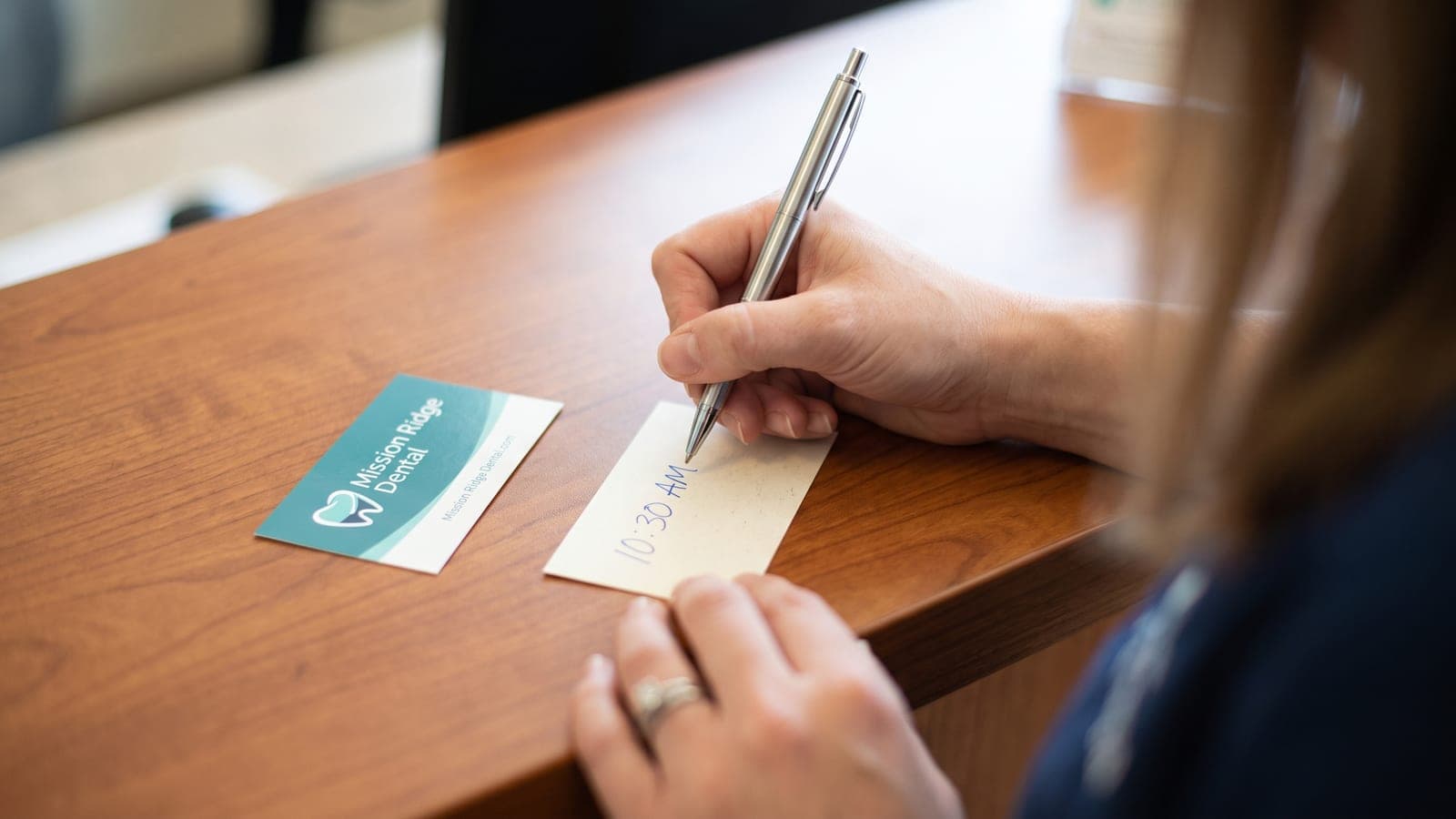
The practical win is the pen. A matte surface takes ballpoint, gel and felt tip ink and holds it, which turns the card into a small working document: the next appointment on the back, the price you quoted, a direct number. For an appointment based business that one ability is worth more than any color difference.
What you give up is a little saturation. Matte pulls the top end off strong colors and deep blacks, so a photo heavy card looks quieter than the same file on gloss. Matte can also show a scuff where gloss would wipe clean, most visibly on a solid dark background.
Uncoated Business Cards: The Most Writable Option
Uncoated is raw stock with nothing over the print. It is the most natural feeling card of the three, the easiest to write on, and the choice brands make when the card should feel handmade rather than manufactured.
The cost is durability and color. Ink absorbs into the fiber, so the print comes out a shade softer than the file you sent, and nothing protects the surface from moisture, oil, or a back pocket. An uncoated card that lives in a wallet for three weeks looks like it has. If your cards get handed out in summer heat and ride around in a work truck, that is one reason some people skip paper entirely and look at paper vs metal business cards.
Which Finish Fits Your Business?
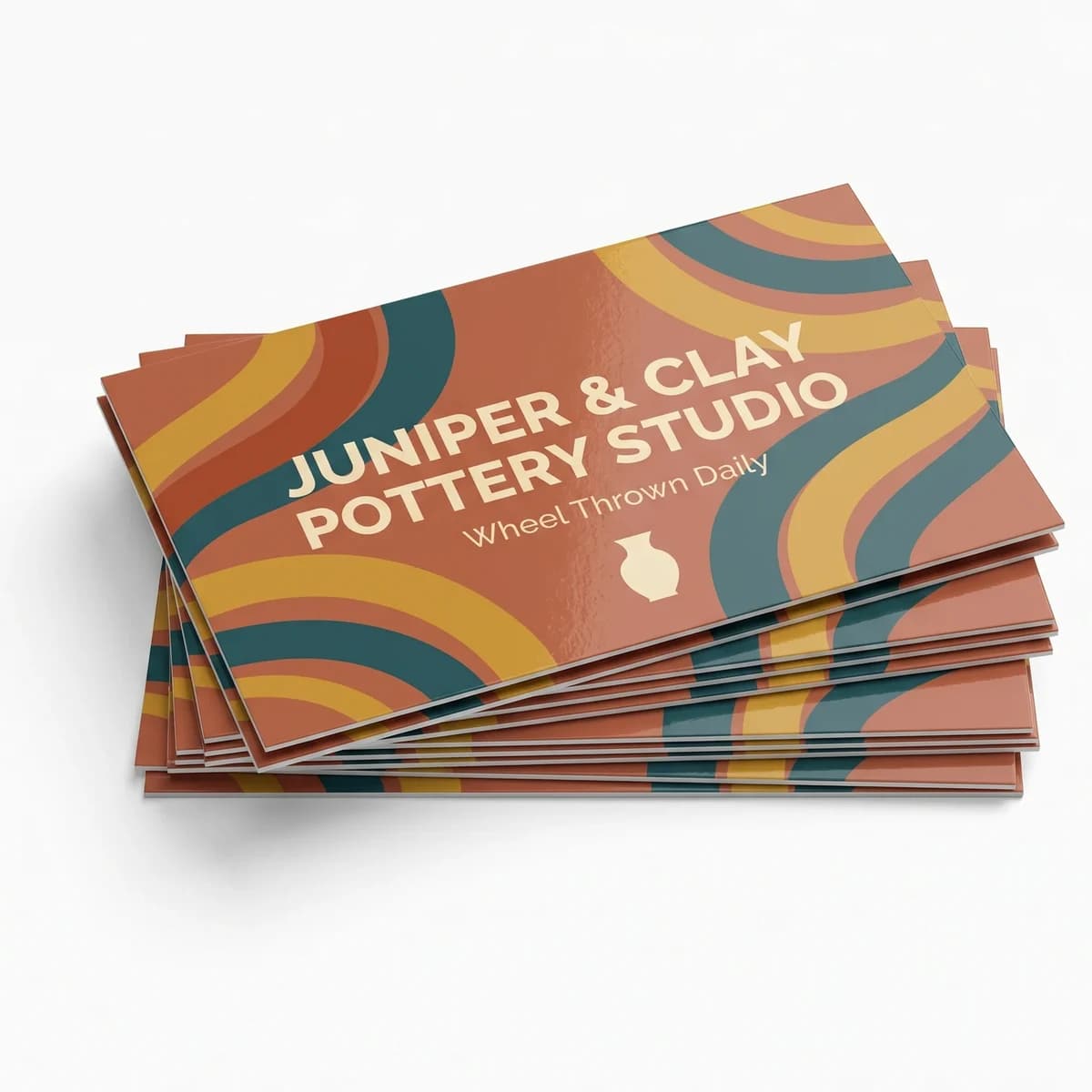
Pick gloss if you are a restaurant or food truck printing a dish, a photographer showing work, a real estate agent running a headshot and a brokerage logo, a contractor whose card lives in a glove box, or any brand built on strong color.
Pick matte if your card is mostly type and white space, if you hand cards out across a conference table, or if the card doubles as a note. Med spas, salons, dentists, attorneys, consultants and anyone who writes a next appointment on the back belong here.
Pick uncoated if the brand story is craft: a coffee roaster, a boutique, a woodworker. Order fewer and reorder more often, because they age faster than the other two.
If quantity, sides, artwork and proofing are all still open, our ten questions to ask before buying business cards walks the list in order.
Gloss
- Surface
- Coated, high shine
- Wipes clean
- Pen test
- Ballpoint skates
- Felt tip smudges
- How to order
- Priced online
- Packs of 50 to 3,000
Matte
- Surface
- Coated, no glare
- Can scuff
- Pen test
- Takes ballpoint
- Holds gel and felt tip
- How to order
- Quoted by hand
- Tell us stock and quantity
Uncoated
- Surface
- No coating at all
- Ink absorbs into the fiber
- Pen test
- Best of the three
- Any pen, no smear
- How to order
- Quoted by hand
- Tell us stock and quantity
What Finish Do We Print, and What Needs a Quote?
Gloss is the finish configured online today. Our Standard Business Card is 16pt cardstock, full color, gloss, cut to 3.5 x 2 in, and single sided and double sided cost the same, so the back is free space for a service list, a QR code or an appointment line.
Packs run from $49.99 for 50 cards up to $209.99 for 3,000. Production is 48 hours once you approve your free digital proof, shipping is a flat $10 per order to any US address, and every card is printed in the USA. There is no setup fee. Upload any image or file and we make it print ready: size, bleed, resolution and color. If you have no design at all, Design it for me is +$30 and a designer builds the card with two revisions included.
For matte, uncoated, or a specialty finish like soft touch or spot gloss on a logo, tell us the stock and the quantity at our contact page or call (210) 293-5651 and we will quote it. It is not on the configurator, so a quote is the honest way to handle it.
What We See on Proofs
The finish question shows up on proofs in one specific way, and it is almost always the back of the card.
Somebody picks gloss for a beautiful photographic front, then puts a blank white box on the back because the receptionist writes appointment times there. That card comes back with a shiny back that no ballpoint will mark, and nobody finds out until the first customer tries. The fix is free and takes a sentence: tell us up front that the card gets written on, and the layout and the finish get chosen around that instead of around the photograph.
The other pattern is a dark card. A deep navy or near black background looks stunning in the proof and shows every fingerprint in gloss and every scuff in matte. If the design is going dark edge to edge, expect the card to need wiping, and pick the finish knowing that.
Does the Finish Change Anything Else About the Card?
No. A coating adds a fraction of a thousandth of an inch, so a 16pt card is 0.016 inches thick in any of the three finishes, and the trim is the same 3.5 x 2 inches either way.
Two things do matter more than the finish. First, artwork: a gloss card built from a low resolution logo still looks like a low resolution logo, just shinier. Send a print ready PDF with bleed, or send the logo and let us set the layout, and build to the numbers in the standard business card size guide.
Second, the back. Whatever finish you choose, printing both sides costs nothing extra here, and a blank back is the most common waste on a card order. Put the service list, the license number or the QR code there. Every option, paper and brushed aluminum both, sits on the business cards page, and if budget is the real question, how much business cards cost has the full pack ladder with per-card math. For what actually belongs on the card, what information should be on a business card covers the six essentials.
Found the finish you want? Get started now.
Frequently Asked Questions
Neither is better in general, they are better at different jobs. Gloss keeps photography and brand color saturated and wipes clean, so it wins on any card built on a product shot or a bright logo. Matte kills glare and takes a pen, so it wins on a type led card or one somebody writes an appointment on.
Yes. Hold a gloss card up to a window and you will see every print on it, which is why the same card looks flawless on a desk and smudged in a customer's hand. The prints wipe off with a dry cloth, and they are most visible on a solid dark background. Matte and uncoated barely show them at all.
Not easily with a standard ballpoint, which skates across the coating instead of biting into it. A permanent marker or a gel pen will mark a gloss card, and both take longer to dry and smear if the card is touched too soon. If writing on the card is part of how you use it, ask us about matte or uncoated.
Matte is a coating applied over the print that removes glare while still sealing the surface. Uncoated means nothing was applied at all, so the ink soaks into the paper fiber. Uncoated is the most writable and the most natural feeling of the three, and also the fastest to show wear in a wallet.
On our cards gloss is the finish priced online, at $49.99 for 50 cards up to $209.99 for 3,000, and matte or uncoated is quoted by hand, so we do not post a price for it. Coatings are usually a small part of a card order next to quantity and stock. Send us the quantity and we will price it.
Gloss is the safer choice for a QR code, because the coating stays clean and scannable longer and the code keeps its contrast. Matte works too. The bigger factors are size and quiet space: print the code at least 0.75 inches square and leave clear margin around it so a phone camera locks on fast.
No. A coating adds a fraction of a thousandth of an inch, far less than the difference between stocks, so a 16pt card is 0.016 inches whether it is gloss, matte or uncoated. Finish and caliper are two separate decisions, and you can pick either one without changing the other.
Related Articles
Standard Business Card Size: 3.5 x 2 in, Bleed and Pixels
The standard business card size is 3.5 x 2 in, 1050 x 600 pixels at 300 dpi. Bleed and safe [...]
Read More: Standard Business Card Size: 3.5 x 2 in, Bleed and Pixels
Business Card Thickness: 14pt vs 16pt in Inches and mm
A 14pt business card is 0.014 in thick and a 16pt card is 0.016 in, or 0.36 mm and 0.41 mm. [...]
Read More: Business Card Thickness: 14pt vs 16pt in Inches and mm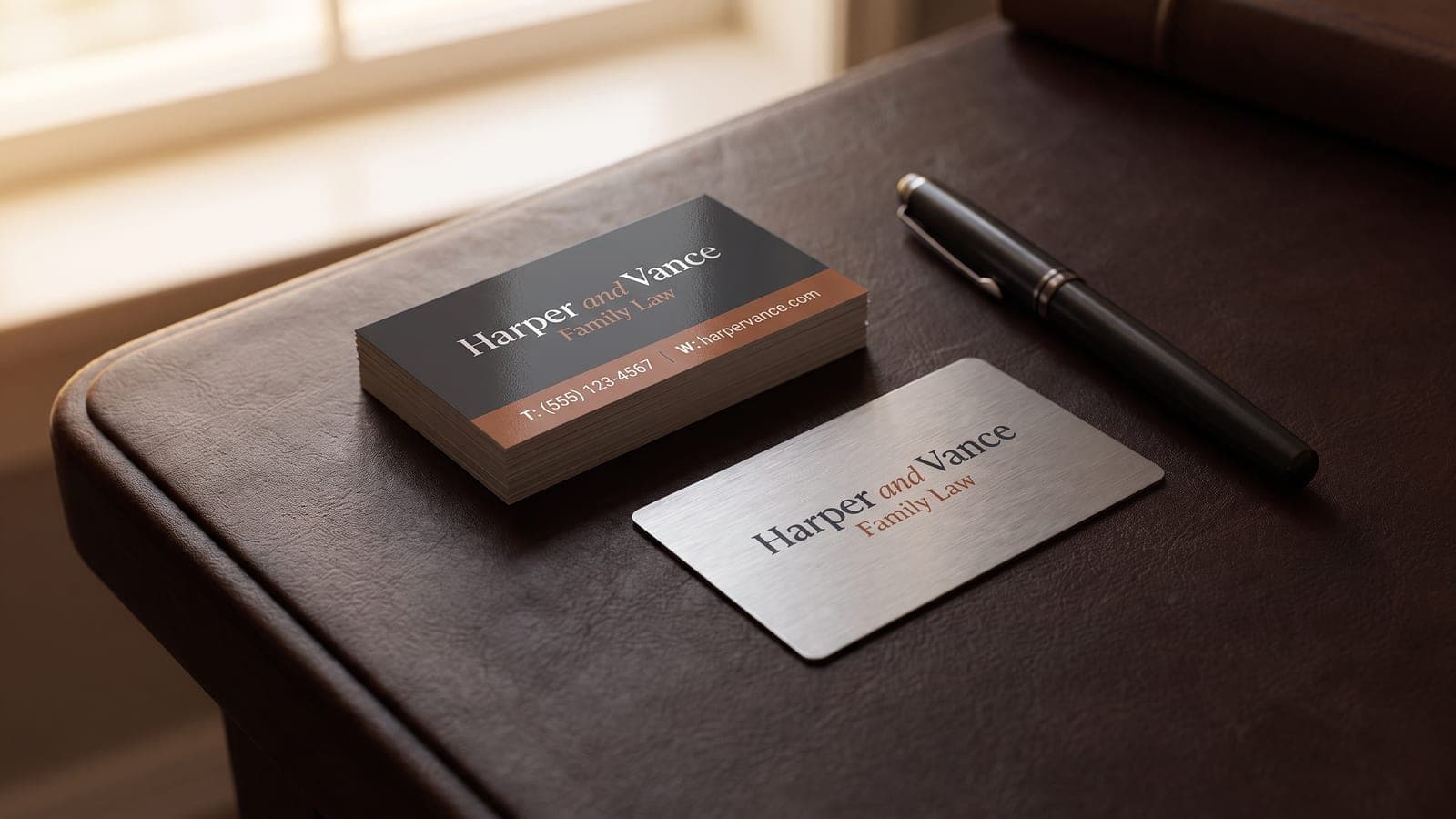
Metal Business Cards vs Paper: Cost Per Card and Feel
Metal business cards run about $2.30 each at 100 against about $0.60 for 16pt paper. Compare [...]
Read More: Metal Business Cards vs Paper: Cost Per Card and Feel
How Much Do Business Cards Cost? Pack and Per-Card Prices
Business cards cost $49.99 for 50, $89.99 for 500 and $109.99 for 1,000 in full color on both [...]
Read More: How Much Do Business Cards Cost? Pack and Per-Card Prices