Business Card Design: A Layout and Print Checklist
 Jean
September 18, 2026Updated October 19, 20269 min read
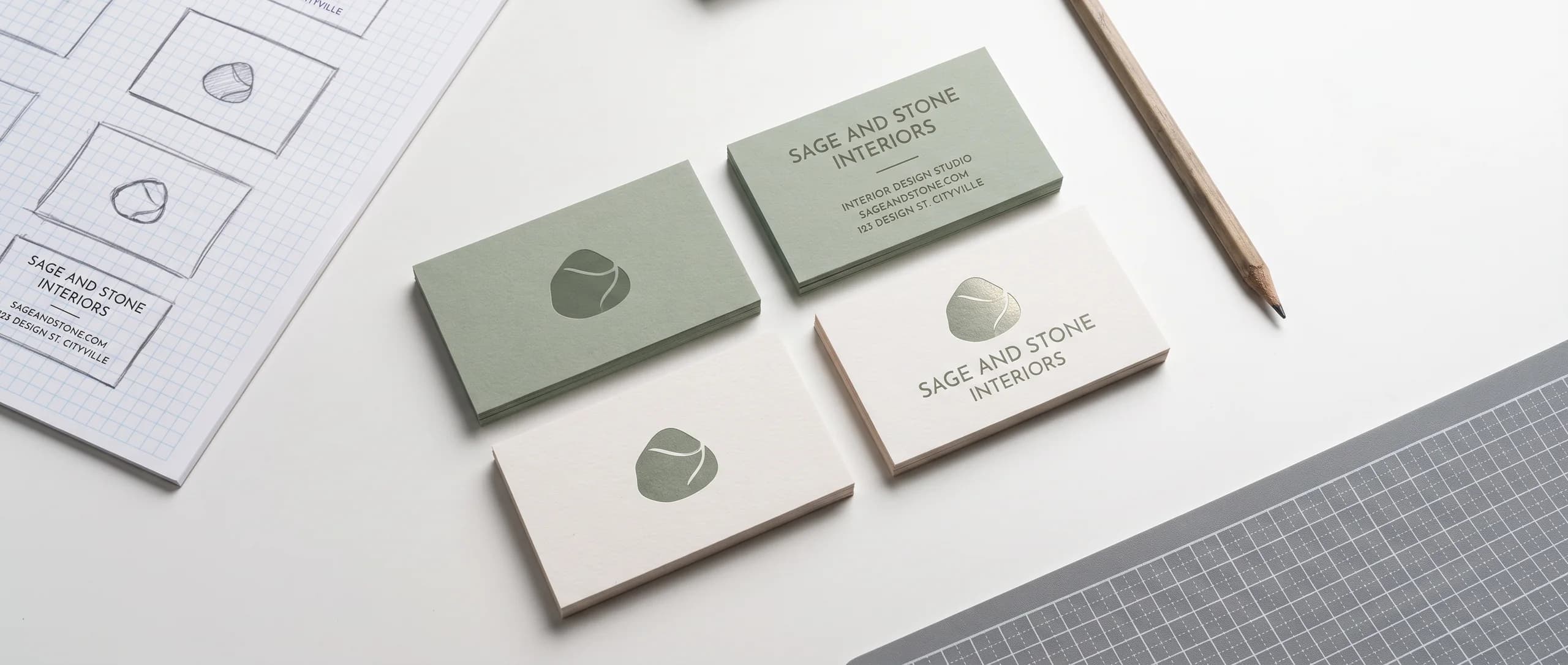
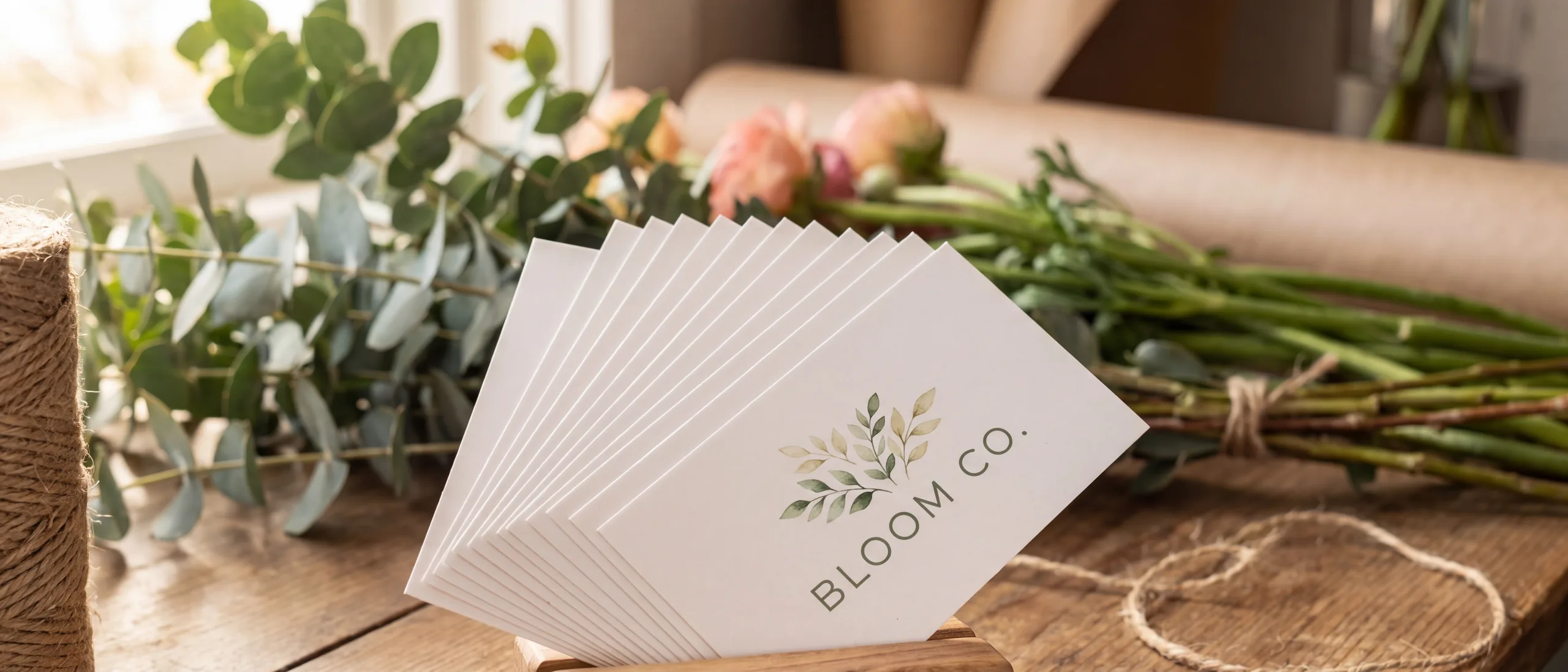
What should the eye see first on a 3.5 x 2 in card?
A business card design puts the name first, leaves open space, and keeps type 0.125 in inside the trim. Inline Graphics prints 250 double-sided 16pt gloss cards, 3.5 x 2 in, for $74.89, and the back is the same price. Flat $10 shipping goes to any US address.
Group the title and the contact lines into one aligned block under the name, with a single logo beside or under it. The contact lines sit under the title. A second logo, a second phone number, and a paragraph all compete with that name.
Build the layout for the card we actually cut: 3.5 x 2 in, 16pt cardstock, full-color gloss. The list of what to print, and what to leave off, is already in the business card information guide. Use that list, then arrange it. This page is the layout and the print checklist.
A vertical arrangement is the same rectangle turned. It is not a different product. Square cards, mini cards, and die-cut shapes are not on the paper card page. For another trim, ask for a quote.
Where should the logo sit, and how much open space does the card need?
Place one logo, large enough to recognize, and leave clear space around it. A reliable general practice is the top or the left of the card, with the name beside or under it, so the two read as one unit. The logo stays 0.125 in inside every trim edge, the same as the type.
Open space is part of the design. If color or type runs into every edge of the live area, the name has nowhere to rest. Leave a quiet margin inside the safe area, beyond the 0.125 in the cutter needs. That quiet margin is where a card starts to look considered.
Tiny type baked into a logo still has to be readable, or it should come out of the logo file. A tagline drawn as part of the mark at 4 pt will not become readable because the rest of the card is well set. Set a tagline as real type at a size you can read on paper, or leave it off the card.
Two or three brand colors are enough at this size. A full-color background costs the same as a card with a small logo on white, because the paper card prints full color either way. More ink is not a better layout. A full-bleed color can look strong when the type still has a solid place to sit.
What is the back for when double sided is the same price?
The back is a second surface you have already paid for. Single-sided and double-sided 16pt cards are the same price, so a blank back leaves that surface empty. 250 cards are $74.89 either way.
Treat the back as its own small layout, with one job. A map, a short list of services, or a code with a label can live there. The back should not repeat the front in smaller type. If the front already holds the name and one way to call, the back can hold the thing the front could not fit without shrinking.
Keep the same safe area on the back: 0.125 in inside the trim, type and logos only. A code on the back still needs empty space around it, and it still needs a test scan from an actual-size printout.
Save both sides as two pages of one PDF, front on page one, back on page two. A front that accidentally exports as page two will proof backward. Label the pages in your own file names if that helps you check, and still put the front first in the PDF.
How do bleed, the safe area, and the file setup work?
Extend the background 0.125 in past every trim edge. Keep text and logos 0.125 in inside every trim edge. On this card the trim is 3.5 x 2 in, so the live area for words is 3.25 x 1.75 in. The bleed exists so a full-color edge does not show a white line after the cut. Words do not belong in that outer band.
Outline every font before export. Use CMYK. Images need 150 dpi minimum at the size they will print, and 300 dpi is the ideal, unless the art is vector. A phone photo of a logo can be prepared with the order. It will not look like vector type if you place it huge. The matte versus glossy guide is the finish comparison. The card sold on the product page is gloss, which makes photographs and solid color look bright, and which also shows thin type quickly. Design the type so it still reads on that gloss surface.
We do not offer a downloadable template. Build to the 0.125 in bleed and the 0.125 in safe area, then order. The free proof is how you confirm the file after checkout.
What does 16pt gloss look like, and when is aluminum the better card?
The paper card is thick 16pt cardstock with a full-color gloss finish. In the hand it feels like a sturdy card, and the gloss makes photos and flat color read clearly. A matte finish is not a selection on that order form. If you are choosing between a shiny surface and a duller one, use the finish guide linked above, then order the gloss card the page actually sells, or ask for another finish as a quote.
Aluminum is the premium card: brushed metal, printed in full color, cut as a card. It is a different product at a different price. People keep it because the object feels different from a stack of paper cards. The paper versus metal guide walks through that choice. The prices below for metal are the double-sided 0.025 in ladder. The product page also offers a heavier 0.040 in card. This article does not price the 0.040 in thickness. Paper single-sided and double-sided are the same price. The aluminum rows here are double sided. Select the side on the product page and use the total shown there.
Both cards are produced in 48 hours after proof approval. Both ship for a flat $10 to any US address. Transit is not part of the 48 hours. Cards are printed in the USA.
How much do paper and aluminum cards cost?
250 double-sided 16pt paper cards are $74.89, about $0.30 a card. 100 double-sided 0.025 in aluminum cards are $256.79, about $2.57 a card. Use each row for that card only.
| Card | Price |
|---|---|
| 50 paper cards, 16pt gloss, 3.5 x 2 in, single or double sided | $53.49 |
| 250 paper cards, 16pt gloss, 3.5 x 2 in, single or double sided | $74.89 |
| 1,000 paper cards, 16pt gloss, 3.5 x 2 in, single or double sided | $117.69 |
| 50 aluminum cards, 0.025 in, double sided | $149.79 |
| 100 aluminum cards, 0.025 in, double sided | $256.79 |
| 250 aluminum cards, 0.025 in, double sided | $534.99 |
Fifty paper cards are about $1.07 each, and 1,000 paper cards are about $0.12 each. Fifty aluminum cards are about $3.00 each, and 250 are about $2.14 each. Paper also has 100 for $64.19, 500 for $96.29, 2,000 for $181.89 (about $0.09 each), and 3,000 for $224.69 (about $0.07 each), still single or double sided at the same price. More aluminum steps are 500 for $845.29 (about $1.69 each) and 1,000 for $1,423.09 (about $1.42 each), double-sided 0.025 in.
Design it for me is $29.99 with two revisions, and it is free when the item itself is $499 or more. The 250 aluminum cards at $534.99, the 500 at $845.29, and the 1,000 at $1,423.09 each clear $499, so the design fee is free on those three lines. The paper packs quoted here, and the 50 and 100 aluminum packs, are under $499, so the design fee stays $29.99 on those lines.
Start paper cards on the standard business cards page. Both cards sit in the business cards collection.
How do you go from a layout to an approved proof?
Prepare the layout, test it at actual size, place the order, then review and approve the free digital proof. There is no production setup fee. Any file or image you send is prepared through AI image to print for $14.99 per item. That is once per cart line item, not once per side, so a double-sided card is not two artwork charges. A PDF, an AI or PSD file, a PNG, a Canva export, or a phone photo all take that same path. We do not offer a downloadable template, and sending a file is not a free upload. After the order, the file is made print ready for size, bleed, resolution, and color, and the free digital proof is sent before anything prints.
- Set the trim to 3.5 x 2 in and extend the background 0.125 in past each edge.
- Place the name, the logo, and the contact lines 0.125 in inside the trim.
- Put the back on page two of the same PDF, front on page one.
- Outline the fonts and export in CMYK.
- Print one copy at actual size and read it before you order.
- Place the order, then approve the free proof when it arrives.
Production is 48 hours after that approval. Shipping is a flat $10. Add transit on top of the 48 hours when you plan the day the cards need to be in hand.
Need business cards or other custom printing? Inline Graphics helps businesses, churches, schools, and event organizers across the country design and print cards, banners, signs, decals, displays, and marketing materials that get noticed. Contact us today for a quote.
Frequently Asked Questions
The paper card is 3.5 x 2 in. Extend the background 0.125 in past every trim edge, and keep text and logos 0.125 in inside the trim. That live area is 3.25 x 1.75 in.
No. Single-sided and double-sided 16pt gloss cards are the same price. 250 cards are $74.89 either way, about $0.30 a card.
Save the front and the back as two pages of one PDF, with the front on page one. Outline the fonts, use CMYK, and keep type out of the 0.125 in bleed.
The card on the product page is 16pt cardstock with a full-color gloss finish. A matte finish is not a choice on that order form.
100 double-sided 0.025 in aluminum cards are $256.79, about $2.57 a card. 50 are $149.79. A heavier 0.040 in card is on the product page and is not priced in this article.
There is no production setup fee. Any file or image is prepared through AI image to print for $14.99 per item, once per cart line item. Design it for me is $29.99 with two revisions, and it is free when the item is $499 or more.
The free digital proof is sent after the order. Production is 48 hours after you approve it. Flat $10 ground shipping to any US address comes after that, and transit is not included in the 48 hours.
Related Articles
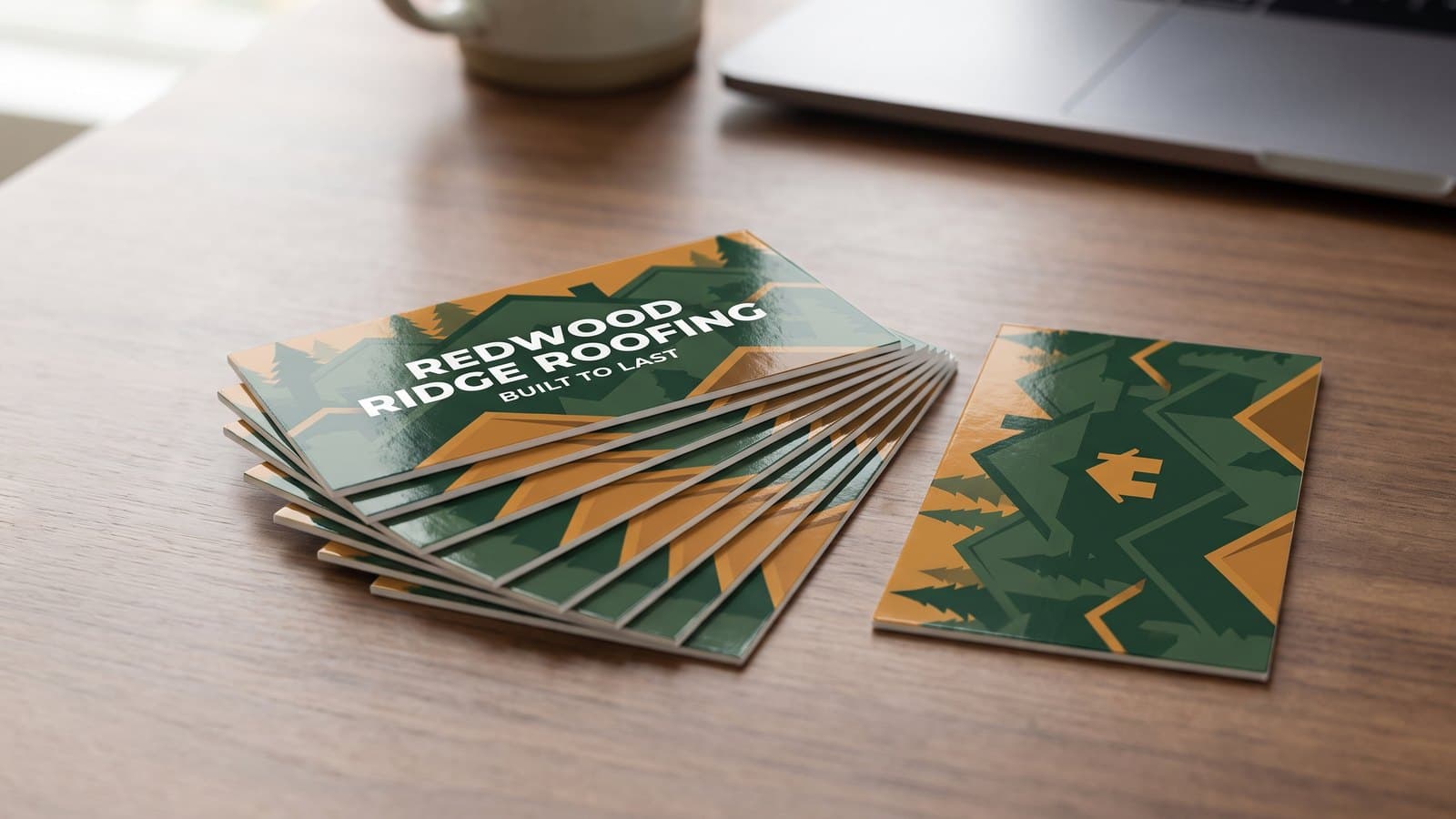
What Information Should Be on a Business Card? 6 Essentials
A business card needs 6 things: name, title, company, phone, email and website. What belongs on [...]
Read More: What Information Should Be on a Business Card? 6 Essentials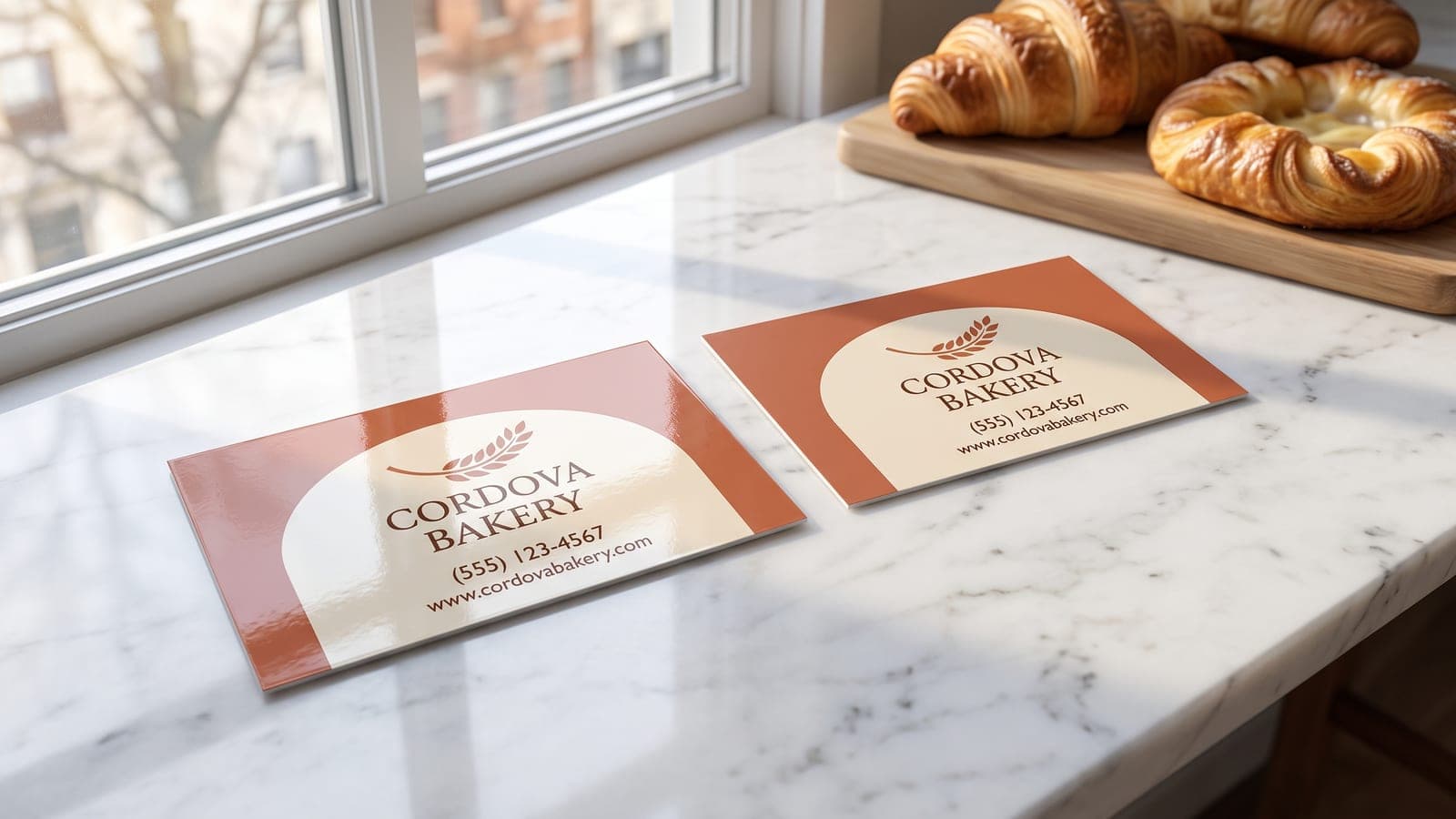
Matte vs Glossy Business Cards: How to Pick a Finish
Gloss emphasizes color, while matte reduces glare and may accept pen ink more easily. Compare 3 [...]
Read More: Matte vs Glossy Business Cards: How to Pick a Finish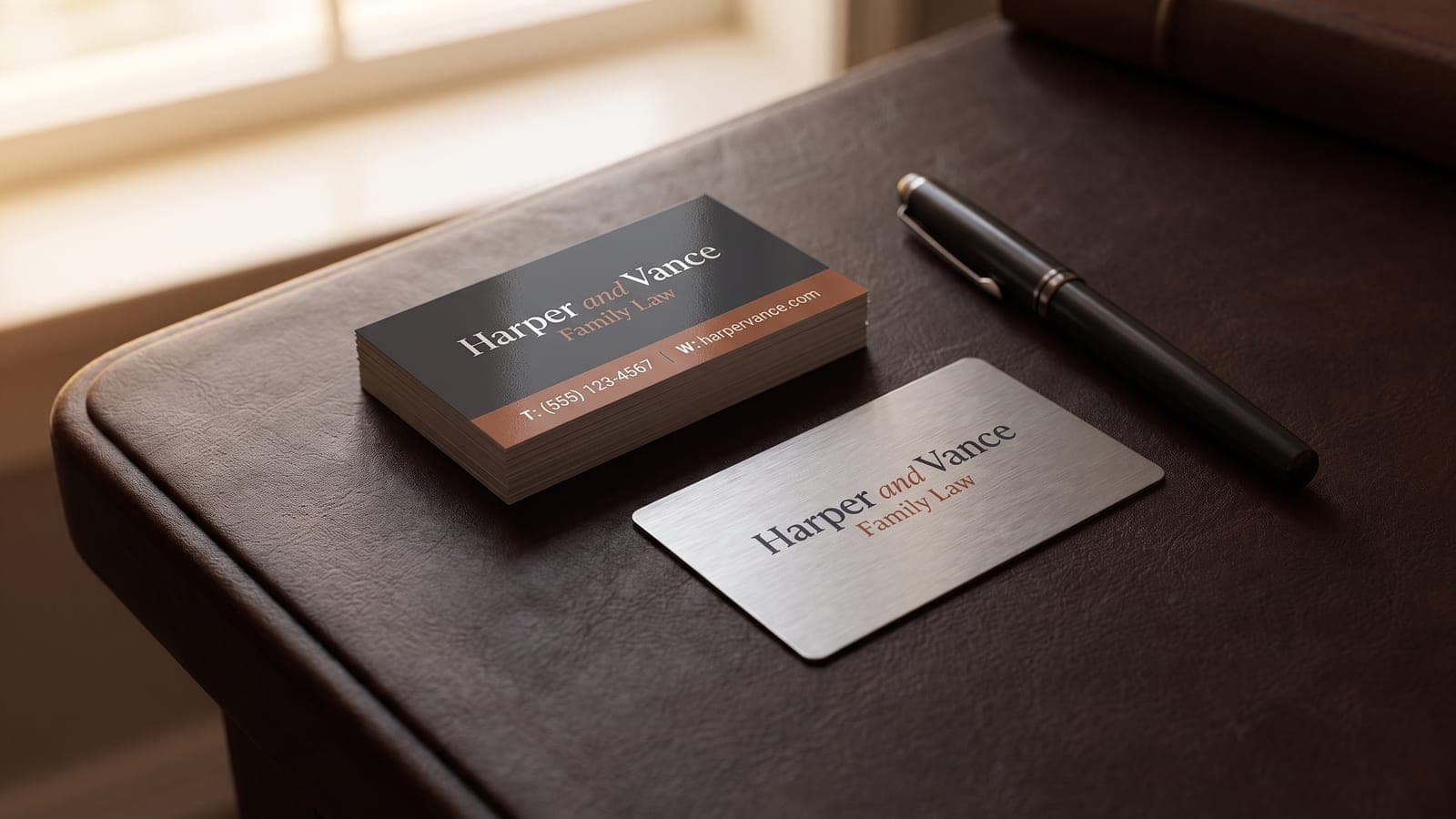
Metal Business Cards vs Paper: Cost Per Card and Feel
Metal business cards run about $2.46 each at 100 against about $0.64 for 16pt paper. Compare [...]
Read More: Metal Business Cards vs Paper: Cost Per Card and Feel
Aluminum Business Cards: When a Metal Card Is Worth It
Aluminum business cards start with 50 double-sided 0.025 in brushed cards, printed in 48 hours; [...]
Read More: Aluminum Business Cards: When a Metal Card Is Worth It