Marketing Templates for Consistent Cards and Flyers
 Daniel
October 31, 2026Updated November 5, 20267 min read
What Is a Marketing Template?
A marketing template fixes your logo, 2 or 3 brand colors, 2 fonts and a layout so every card, flyer and postcard matches. 50 business cards start at $53.49 and 25 flyers at $53.49, printed in the USA in 3 to 4 business days with flat $10 shipping.
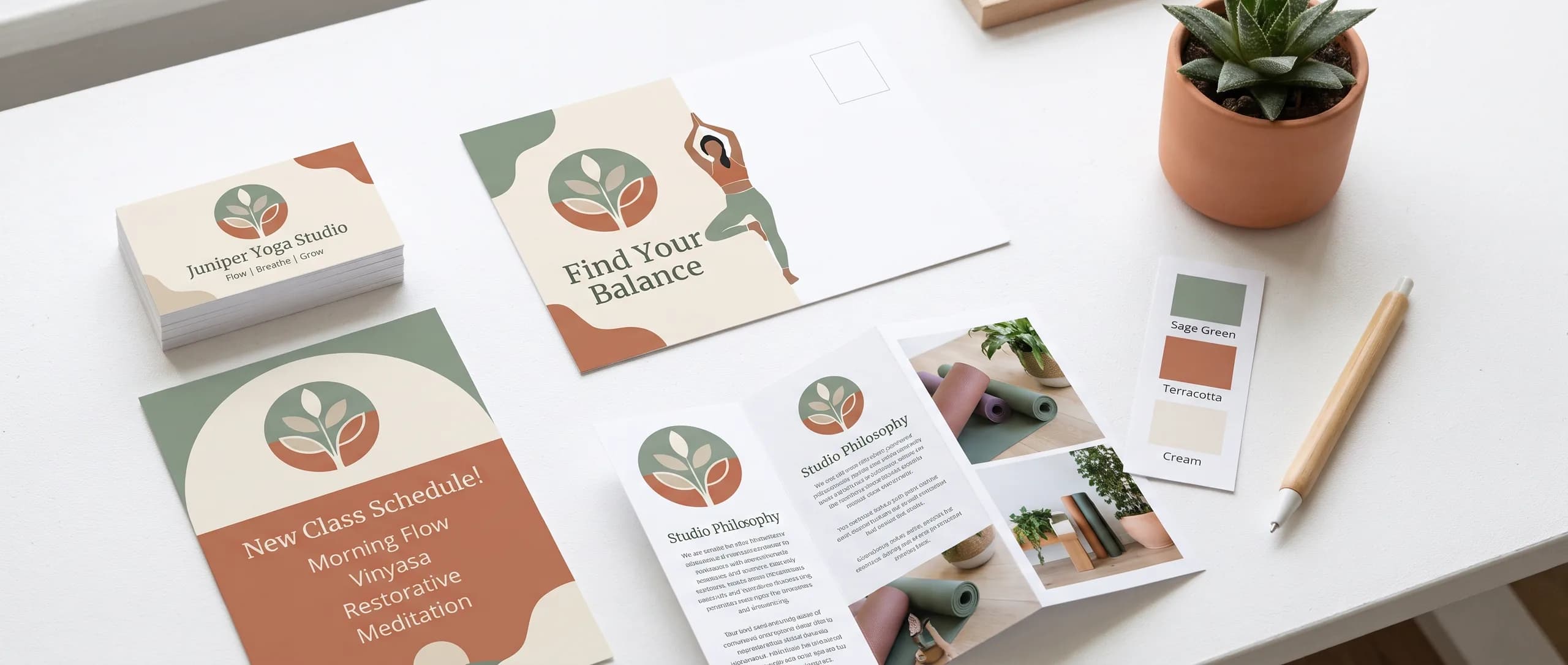
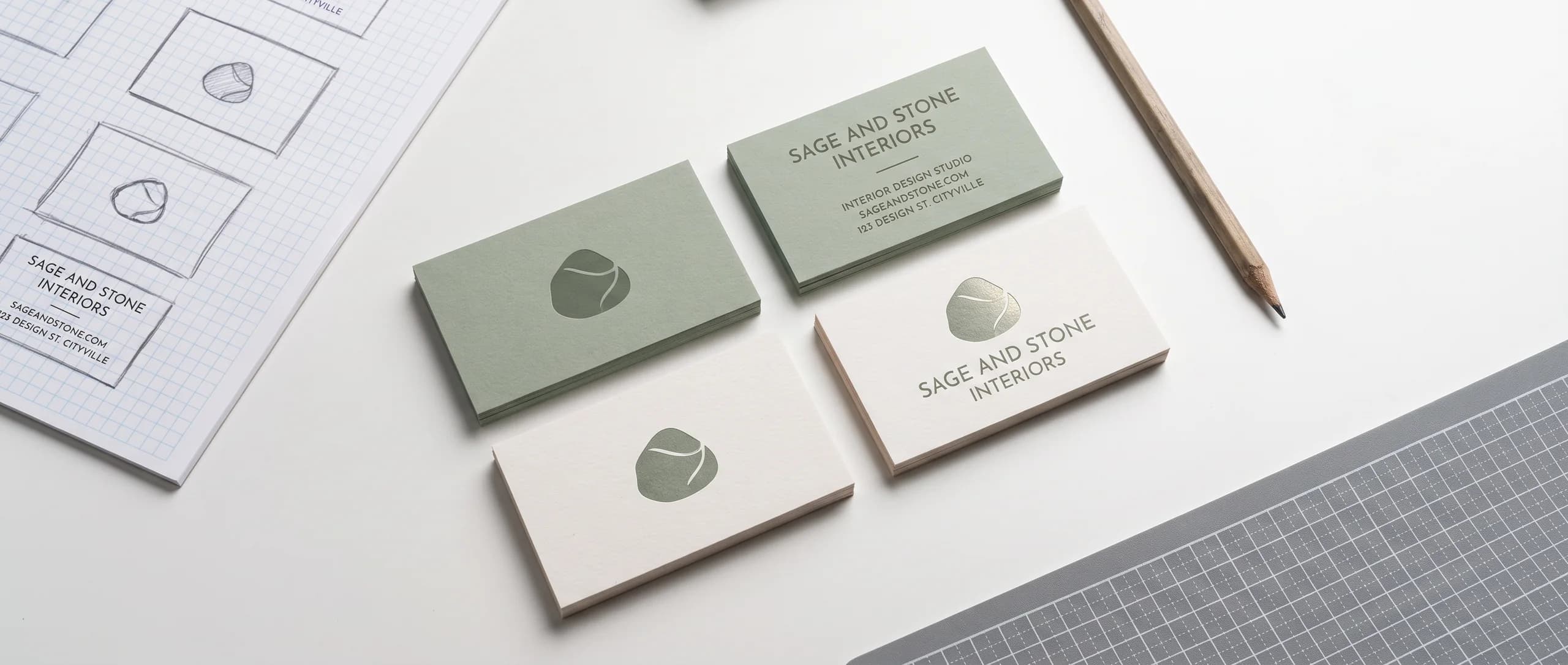
A marketing template is a saved layout that fixes the parts of your design that should never change: where the logo goes, which colors and fonts you use, and how the text is arranged. Each new business card, flyer or postcard starts from the template, so it looks like everything you printed before, even when someone new makes it.
| Template rule | What it fixes | Example |
|---|---|---|
| Logo | Version and placement | Top left on cards, top center on flyers |
| Colors | 2 or 3 exact values | Navy, white and one accent |
| Fonts | 1 or 2 families | Bold for headlines, plain for text |
| Layout | Spacing and order | Headline, image, details, contact |
Business cards and flyers are a common place to start. Business cards start at $53.49 for 50, and flyers at $53.49 for 25. Both are printed in the USA in 3 to 4 business days after proof approval and ship for a flat $10 per design to any US address.
Why Does Consistent Marketing Matter?
Consistency makes a small business look established and makes every piece work harder. When the card, the flyer, the sign and the website share the same logo, colors and fonts, people recognize the business at a glance, and each piece reminds them of the others.
Inconsistency does the opposite. A card in one blue, a flyer in another, a sign with an older logo: each piece looks like it came from a different company, and the customer has to work to connect them.
Consistency also saves time. When the decisions are already made, a new flyer takes minutes instead of an afternoon, and there is no debate about which blue or which logo to use. Orders move faster too, because the files you send match what was approved before, and the proof has fewer surprises.
What Belongs in a Brand Kit?
A brand kit is the folder your templates come from. Keep it simple:
- Logo files: a full color version, a one color version, and a white version for dark backgrounds, in the largest size you have.
- Colors: 2 or 3 brand colors written as exact values, so printers and designers match them.
- Fonts: 1 or 2 font families, named, with the weights you use.
- Example layouts: one finished business card and one finished flyer to copy from.
- Photos: a few approved photos of your work, team or products.
Store the kit in one shared folder and send it with every print order. A designer who has the kit produces matching work the first time. Give the folder a clear name and keep old versions in a separate archive folder, so nobody grabs last year's logo by mistake. When a team member leaves or joins, the kit is the one place they need to know about.
How Do Templates Keep Print Consistent?
Templates keep print consistent by making the decisions once. The logo always sits in the same place, the headline always uses the same font and size, and the contact block always looks the same. Only the message changes from piece to piece.
Build the business card first. It is the smallest piece and forces the hardest choices about logo size, fonts and contact details. Once the card works, the flyer, postcard and rack card follow its rules at larger sizes.
When something changes, such as a new phone number or a refreshed logo, update the template first, then every piece made from it.

Which Pieces Should Share a Template?
Every piece a customer sees should share the same brand rules, even when the layouts differ. That usually means:
- Business cards for every person who meets customers.
- Flyers for events and offers.
- Postcards for mailings.
- Rack cards and brochures for detail.
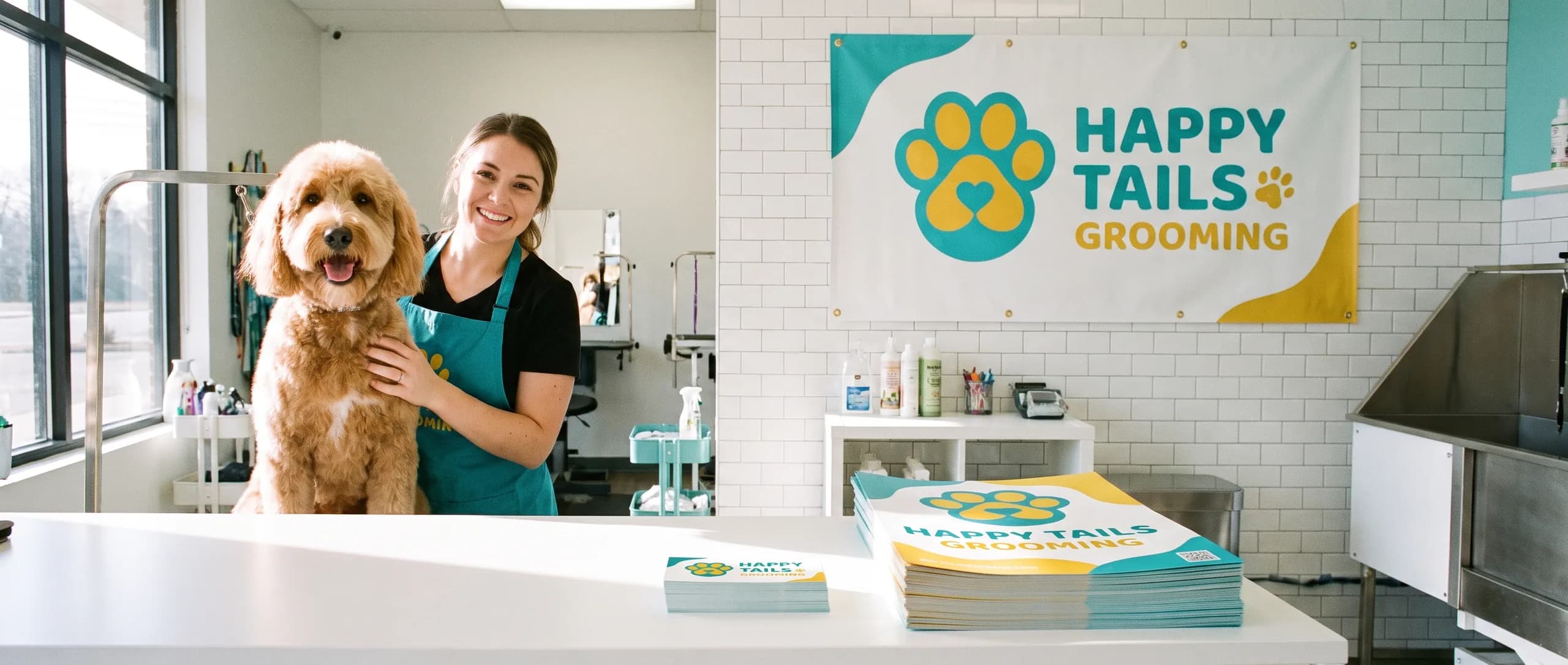
- Signs, banners and decals for the storefront and vehicles.
- Stickers for packaging and giveaways.
Each format has its own layout, but the logo, colors and fonts stay the same.
How Do You Use a Template for a New Flyer?
Start from the template, change only the message, and check the rules before you send it. Swap the headline, the image and the details; keep the logo, colors, fonts and contact block exactly as they are.
Keep the same image style as earlier pieces, too: the same kind of photos, lighting and cropping. Read the new flyer next to the last one. If it looks like it belongs to the same business, the template did its job. If something stands out, such as a new color or a different font, change it back.
How Do Templates Help a Team?
Templates let anyone on the team make a new piece without breaking the brand. A front desk manager can update the event flyer, a new hire can order business cards, and a volunteer can make a sign up sheet, and every piece still looks like it came from the same business.
Write the rules down in one page: the logo files to use, the colors as values, the fonts, and two or three do and do not examples. Put that page in the brand kit folder.
Name one person as the final check. Templates prevent most drift, but someone still needs to look at each proof before it is approved and catch the one piece that wandered.
How Do Templates Work for Signs and Vehicles?
Signs, banners and vehicles use the same brand rules at a much larger scale, read from much farther away. The logo and colors carry over; the amount of text shrinks.
A banner or a yard sign usually carries the logo, one line and a phone number or web address. A vehicle carries the logo, the main service and the contact, sized to read across a parking lot. A window carries the logo, hours and one message.
Make a large format version of your template: the logo, the colors and a bold headline font that reads at a distance. Every sign, banner and decal starts from it, so the storefront, the truck and the business card look like one company.
How Often Should You Update Templates?
Update templates when something real changes: a new logo, a new phone number, a new address, a new service. Do not change them for variety. Consistency is the point.
Review the kit once a year. Check that the logo files are the current version, the colors are written down correctly, and the example layouts still reflect how you want to look. Fix the template first, then reorder the pieces that carry the old version.
What If You Do Not Have Templates Yet?
Start with what you have. Send your logo, your colors if you know them, and an example of a piece you like. The proof will show the layout before anything prints.
The business card maker builds a card from your details, which can become the starting point for the rest of the kit. If you send a phone photo, a sketch or a ChatGPT image, artwork prep is $14.99 per item. Design it for me is $29.99 per item, and free on items of $499 or more.
Save the final files from your first order. They become your templates for the next one.
What Should You Check on Proofs Made From a Template?
Check first for the details that changed: the date, the offer, the phone number. Templates keep the design right; they do not keep the facts right.
Next, check for colors against a piece you already printed. Hold the old piece next to the screen when you review the proof.
Also check for an old logo. If the template file was not updated after a logo change, every new piece carries the old one.
How Do You Order Matching Print Pieces?
Send your brand kit or template files with the order, say which earlier piece the new one should match, and approve the proof. A free proof comes with every order.
Business cards, flyers and postcards print in 3 to 4 business days after proof approval, and each product ships for a flat $10 to any US address.
Frequently Asked Questions
A saved layout that fixes your logo placement, colors, fonts and spacing for a piece such as a business card, flyer or postcard. Each new piece starts from the template, so it matches what you printed before.
Your logo in a few file versions, 2 or 3 brand colors written as values, 1 or 2 fonts, and a few example layouts. Keep it in one shared folder and send it with every print order.
The business card maker builds a card from your details, and the store hours decal includes a business hours template. For other pieces, send your brand kit or artwork; artwork prep is $14.99 per item.
Write your brand colors as exact values and send them with every order, use the same product for repeat runs, and compare new proofs with a piece you already printed.
50 double-sided business cards start at $53.49 and 25 4 x 6 flyers at $53.49. Both print in 3 to 4 business days after proof approval and ship for a flat $10.
Yes. Keep your final files, and a reorder of the same artwork matches the first run. Change only the details that changed, such as a phone number or an offer.
Related Articles
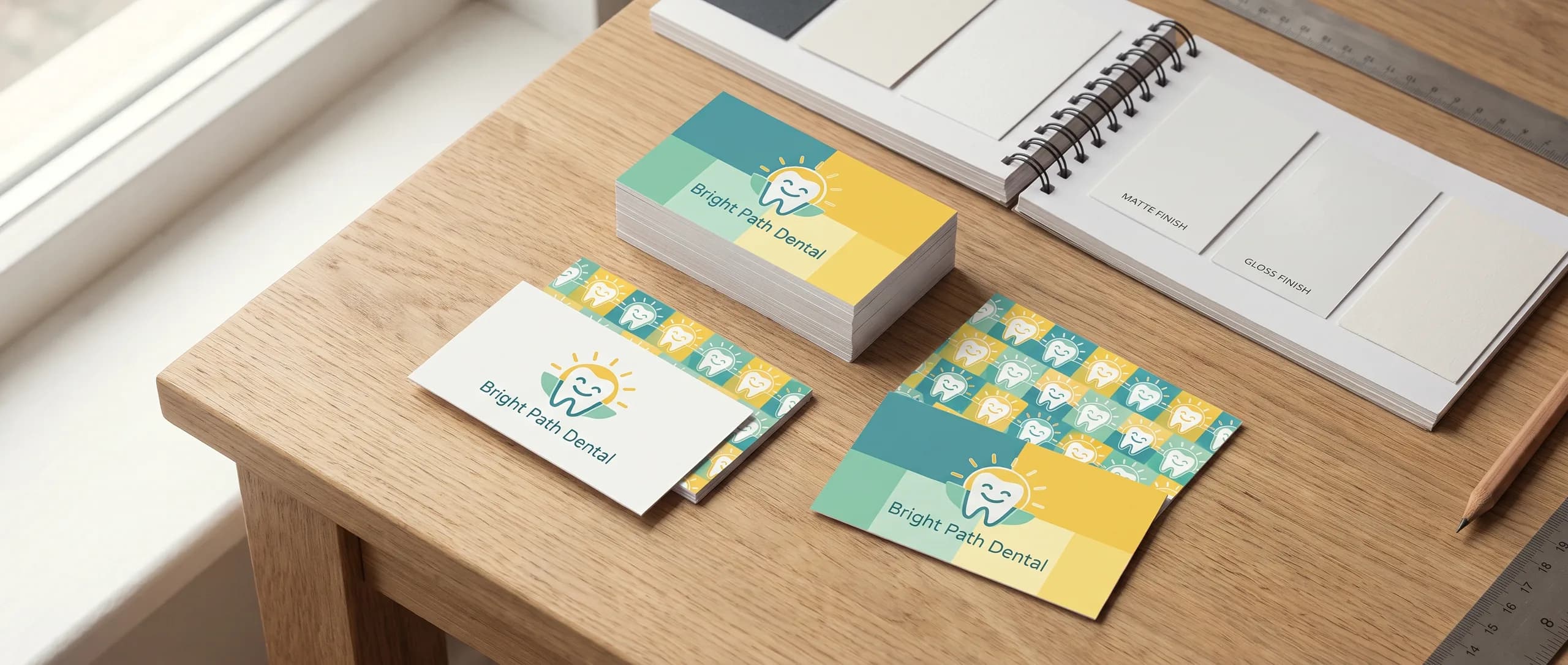
Business Card Design Guide: Layout, Stock and Finish
A business card is 3.5 x 2 in, set up at 3.75 x 2.25 in with bleed; 50 double-sided 16 pt cards [...]
Read More: Business Card Design Guide: Layout, Stock and Finish
Flyer vs Postcard vs Brochure: Compare 4 Print Formats
Flyers start at $53.49 for 25, postcards at $74.89 for 100, rack cards and brochures at 250. [...]
Read More: Flyer vs Postcard vs Brochure: Compare 4 Print Formats
Cardstock Weight Guide: Paper, Thickness and Finishes
Business cards, flyers and postcards print on 16 pt cardstock; brochures on 70 lb text; rack [...]
Read More: Cardstock Weight Guide: Paper, Thickness and Finishes
Sticker Marketing Ideas: Small Business Campaign Guide
Sticker marketing starts at $29.99 for one 2 x 2 in die cut sticker, printed in 3 to 4 business [...]
Read More: Sticker Marketing Ideas: Small Business Campaign Guide