Green Screen vs Blue Screen: Which Backdrop Keys Cleaner
 Jean
Jean
May 12, 2026Updated October 16, 20268 min read
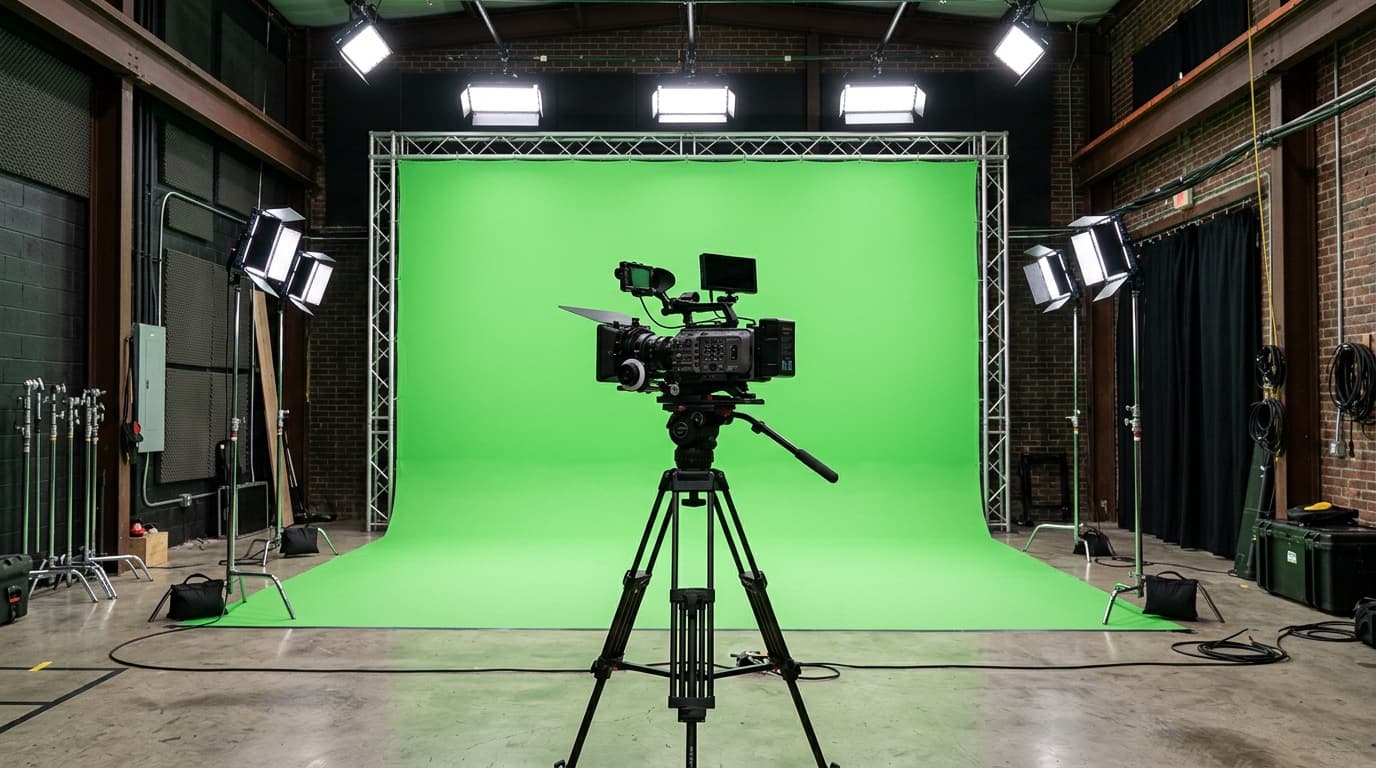
Green Screen or Blue Screen: Which Should You Use?
Green is the usual chroma key choice because Bayer-pattern camera sensors devote 50 percent of their photosites to green, giving that channel more recorded detail. Choose blue when the subject contains green or the scene is dark. With either color, keep the subject 4 to 6 feet from the backdrop when space allows.
Use green for most digital-camera chroma work unless the subject contains green or the intended scene favors blue. Use blue for green wardrobe or props, darker scenes, or situations where blue spill will be easier to manage. The backdrop color is a production choice, while even lighting, separation, and a flat surface determine how cleanly the key holds.
| Factor | Green screen | Blue screen |
|---|---|---|
| Bayer-pattern sensor sampling | 50 percent of photosites | 25 percent of photosites |
| Light needed | Generally less | Generally more |
| Spill on skin | Often more visible | Can be less noticeable |
| Best for | Daylight scenes, most interviews, virtual sets | Green wardrobe, night scenes, moody lighting |
| Common failure | Green spill on a subject too close to the wall | Underlit backdrop that keys with torn edges |
For a typical interview, product video, listing video, or livestream, green is the practical default. Change to blue when green must remain in the subject or when the lighting and intended composite make blue the cleaner separation color. Either choice still needs a subject who is separated from the wall and a background lit as evenly as possible.
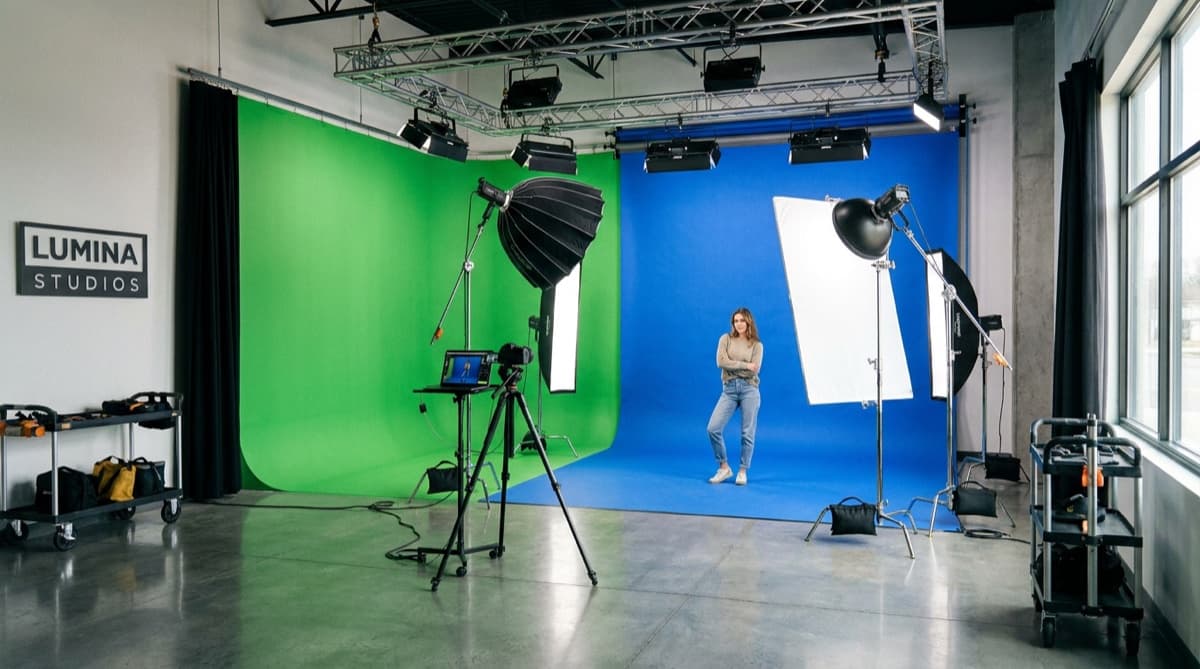
Why Are Chroma Backdrops Green and Blue?
Green and blue are common because they usually contrast with human skin tones and can be separated from the subject. They are conventions rather than software limits. Adobe's keying guidance explains that any solid color can be keyed, so the useful question is which color is least likely to appear in the subject and easiest to light consistently.
Sensor design helps explain why green became the usual digital choice. A Bayer-pattern sensor uses 50 percent green, 25 percent red, and 25 percent blue photosites. That arrangement gives the green channel more sampled information on cameras using this common pattern. It does not mean every camera sensor is built the same way.
Blue was common in film-based compositing before green became more popular with digital cameras, as described in Adobe's comparison. Both remain useful.
The backdrop should therefore be chosen against the subject, wardrobe, props, camera, and final scene. Green is efficient for many digital shoots. Blue remains useful because it avoids green clothing and objects, supports darker visual treatments, and can produce spill that is less distracting on skin.
When Is Blue Screen the Better Choice?
Choose blue when green is part of the subject and cannot be removed. Green jerseys, branded uniforms, packaging, props, or plants can be damaged by a green key because the software is being told to remove that color from the frame.
Blue can also fit a darker scene. Adobe's green-screen and blue-screen comparison recommends blue for darker scenes and notes that blue spill can be less noticeable on skin. That makes blue useful when the composite is meant to feel like night or when a cool edge is easier to hide than a green one.
The tradeoff is lighting. Blue generally needs more light than green at the same setup. A small room with limited fixtures may therefore be easier to manage with green, provided the wardrobe and props do not conflict with it.
What Size Chroma Backdrop Do You Need?
Size the backdrop to the widest camera frame rather than the wall behind it. An 8 ft wide panel can cover a seated or head-and-shoulders setup. A standing presenter who moves benefits from 10 ft of width because the subject and camera need room before an edge enters the shot.
Our printed backdrop kits are 8 feet tall and come in three widths: 8 x 8 feet at $492.19, 9 x 8 feet at $513.59 and 10 x 8 feet at $534.99, each with the telescoping frame and a carrying bag included. Replacement panels for a frame you already own are $310.29, $331.69 and $363.79 at those same widths.
An 8 ft tall panel supports many medium shots, but a full-length shot with visible floor needs more planning. A framed backdrop ends at the floor rather than creating an automatic sweep. If the shot includes shoes and ground, plan a matching floor extension or frame the camera so the lower edge remains outside the composition.
For a narrower interview background, the tension fabric stand is 36 x 90 or 48 x 90 inches on an aluminum tube frame with a steel base plate, at $449.39 and $534.99. It fits a tighter composition rather than a full-width standing set and assembles without tools.
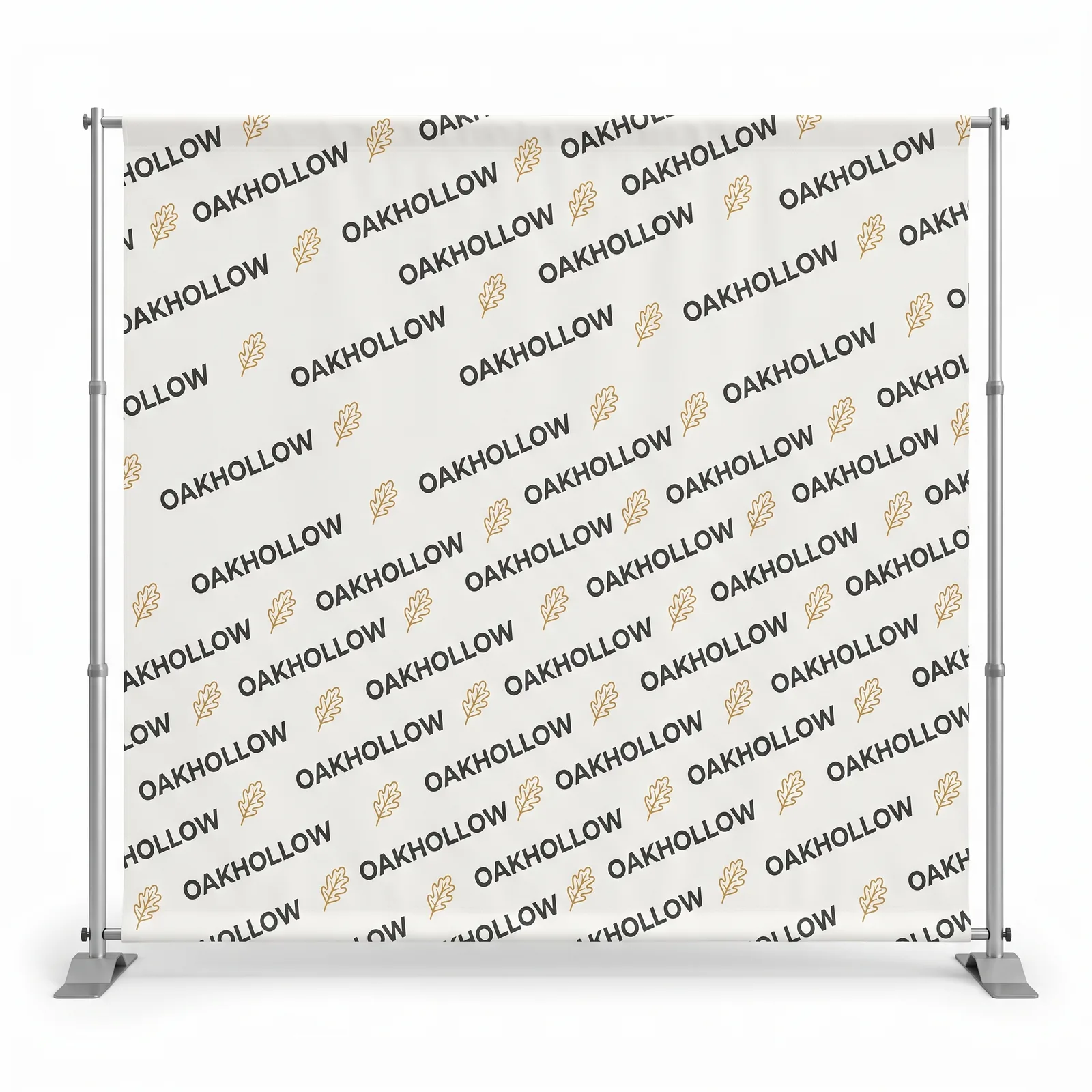
What Are Printed Chroma Backdrops Made Of?
Printed chroma backdrops can use fabric, muslin, vinyl, or seamless paper. The practical difference is how flat and evenly lit each surface remains. A fold or hot spot creates a second value of the backdrop color and makes the key harder to isolate.
- Dye-sublimated polyester fabric. Foldable and low sheen, suited to a portable framed setup.
- Muslin. A cotton surface that can hold visible folds and may need steaming.
- Vinyl. Wipeable but more reflective, so a hard light can create a hot spot.
- Seamless paper. Smooth at the start but vulnerable to tears, marks, and floor wear.
The printed backdrop kit uses a 9 oz wrinkle-free dye-sub low-sheen fabric panel. It is hemmed with pole pockets, printed on one side, and supported by a telescoping frame with 1.625 in diameter poles. For chroma use, submit one flat green or blue field across the full panel rather than a color sampled from a photograph.
How Do You Light a Chroma Backdrop?
Light the backdrop and subject separately, and keep the backdrop as even as possible across the camera frame. A correct color with a bright center, dark corners, and fold shadows still creates several values for the software to remove.
A setup that works in almost any room:
- Two soft sources aimed at the backdrop from about 45 degrees on each side, adjusted so their coverage overlaps without a bright center.
- The subject 4 to 6 feet off the backdrop, lit by their own key and fill.
- A backlight or hair light on the subject, which helps separate the subject from the background.
- A final exposure check across the frame. If one side is visibly brighter, correct the light before recording.
Separation helps control spill. Keep the subject 4 to 6 feet from the backdrop when the room allows, then use a backlight or hair light to separate the edges. Distance reduces colored light reaching shoulders and hair and lets the background be adjusted without changing the subject exposure.
What We See on Backdrop Orders
The first problem we see is a backdrop sized to the room instead of the camera frame. A wide two-person interview can reveal the edge of a panel that looked large enough while measured against the wall. Plan from the widest shot and the subject's movement.
The second problem is a chroma color sampled from a screenshot. A photograph of another studio includes that room's lighting and exposure, so the sampled color is not a neutral reference. Submit a single solid build across the artwork.
The third problem appears after storage. Wrinkle-resistant fabric can still show a fold line when it stays tightly packed and is then hit with hard light. Let the panel relax, tension it evenly on the frame, and use soft, even lighting. Roll it for storage when space permits.
What to Send Us
For a chroma panel, send a PDF at the ordered panel size with one flat green or blue build across the full page, and we make it print ready for $14.99 once per item. For a scenic or branded backdrop, send vector artwork or images at 150 dpi at full size, use CMYK color, outline fonts, and keep important elements clear of the hem and pole pockets.
Existing artwork goes through AI image to print, which makes it print ready for $14.99 once per item. Design it for me is $29.99 on an item under $499 and free at $499 or more, with two revisions included. The 8 ft kit at $492.19 carries the add-on, while the 9 ft kit at $513.59 and 10 ft kit at $534.99 qualify for it at no charge.
Every order includes a digital proof before printing. Production is the next business day after approval, and the backdrop is printed in the USA and shipped nationwide with flat $10 shipping to any US address. For a repeating logo pattern rather than a flat chroma color, start with the step and repeat backdrop and compare the rest of the banner stand range.
Frequently Asked Questions
Green is the usual choice for many digital-camera setups because Bayer-pattern sensors devote 50 percent of their photosites to green, and green generally needs less light. Blue is often better when the subject wears green, green props must remain visible, or the scene is deliberately dark.
Green and blue are common because they usually separate from human skin tones and everyday wardrobe choices. Keying software can remove any solid color, but green provides more sampled data on Bayer-pattern sensors, while blue can create less noticeable spill on skin.
Keep 4 to 6 feet between the subject and the backdrop, more if you have the room. That gap does two jobs: it reduces green light reaching shoulders and hair as spill, and it lets you light the backdrop separately from the subject so one exposure does not fight the other.
8 ft of width can cover a seated or head-and-shoulders shot. For a standing presenter with movement, go to 10 ft wide. Our printed backdrop kits are 8 ft tall and come 8, 9 or 10 ft wide at $492.19, $513.59 and $534.99 with the frame and carrying bag included.
We print the artwork you send, and for chroma work that artwork is a flat green or flat blue field on the same 9 oz wrinkle-free fabric as any other backdrop. Send the color you key against as a single solid build in the file, and you will see it on a free digital proof with every order before anything prints.
Yes, and they are a more common cause of a bad key than the wrong color. A crease makes a light side and a dark side of the same green, and the keyer treats those as two colors. Our backdrop fabric is a 9 oz wrinkle-free dye-sub panel, and the pole pockets pull it taut on the frame so whatever is left of a fold has less to cast.
Yes. The same panel takes a photographic scene, a brand pattern or a step and repeat logo wall, printed edge to edge at full color. Many studios own both: one flat chroma panel for virtual sets and one branded panel for interviews where the room should read as yours.
Related Articles
What Is Green Screen and How Does It Work?
A green screen setup needs an evenly lit backdrop and 4 to 6 ft of subject spacing. Learn how [...]
Read More: What Is Green Screen and How Does It Work?
Step and Repeat Backdrop: 8, 9 and 10 ft Sizes and Prices
A step and repeat backdrop is a repeating logo wall, 8 ft tall and 8, 9 or 10 ft wide. What the [...]
Read More: Step and Repeat Backdrop: 8, 9 and 10 ft Sizes and Prices
Fabric Backwall Display Guide: 8, 9 and 10 Ft Booth Fit
An 8 ft fabric backwall comes in 8, 9, and 10 ft widths. Compare booth fit, frame and graphic [...]
Read More: Fabric Backwall Display Guide: 8, 9 and 10 Ft Booth Fit
Pop Up Display Design: 36 x 90 and 48 x 90 in Tension Fabric
A pop up display design is 36 by 90 in or 48 by 90 in, a tension fabric pillowcase on an [...]
Read More: Pop Up Display Design: 36 x 90 and 48 x 90 in Tension Fabric