
What Is Green Screen?
An 8 x 8 ft printed backdrop kit is $492.19. It is printed in the USA the next business day after artwork approval and shipped nationwide for flat $10. Green screen is a chroma key technique that replaces a lit green background with another image or video. Keep the subject 4 to 6 ft from the backdrop when space allows.
Green screen is a video and photography technique that records a subject against a solid green background, then replaces that color with another image or video. The software process is called chroma key compositing. It identifies a selected color range, makes those pixels transparent, and places the new scene behind the subject.
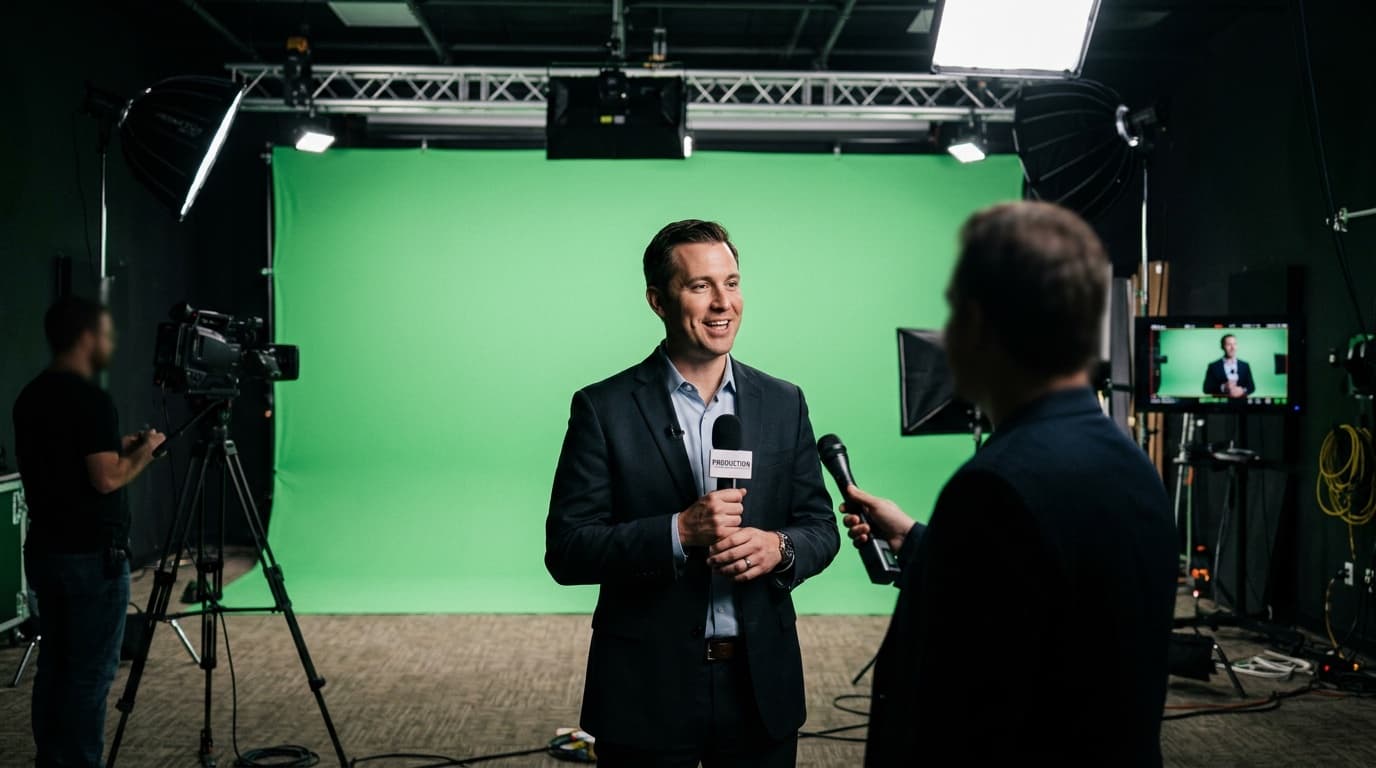
The technique can create a virtual studio, place a presenter over a slide deck, add a weather map, or give a product demonstration a controlled background. Churches use it for recorded messages, real estate teams for listing videos, schools for announcements, and businesses for interviews and training content. E-commerce brands use composite backgrounds for product photography, while content creators build videos for YouTube, TikTok, and Instagram.
An 8 x 8 ft printed backdrop kit is $492.19 with its telescoping frame and carrying bag. The kit is produced the next business day after artwork approval and shipped nationwide for flat $10. The product uses 9 oz wrinkle-free dye-sublimated low-sheen fabric with hemmed edges and pole pockets.
| Setup decision | Practical starting point | Why it matters |
|---|---|---|
| Backdrop color | Flat green without texture or a photographed color sample | Gives the keyer one controlled color range |
| Subject distance | 4 to 6 ft when space allows | Reduces spill and separates the lighting zones |
| Backdrop width | 8 ft for tighter shots, 10 ft for more standing movement | Keeps the panel edge out of the camera frame |
| Background light | Two soft sources with overlapping coverage | Reduces bright centers, dark corners, and fold shadows |
| Subject light | A separate key, fill, and optional hair light | Keeps the person exposed without changing the backdrop |
Why Is Green Used for Chroma Key?
Green is widely used because it usually separates from human skin tones and many wardrobe choices. Camera design also helps explain why green is the common digital default. Bayer-pattern sensors record twice as many green photosites as either red or blue. That common pattern records more green samples.
Green is still a choice, not a requirement. Keying software can remove any selected solid color. Blue is often the better backdrop when the subject wears green, green products must stay visible, or the intended composite is dark. The useful rule is to choose the color least likely to appear in the subject.
The backdrop color alone does not create a clean result. Uneven exposure can turn one green panel into several shades, and the software then has to remove a wider range. That makes fine edges, hair, translucent objects, and motion harder to preserve.
How Does Green Screen Work in Editing Software?
Green screen software works in three stages: select the background color, make the matching pixels transparent, and refine the subject's edges. Video editors and live-production programs such as Adobe Premiere Pro, Final Cut Pro, DaVinci Resolve, and OBS present the controls differently, but the underlying job is the same.
First, the editor samples the green background. The software removes pixels within a chosen range around that sample. The editor then adjusts tolerance, edge softness, and spill suppression so the background disappears without cutting into the subject.
Spill suppression corrects green light reflected onto skin, hair, glasses, or clothing. Edge controls help with fine detail. These tools can improve a well-recorded shot, but they cannot fully rescue a backdrop with deep shadows, blown highlights, heavy wrinkles, or a subject wearing the keyed color.
Test the key before recording the full program. A short camera test reveals whether the lights are even, the subject has enough separation, and a wardrobe detail disappears. Fixing the room takes minutes. Repairing every frame after the shoot takes much longer.
What Equipment Does a Green Screen Setup Need?
A green screen setup needs a flat backdrop, even background lighting, separate subject lighting, a camera, and software with a chroma key tool. The camera can be a dedicated video camera, mirrorless camera, webcam, or phone when the framing and lighting are controlled.
Use two soft lights on the backdrop, one from each side, and adjust them until the coverage overlaps without creating a bright center. Light the subject separately. A key and fill shape the face, while a hair light or backlight can help define shoulders and hair against the green field.
Keep 4 to 6 ft between the subject and backdrop when the room allows. The separation reduces green spill and gives the subject room for separate lighting. If the subject must stand closer, soften the backdrop lights, control their angle, and watch the subject's edges carefully.
What Size Green Screen Backdrop Do You Need?
Choose the backdrop size from the widest camera frame and the subject's movement, not only from the wall dimensions. An 8 ft wide panel can cover many seated interviews or head-and-shoulders shots. A standing presenter who gestures or takes a step benefits from 10 ft of width.
Common educational reference sizes include 5 x 7 ft for headshots and single-person interviews, 8 x 10 ft for one full-body subject, 10 x 12 ft for small groups, and 10 x 20 ft for a full studio or several people. These are general examples, not sizes sold on the printed backdrop product page.
Printed backdrop kits are 8 ft tall and come in three widths: 8 x 8 ft at $492.19, 9 x 8 ft at $513.59, and 10 x 8 ft at $534.99. Each price is for the graphic and frame kit with a carrying bag. The telescoping 1.625 in diameter poles support the panel through its pole pockets.
A full-length shot needs extra planning because a framed wall stops at the floor. If the camera sees the subject's shoes, either frame the shot so the lower edge stays out of view or plan a matching floor surface that creates a continuous field.
Always check the camera itself before ordering. Set the planned lens and camera position, frame the widest shot, and mark every visible edge. That view defines the minimum useful backdrop, even when the studio wall is much larger.
Which Green Screen Material Works Best?
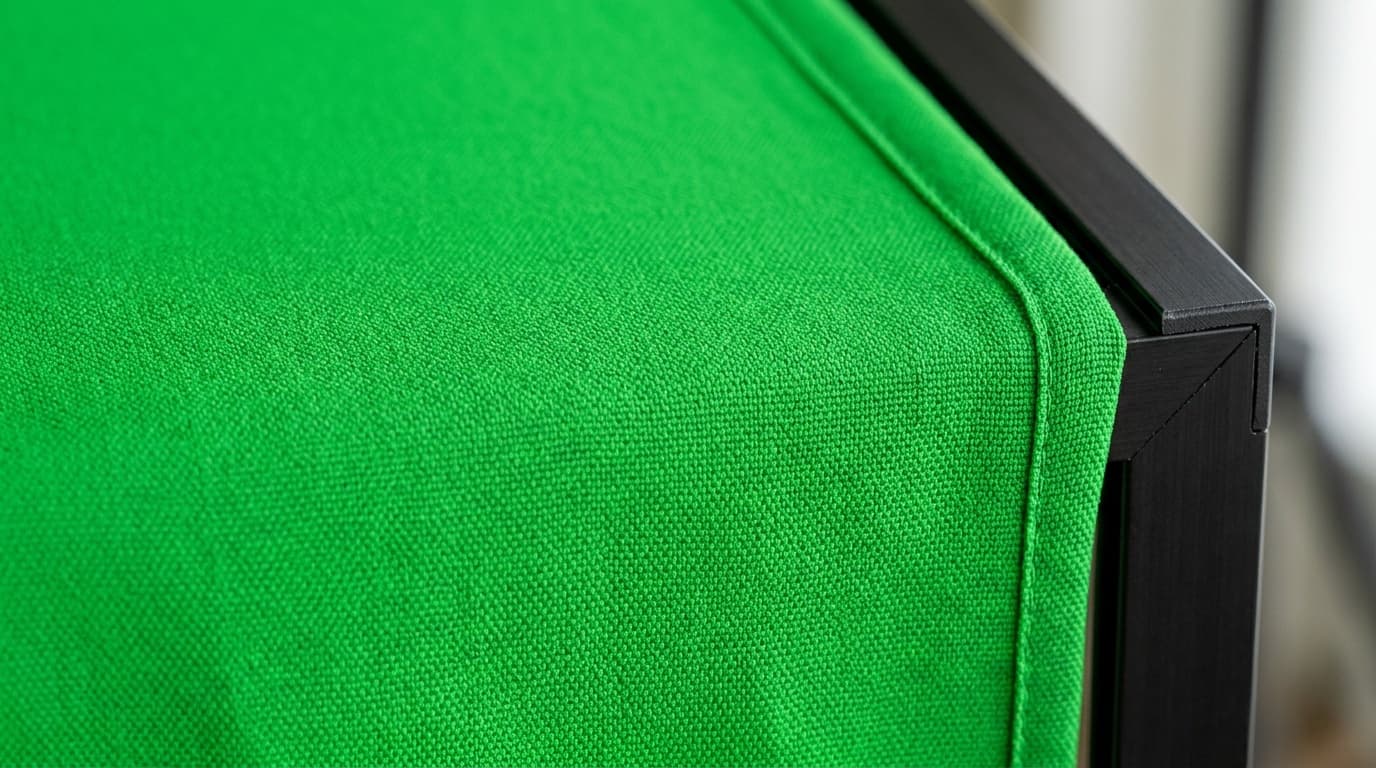
Dye-sublimated polyester fabric works well for a portable framed green screen because it is foldable, low sheen, and easy to tension on its hardware. Muslin, vinyl, seamless paper, and painted walls can also work, but each surface handles light and storage differently. These are general green screen materials, not product choices offered on the printed backdrop page.
- Dye-sublimated fabric travels in a case and pulls across a frame. Let folds relax and tension the panel evenly before lighting it.
- Muslin is a cotton surface that may show wrinkles and often needs careful steaming or stretching.
- Vinyl is wipeable but can reflect a hard light and create a bright hot spot.
- Seamless paper begins smooth but can tear, crease, and show floor wear.
- Painted walls can provide a permanent flat field when the room is dedicated to production.
The printed backdrop kit uses 9 oz wrinkle-free dye-sublimated low-sheen fabric. Wrinkle-free describes the material's intended behavior, but a fold can still cast a shadow under hard light. Let the panel relax, pull it evenly across the frame, and light it with broad soft sources.
How Should You Light a Green Screen?
Light the green screen as one even field, then light the subject as a separate scene. Two soft sources placed to the left and right of the backdrop at roughly 45-degree angles are a practical starting point. Adjust their distance and output until the center and corners read evenly on camera.
Move the subject 4 to 6 ft forward, then add the subject's key and fill. A backlight can help separate hair and shoulders. Watch for green reflections on shiny objects, glasses, pale clothing, and skin. Moving the subject farther from the wall often reduces spill more cleanly than adding another editing control.
Use the camera's exposure tools or a test recording to compare the whole background. A backdrop that looks acceptable to the eye can still have a bright band or dark corner that complicates the key. Correct the lighting before changing the keyer's tolerance.
What Green Screen Mistakes Cause a Poor Key?
Uneven lighting, wrinkles, spill, and a backdrop that is too small cause most green screen problems. Each one creates information the software must separate from the subject.
- A shadow behind the subject turns one green field into several values.
- A hard fold catches light on one side and creates a dark line on the other.
- Green light on hair or shoulders makes the subject's edge partly match the background.
- Green clothing, packaging, or props disappear with the backdrop.
- A narrow panel reveals its edge when the subject moves or the camera reframes.
- A color sampled from a photograph carries that photograph's lighting instead of one flat build.
A practical mistake to avoid is sizing the backdrop to the room instead of the camera frame. Set the camera, lens, and widest planned shot first. A wall measurement cannot show whether a moving presenter will reveal the edge.
How Do You Order a Printed Green Screen Backdrop?
Order a printed green screen by choosing the frame width, preparing one flat green field at the ordered panel size, and approving the digital proof. Select 8, 9, or 10 ft of width based on the widest shot. The finished backdrop height is 8 ft.
For chroma work, send a file with one solid color across the full panel, and we make it print ready through AI image to print for $14.99 once per item. For a scenic or branded interview background, use a separate panel with the photograph, logo pattern, or set design. Keeping the chroma and branded uses on separate graphics gives each shoot a backdrop built for its actual purpose.
Every order includes a digital proof before printing. Production begins after approval and takes the next business day. The backdrop ships nationwide with flat $10 shipping to any US address.
Choose a printed backdrop kit when the camera frame, color, and width are settled. For the color decision, compare the tradeoffs in green screen vs blue screen.
Frequently Asked Questions
Green screen is a chroma key technique that removes a solid green background from video or photography so another image or video can replace it. The method works best when the backdrop is evenly lit, the subject is separated from it, and green clothing or props stay out of the shot.
The subject should stand 4 to 6 ft from the green screen when the room allows. That space reduces green light spilling onto hair and shoulders and lets the backdrop and subject use separate lighting.
An 8 ft wide backdrop can cover many seated or head-and-shoulders shots, while a standing presenter with movement benefits from 10 ft of width. Printed backdrop kits are 8 ft tall and available in 8, 9, and 10 ft widths.
An 8 x 8 ft printed backdrop kit is $492.19 with the telescoping frame and carrying bag. The 9 x 8 ft kit is $513.59, and the 10 x 8 ft kit is $534.99.
A chroma key backdrop should use one flat green field wherever the software needs to remove the background. A separate scenic or branded panel can carry a photograph, logo pattern, or interview-set design on the same backdrop system.
A printed backdrop is produced the next business day after artwork approval. Shipping follows production and costs a flat $10 to any US address.
Related Articles
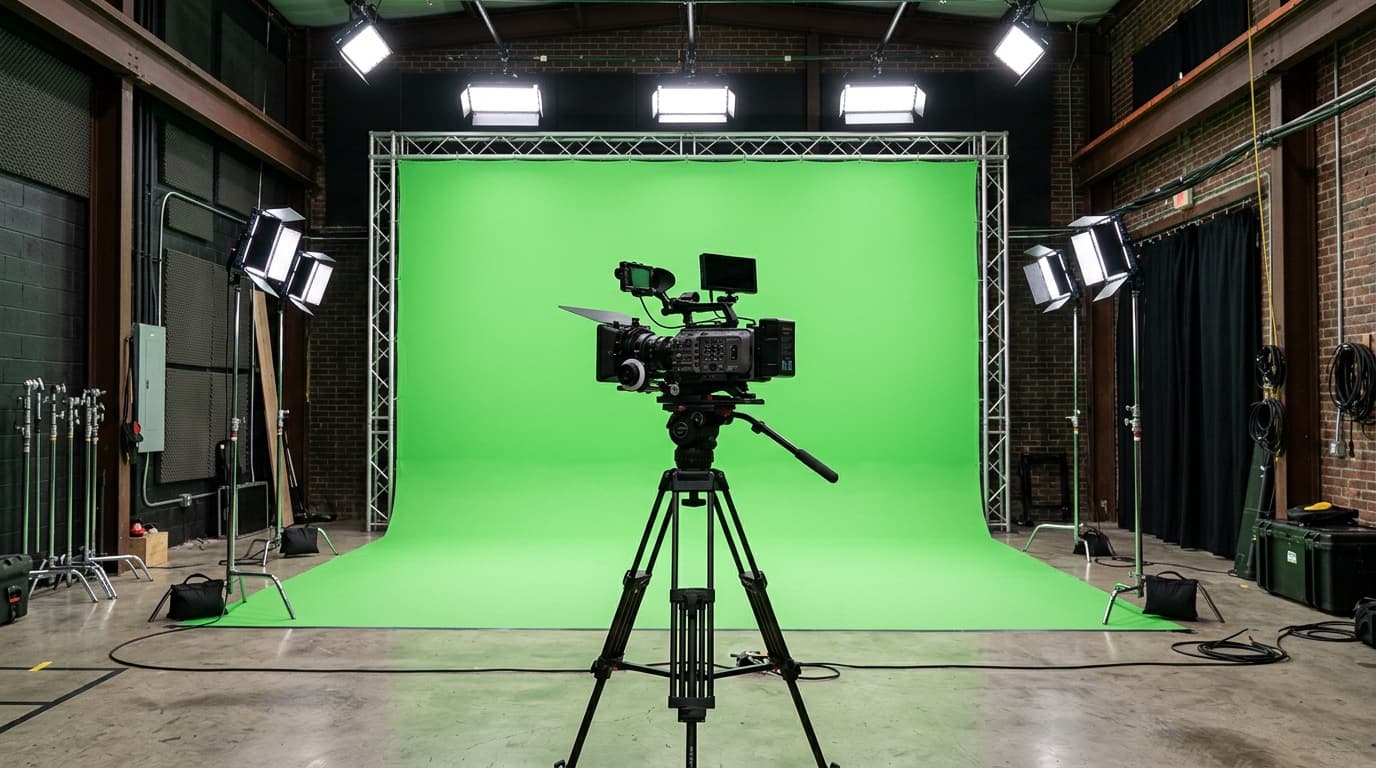
Green Screen vs Blue Screen: Which Backdrop Keys Cleaner
Bayer-pattern sensors devote 50 percent of photosites to green. Choose blue for green wardrobe. [...]
Read More: Green Screen vs Blue Screen: Which Backdrop Keys Cleaner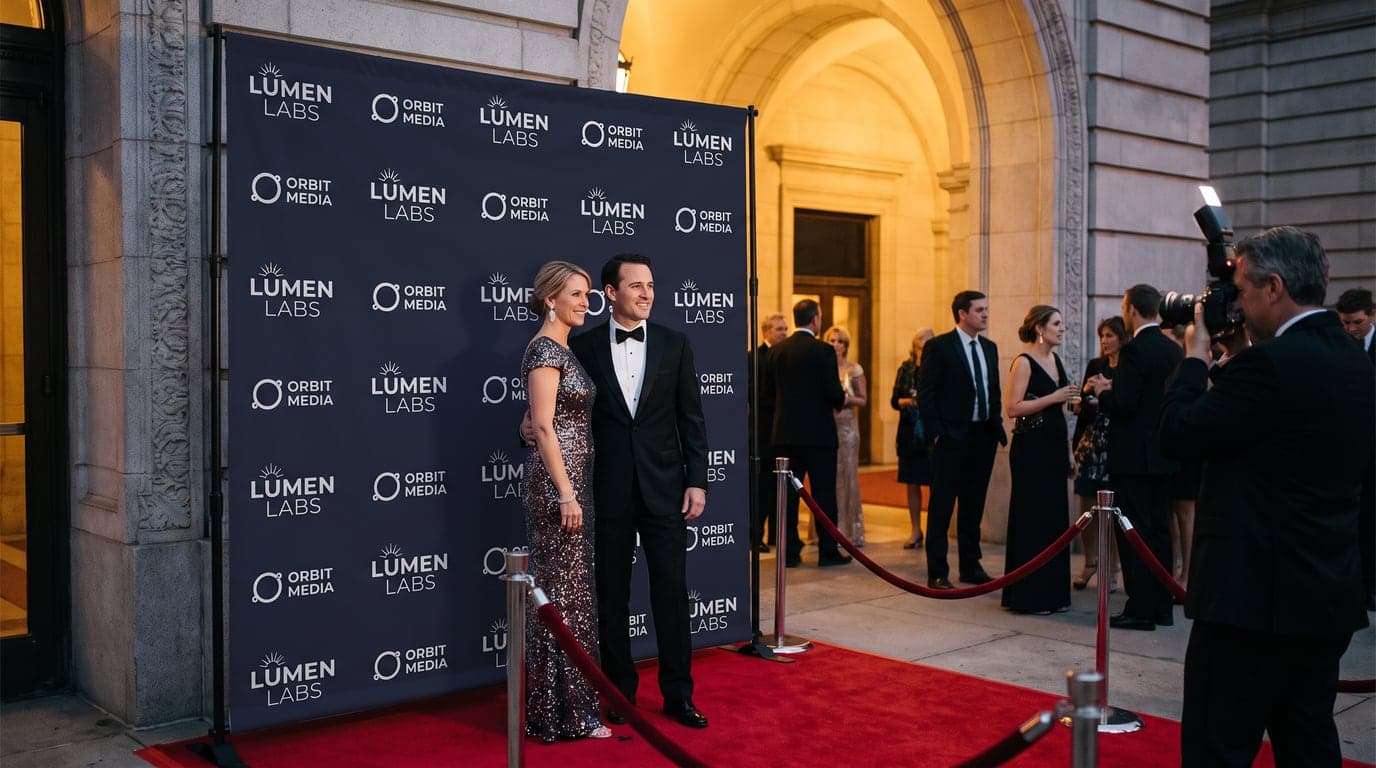
Step and Repeat Backdrop: 8, 9 and 10 ft Sizes and Prices
A step and repeat backdrop is a repeating logo wall, 8 ft tall and 8, 9 or 10 ft wide. What the [...]
Read More: Step and Repeat Backdrop: 8, 9 and 10 ft Sizes and Prices
Fabric Backwall Display Guide: 8, 9 and 10 Ft Booth Fit
An 8 ft fabric backwall comes in 8, 9, and 10 ft widths. Compare booth fit, frame and graphic [...]
Read More: Fabric Backwall Display Guide: 8, 9 and 10 Ft Booth Fit
Pop Up Display Design: 36 x 90 and 48 x 90 in Tension Fabric
A pop up display design is 36 by 90 in or 48 by 90 in, a tension fabric pillowcase on an [...]
Read More: Pop Up Display Design: 36 x 90 and 48 x 90 in Tension Fabric