Banner Design Guidelines: Clear Artwork That Prints Well
 Tomas Amaya
January 30, 2026Updated October 19, 20269 min read
What Are the Essential Banner Design Guidelines?
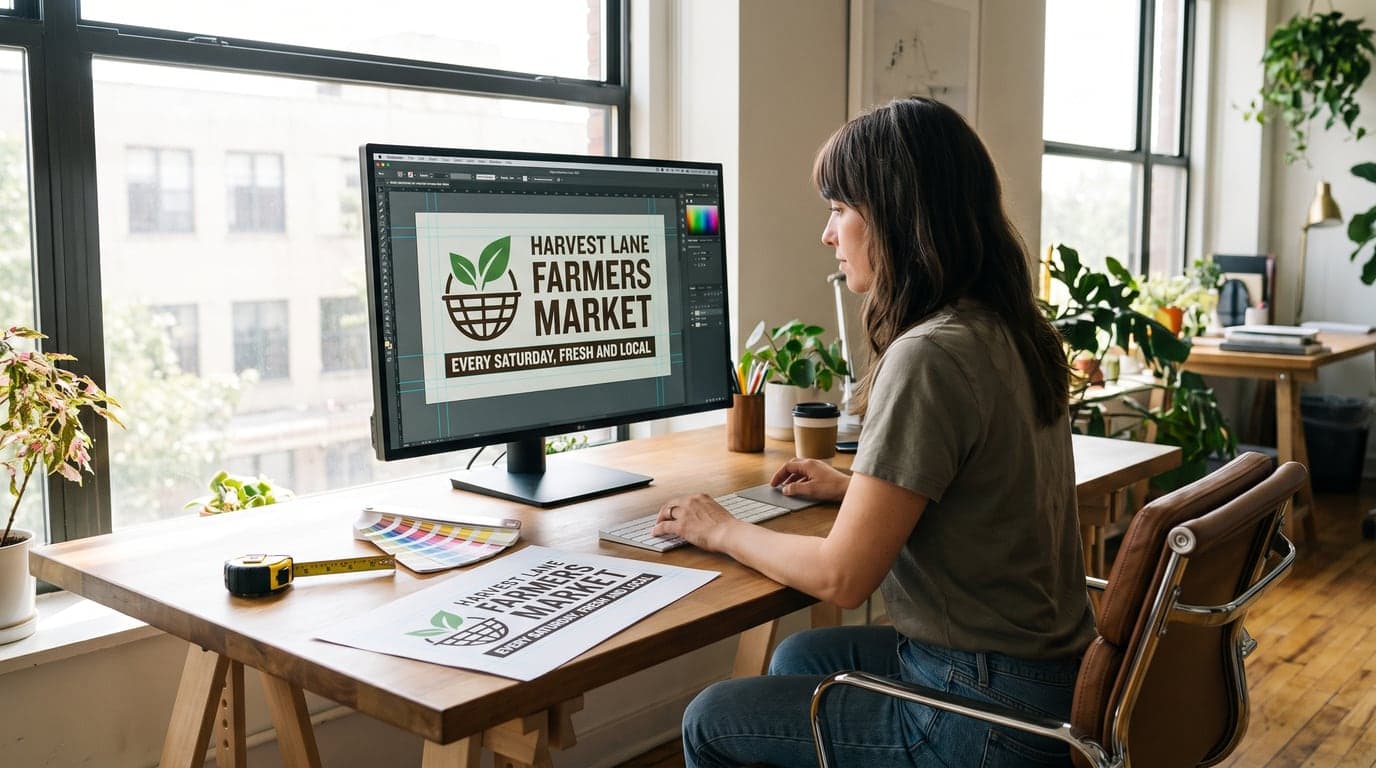
Banner design starts with the finished dimensions, one main message, one next step, strong contrast, and artwork that stays sharp at print size. For a 6' × 3' banner, design in the same 2:1 proportion, keep essential content clear of hems and grommets, and review the complete proof before approval.
The essential banner design guidelines are to measure the display area, build the file in the finished proportion, lead with one message, create strong contrast, and keep essential artwork clear of hems and grommets. A banner is seen as a complete shape before anyone reads its smaller details, so the reading order must be obvious at a glance.
Use this planning table before opening the design file:
| Design decision | Question to answer | Proof check |
|---|---|---|
| Final size | What clear width and height fit the display area? | Dimensions and orientation match the order |
| Main message | What should the reader understand first? | Largest line communicates one idea |
| Identity | Which name or logo must be recognized? | Brand is visible without competing with the headline |
| Action | What is the one useful next step? | Phone, web address, date, or direction is correct |
| Contrast | Does the message separate from its background? | Text stays clear without relying on screen brightness |
| Artwork quality | Are logos and images sharp at their placed size? | No fuzzy edges or visible pixel blocks |
| Edge clearance | Are critical elements away from hems and grommets? | No letters, faces, or codes are crowded by finishing |
For a 6' × 3' banner, use a 2:1 layout. The artboard may be full size or consistently scaled, but the width-to-height relationship must stay the same. Stretching a square or 3:2 design into a 2:1 banner distorts logos, photographs, and type.
Build the hierarchy in three steps: message, identity, action. The main line tells the viewer what matters. The business or event name explains who is behind it. The action tells the reader what to do next. Every extra element should earn its place by helping one of those three jobs.
How Do You Measure and Set the Banner Size?
Measure the clear display area and select a banner size that fits inside it. The usable rectangle may be smaller than the wall, railing, or fence when posts, doors, fixtures, landscaping, or required clearance occupy part of the space.
Record width first and height second. Take a straight-on photo, mark the usable rectangle, and note the attachment points. Decide whether the banner hangs horizontally or vertically before arranging the artwork. A clear placement photo prevents a layout from being built for the wrong shape.
Custom vinyl banner sizes run from 2' × 4' to 10' × 20', and custom dimensions are available. A standard size is convenient when it matches the opening. A custom size may fit better when the display area has an unusual proportion. The correct choice leaves the required clearance and keeps the entire message visible.
Create the design file in the same proportion as the order. If a 6' × 3' banner is represented by a smaller artboard, reduce both dimensions by the same factor and label the scale. Do not resize width and height independently.
How Should the Message Hierarchy Be Built?
Build the hierarchy around one statement, one identity, and one action. That sequence gives the reader a clear path through the design and keeps the banner from turning into a wall of equal-sized information.
The main statement may announce an opening, identify a service, welcome an audience, or promote one event. Write it in plain language. Remove introductions and repeated ideas. When two headlines compete for first place, choose the one that best serves the placement and move the other message to another surface.
The business or event identity comes next. A logo can fill that role when it stays recognizable at the placed size. A detailed mark should not become so large that it overwhelms the message. The viewer should understand what is happening before needing to study the logo.
Finish with one action. A grand opening may need the date. A service banner may need a short web address. A directional banner may need an arrow and destination. Several phone numbers, social handles, codes, and addresses compete with one another and make the intended next step harder to find.
How Should Text and Images Be Placed?
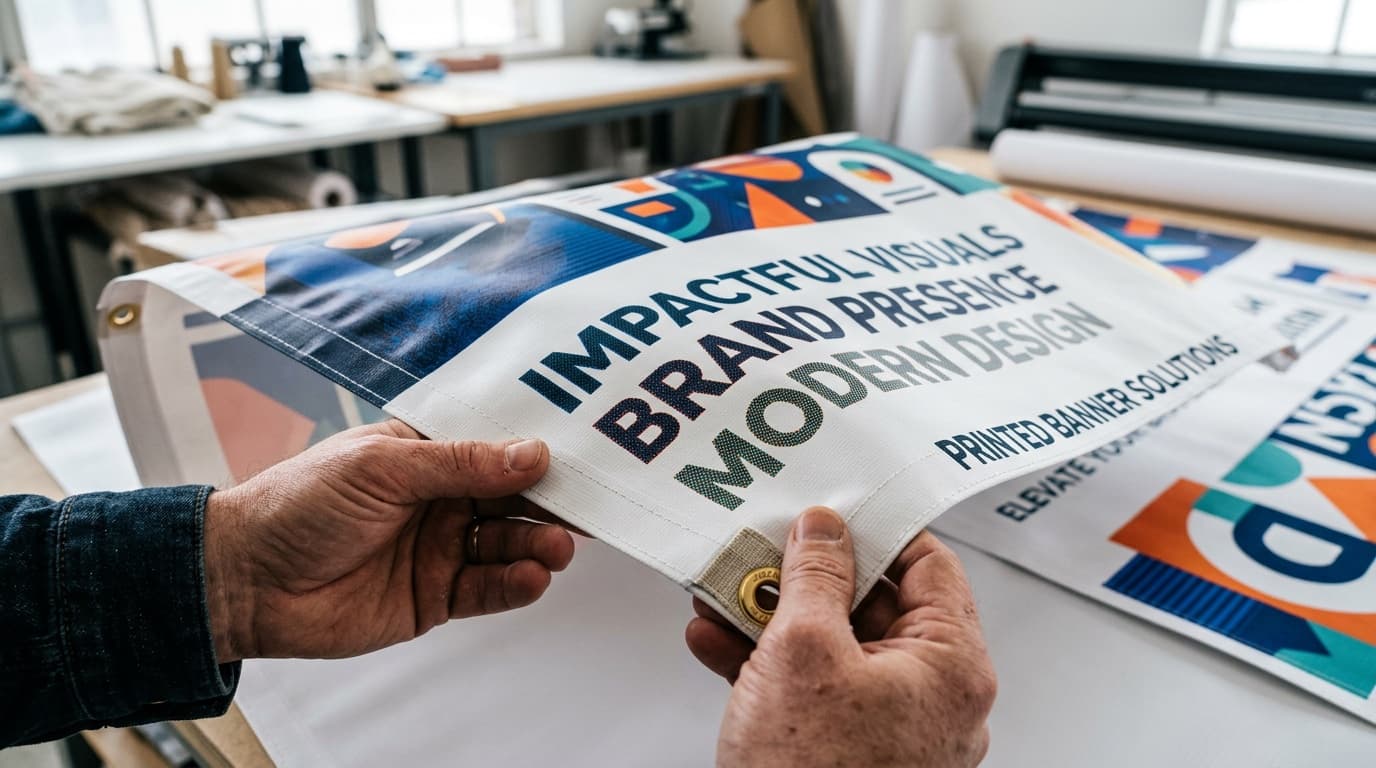
Place text and images inside a calm working area, leaving comfortable space near the perimeter for hems and grommets. Background colors and photographs can extend outward. Essential words, faces, logos, and codes should stay clear of the finishing area.
Choose images with one obvious subject. A wide photograph filled with small people, products, or background detail can turn into visual texture at banner scale. Crop toward the subject and leave quiet space for the message rather than placing type across the busiest area.
Check grommet locations during proof review. Hems and grommets are included with the opening vinyl banner configuration, so the layout should expect them. Keep letters, faces, and machine-readable codes away from the finished edge and likely attachment points.
Avoid thin perimeter borders. Small finishing variation becomes obvious when a narrow line is expected to remain perfectly even on every edge. A full background field is more forgiving and keeps attention on the message.
How Do You Check Contrast and Color?
Check contrast without relying on a bright monitor. The main message should remain distinct when the artwork is reduced, viewed in a dimmer room, or placed against the colors surrounding the final location.
Light type on a dark background and dark type on a light background are dependable starting points. Brand colors can still lead the design, but they need enough separation to carry the message. Two similar light colors or two similar dark colors may blend even when each looks attractive on its own.
Photographs behind type require extra care. If the image changes from bright to dark across one line, use a solid field, choose a quieter crop, or move the copy into open space. A shadow added behind every letter is rarely as clear as choosing a better location for the text.
How Do You Check Images and Logos for Print?
Check every image and logo at the size it occupies in the final banner layout. A file that looks smooth as a thumbnail can reveal fuzzy edges, compression marks, or pixel blocks when enlarged.
Start with the cleanest original available. A logo copied from a screenshot or downloaded from a small website header has already lost useful detail. Use the source brand file or the largest clean version. Enlarging the same small image does not restore information that is missing.
Inspect photographs at the intended crop. Confirm that faces, products, and important details remain sharp. Watch for compression artifacts and text embedded inside the image. When a photograph cannot support the planned size, use it smaller, replace it, or redesign that section around a simpler graphic.
What Does a Custom Vinyl Banner Order Include?
The opening custom vinyl banner configuration is a 6' × 3' single-sided 13oz Standard banner for $133.00. Hems and grommets are included. Available dimensions range from 2' × 4' to 10' × 20', and custom sizes are offered.
Production takes 3 business days after artwork approval. The banner is printed in the USA and shipped nationwide, with flat $10 shipping to any US address. Shipping follows production, so schedule from the proof approval date rather than the file upload date.
Before ordering, gather the measured dimensions, placement photo, logo files, images, final wording, and one call to action. Check the proof for size, orientation, spelling, contact details, image quality, edge clearance, and finishing. Approve only the version that contains every requested correction.
What Do We Notice During Banner Proof Review?
The proof problems we see most often are artwork in the wrong proportion, screenshots used as logos, small images enlarged beyond their useful detail, and essential copy placed close to the finished edge. Each one can look acceptable while the designer is zoomed in and still fail when the whole banner is viewed at its intended size.
On a print order, Inline Graphics can make a file print ready for $14.99 per item by cleaning it up and upscaling it, with a digital proof before printing. The service does not replace missing content decisions. Final wording, dimensions, and the intended action still need to be settled before approval.
How Would a Mobile Pet Groomer Design a Banner?
Imagine Bright Trail Pet Grooming needs a 6' × 3' banner for a railing beside a weekend booking booth. The measured opening supports the 2:1 proportion without covering the gate or extending beyond the rail.
The first draft says "Gentle Mobile Grooming," places the Bright Trail name beneath it, and ends with a short booking address. Six services, two phone numbers, three pet photographs, and several social icons are also added. At normal viewing size, those details compete with the main statement.
The revised version keeps one dog photograph, one headline, the business name, and the booking address. Cream type sits on a deep blue field, and a coral accent supports the image without becoming a thin perimeter border. The screenshot logo is replaced with a clean source file after it looks soft at print size.
During proof review, the booking address moves farther from the lower grommets. The final design reads in a clear order and fits the measured railing. Every change connects to placement, readability, or production rather than decoration alone.
What Banner Design Mistakes Should Be Avoided?
Avoid designing before the size and orientation are known. A layout built for the wrong proportion requires cropping, stretching, or empty filler. Measure the display area and establish the artboard first.
Avoid giving every line the same visual weight. Choose one main message, one identity, and one action.
Avoid enlarging a weak image and assuming export settings will make it sharp. Begin with a better source file. Avoid low-contrast color combinations, detailed photographs behind small text, and decorative lettering that becomes hard to recognize.
Avoid placing essential content near hems and grommets. Keep the working area clear and let backgrounds extend outward. Avoid thin borders that make minor finishing variation obvious.
Finally, avoid approving at only one zoom level. Inspect spelling and image quality close up, then view the complete banner to judge hierarchy and contrast. Confirm dimensions, orientation, contact information, edge clearance, and finishing. The successful file is the one that makes the intended message clear at the finished size.
Frequently Asked Questions
Use the final banner proportion, one main message, strong text-to-background contrast, a simple reading order, sharp artwork, and clear space around hems and grommets. Review the full proof for content and placement before approval.
Include only the information needed to understand the message and take one next step. A short headline, the business or event name, and one call to action are usually more useful than several offers and contact methods competing at once.
View the logo at the size it will occupy in the final layout. If edges look stair-stepped, fuzzy, or blocky at that scale, use a cleaner source file rather than enlarging the same small image.
A 6' × 3' 13oz Standard Custom Printed Banner is $133.00. The opening configuration is single-sided, with hems and grommets included.
Production is 3 business days after artwork approval. Flat $10 shipping is available to any US address, and transit time follows production.
Sizes run from 2' × 4' to 10' × 20', and any custom size is available. Choose dimensions from the measured display area and keep the design file in the same width-to-height proportion.
Related Articles
Banner Sizes: 2x4, 3x6, 4x8, 6x10 Feet and Letter Height
Standard banner sizes are 2 x 4, 3 x 6, 4 x 8 and 6 x 10 feet. Get the letter height rule, hem [...]
Read More: Banner Sizes: 2x4, 3x6, 4x8, 6x10 Feet and Letter Height
Top 7 Advantages of Banner Advertising for Business
The 7 advantages of banner advertising are visibility, flexible sizing, weather-resistant [...]
Read More: Top 7 Advantages of Banner Advertising for Business
How to Get Wrinkles Out of a Vinyl Banner: 4 Safe Methods
Start with gentle, even tension for 1 to 3 hours. Learn when mild heat may be appropriate, what [...]
Read More: How to Get Wrinkles Out of a Vinyl Banner: 4 Safe Methods
Single vs Double-Sided Banners: Cost, Uses and Specs
Double-sided banners use 18oz vinyl and cost about 60 percent more than single-sided. Compare [...]
Read More: Single vs Double-Sided Banners: Cost, Uses and Specs